Mining Data Manager FlexLine/FlexLine plus, 41
Process imported
fixpoint files step-
by-step
The Mining Data Manager allows import of fixpoint files in ASCII format.
Step Description
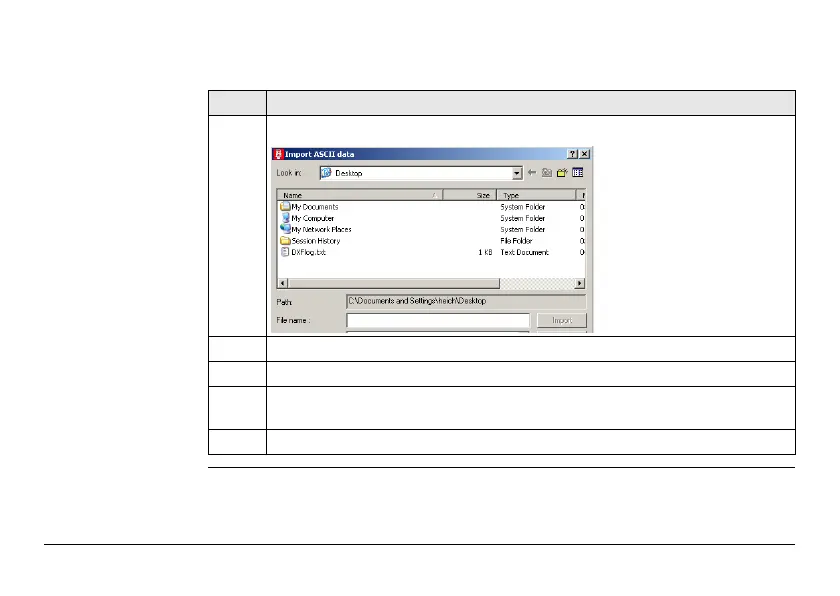
1. Open an ASCII formatted file: Import -> ASCII Data....
2. Search and select the ASCII file.
3. Open the selected file.
4. Follow the wizard onscreen instructions to convert the ASCII file into the
correct format.
5. Select the project to which the data are assigned. Press Assign and Close.



 To Next Page