36
Version 2.0, Revision I
Instrument Setup
4
1
3
2
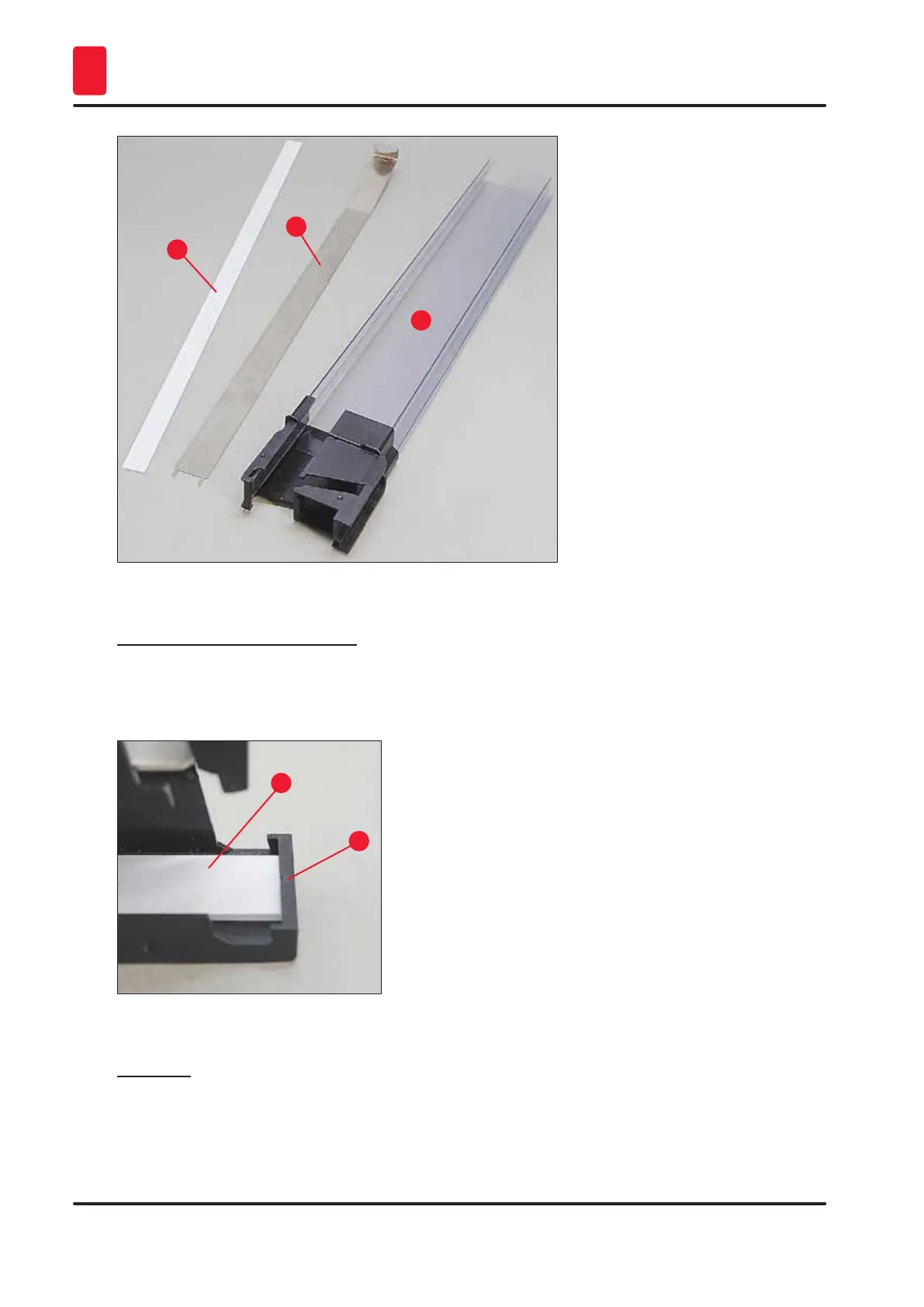
Fig. 25
Adhesive strip 2 mm (→ "Fig. 25-1")
1. Remove protective foil and attach adhesive strip (→ "Fig. 25-1") in magazine so that it is
centered in the front part of the magazine (→ "Fig. 26-1") and fits flush against the bottom of
the magazine foot (→ "Fig. 26-2").
1
2
Fig. 26
Metal strip
1. Insert the metal strip (→ "Fig. 25-2") so that the angled part (→ "Fig. 27-3") touches the back
panel (→ "Fig. 27-2") of the magazine (→ "Fig. 27-1").



 To Next Page