Notes:
In addition to the three memory slots, there is another
setting – 0, with which you can recall the factory
default settings at any time. User Profile 0 is there-
fore similar to the Reset function (see next section),
except that not every setting is reset, particularly not
those set in the three other profiles.
If you change one of the settings within a profile, the
respective number disappears.
Resetting all custom settings
This function allows you in one operation to delete all
previous user settings in the main and picture param-
eters menus and reset them to the factory default set-
tings.
Setting the function
1. In the main menu (see p. 80/93) select Reset
(5.1.15), and
2. use the
SET
button (1.22) to call up the associated
sub-menu.
3. Then use the left/right direction button (1.31) to
select the desired function, and
4. confirm your selection by pressing the
SET
button
once again.
Note:
Such resetting also deletes any individual profiles that
may have been specified and saved using Save User
Profile (5.1.2, see p. 114).
Review mode
As described in the sections “Selecting picture and
review modes” (p. 88) and “Automatic review of last
picture” (p. 89), you can view the pictures you have
taken in the monitor (1.33) on the LEICA M8. This can
either be automatic for a short time immediately after
taking the picture in Auto Review mode or at any
time, and for an unlimited time, in
PLAY
mode. In
both cases, several additional options are available
while viewing the pictures.
Notes:
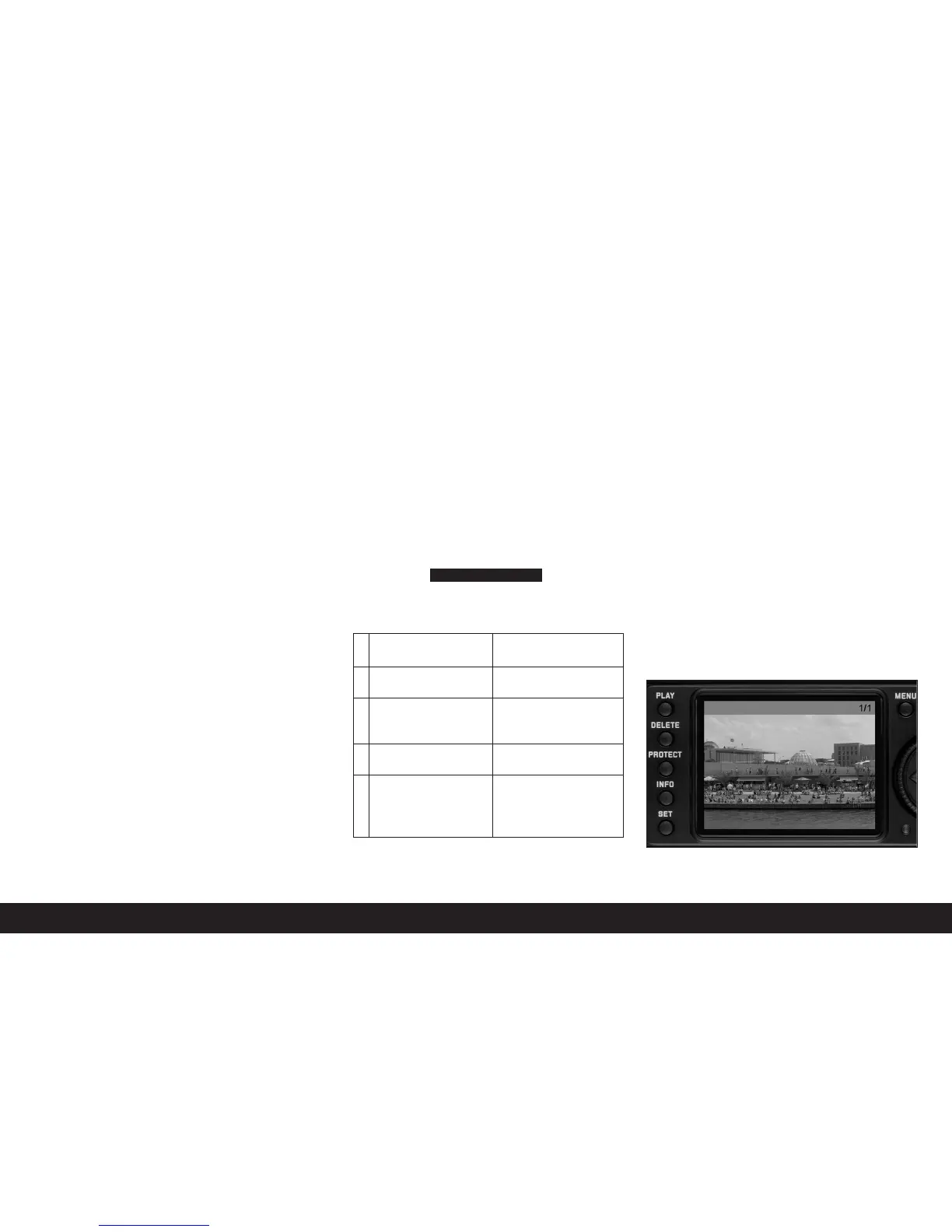
• If no pictures are stored on the card, on pressing
the
PLAY
button the following message appears on
the monitor:
• Depending on the function previously set, pressing
the
PLAY
button generates different responses:
No valid image to play
• The LEICA M8 stores pictures in line with the DCF
standards (Design Rule for Camera File System).
• The LEICA M8 can review only pictures taken with
cameras of this type.
Additional options when viewing
A. Viewing other pictures/“Scrolling” in the
memory
You can open other saved pictures using the left and
right direction buttons (1.31). Pressing the left button
takes you to the pictures with lower numbers, press-
ing the right button takes you to those with higher
numbers. Holding the button down (approx. 2s)
results in fast scrolling. After the highest and lowest
numbers, the series of pictures begins again in an
endless loop, which means you can reach all pictures
in either direction.
• The picture and file numbers in the monitor change
accordingly.
Comprehensive instructions / 115
Initial situation After pressing the
PLAY
button
a. Full review display of Picture mode, monitor off
a picture
b. Review of an enlarged Full review display of the
section/several reduced picture
pictures (see below)
c.
INFO
display with any
INFO
display with full
enlargement (see p. 93) review display
d. One of the menu controls Full review display of the
(see p. 93), or
DELETE
last displayed picture
or
PROTECT
function (see
p.117/118) is activated


 To Next Page