42 / EN
Washer-Dryer
Operating the product
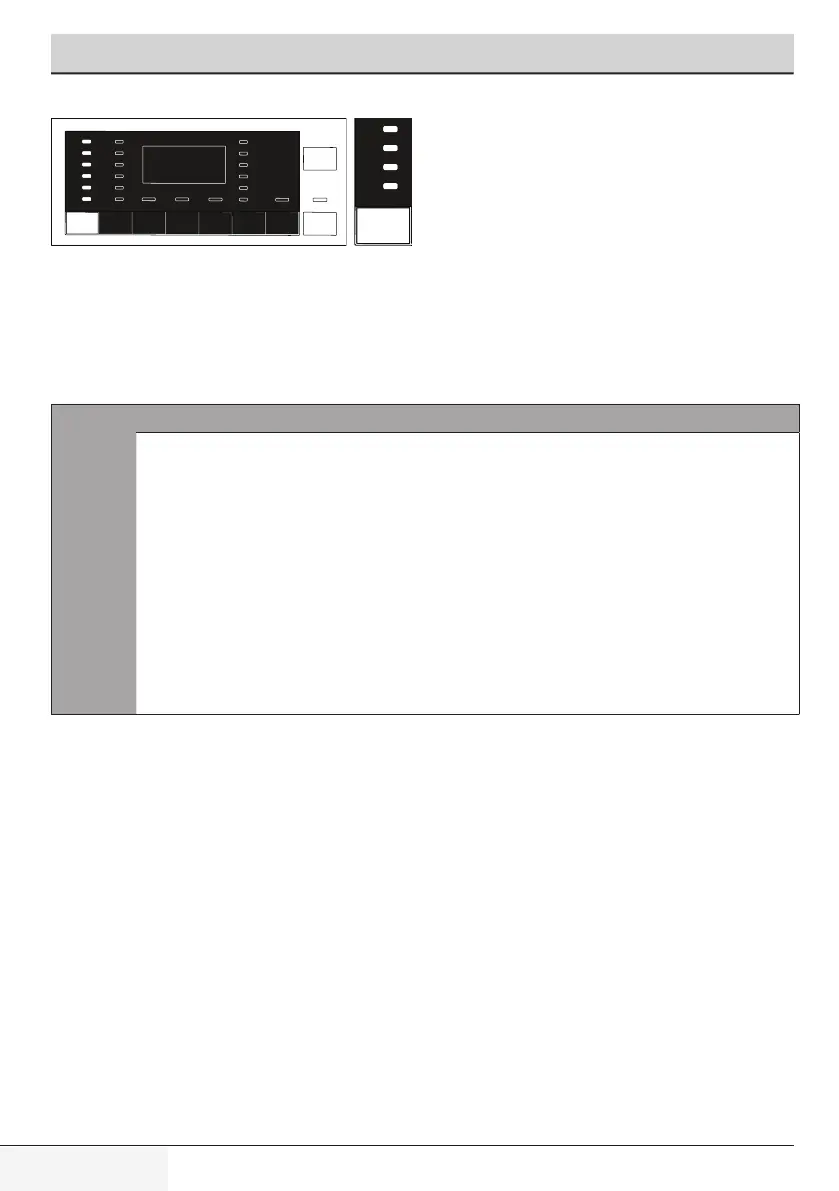
Whenever a new programme is selected, the recommended temperature for the
programme appears on the temperature indicator. It is possible that the recommended
temperature value is not the maximum temperature that can be selected for the
current programme.
Press the Temperature Adjustment button to change the temperature.
C
INFORMATION
• TemperatureAdjustmentbuttonworksonlybackwards.
For example, when you want to select 60
0
C when the
display shows 40
0
C you need to press the button for
severaltimesuntilyoureach60
0
Cbygoingbackwards
from40
0
C.
• IfyouscrolltoColdWashoptionandpressTemperature
Adjustment button again, the recommended maximum
temperature for the selected programme is displayed.
Press the Temperature Adjustment button again to
decreasethetemperature.
Finally, Cold light indicating the cold wash option appears on the display.
You can also change the temperature after the washing has started. You can select
the desired temperature after washing starts but you must do this before heating
step starts.


 To Next Page