User’s Manual
57 / EN
Operating the product
Depending on the step the programme has reached, you can cancel or select auxiliary
functions. See, "Auxiliary function selection".
Also, you can change the spin speed, temperature and drying settings. See, "Spin
speed selection" and "Temperature selection".
C
INFORMATION
• Theloadingdoorwillnotopenifthewatertemperature
in the machine is high or the water level is above the
loadingdoorbaseline.
Use Child Lock function to prevent children from tampering with the machine. Thus
you can avoid any changes in a running programme.
C
INFORMATION
• You can switch the machine on and off with On / Off
buttonwhentheChildLockisactive.Whenyouswitchon
themachineagain,programmewillresumefromwhere
ithasstopped.
• Machinewillgiveanaudioalarmwhenthebuttonsare
pressedifthechildlockisactive.
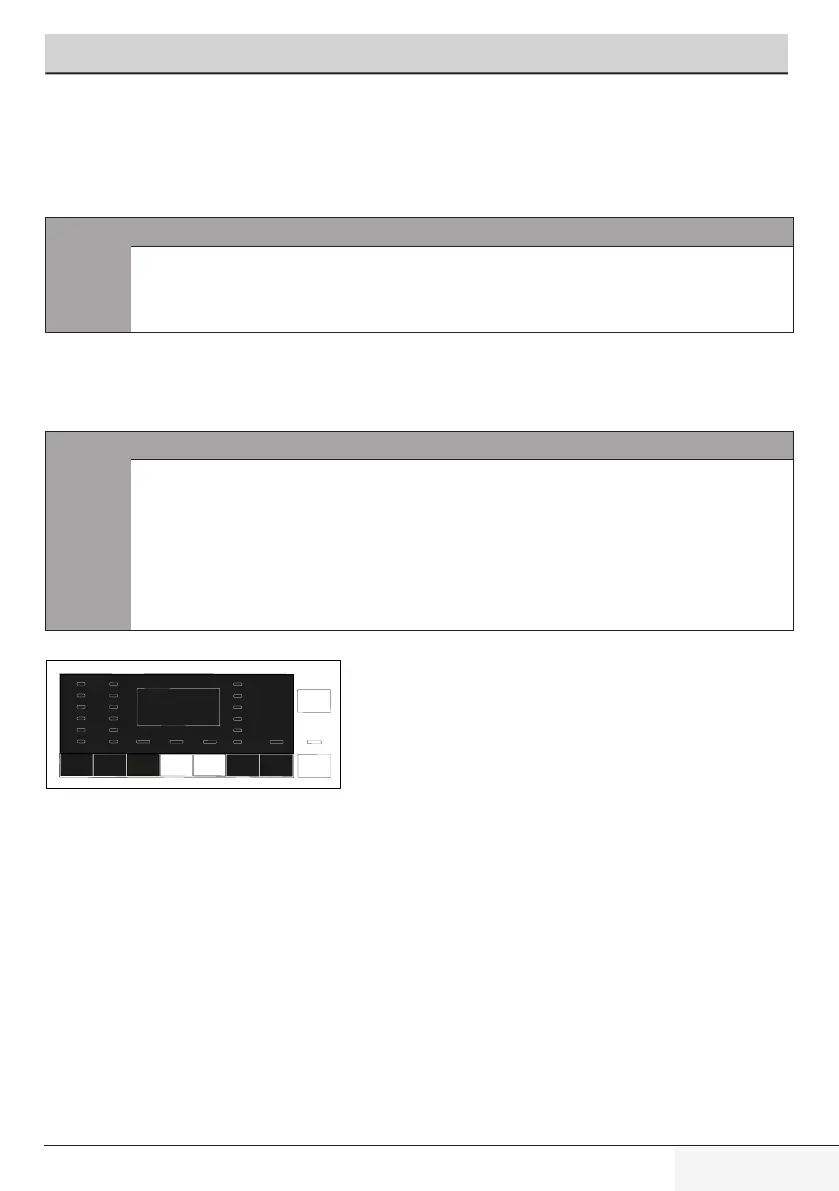
Press and hold 2nd and 3rd auxiliary function buttons for 3 seconds. After
the countdown as "Child Lock 3-2-1" on the display is over, "Child Lock Enabled"
appears on the display. You can release 2nd and 3rd Auxiliary Function buttons
when this warning is displayed.


 To Next Page