User’s Manual
43 / EN
Operating the product
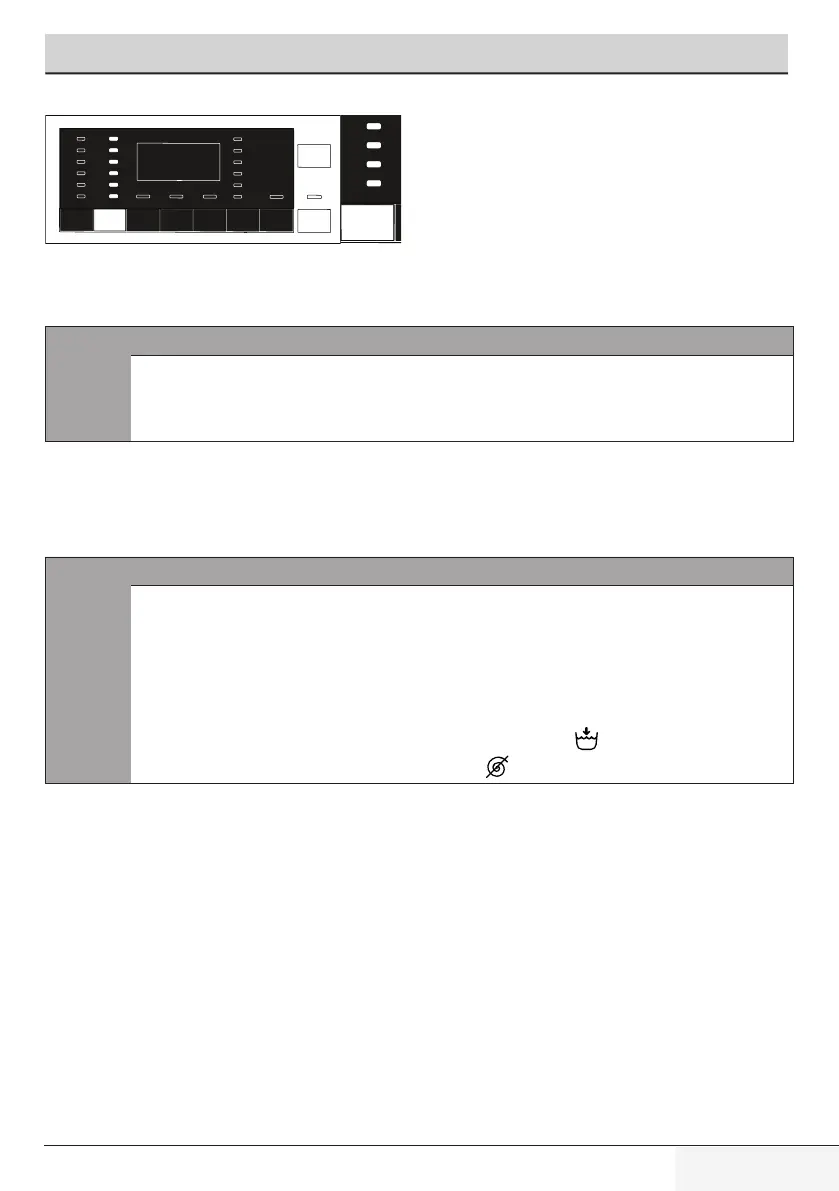
Whenever a new programme is selected, the spin speed recommended for the
selected programme is displayed on the Spin Speed indicator.
C
INFORMATION
• Itispossiblethattherecommendedspinspeedvalueis
notthemaximumspinspeedthatcanbeselectedforthe
currentprogramme.
Press the Spin Speed Adjustment button to change the spin speed. Spin speed
decreases gradually.
Then, depending on the model of the product, "Rinse Hold" and "No Spin" options
appear on the display.
C
INFORMATION
• Spin Speed Adjustment button works only backwards.
Forexample,whenyouwanttoselect1000rpmwhen
thedisplayshows800rpm,youneedtopressthebutton
for several times until you reach 1000 rpm by going
backwardsfrom800rpm.
• Rinse Hold option is indicated with “ ” symbol and No
Spinoptionisindicatedwith“ ”symbol.


 To Next Page