Opening Book
• eBooks transferred to the reader will be listed in the Home Menu.
• The reader supports eBooks in epub, pdf and txt format.
• Use the <Directional> buttons to move the cursor to select a book
and press <OK> to open it.
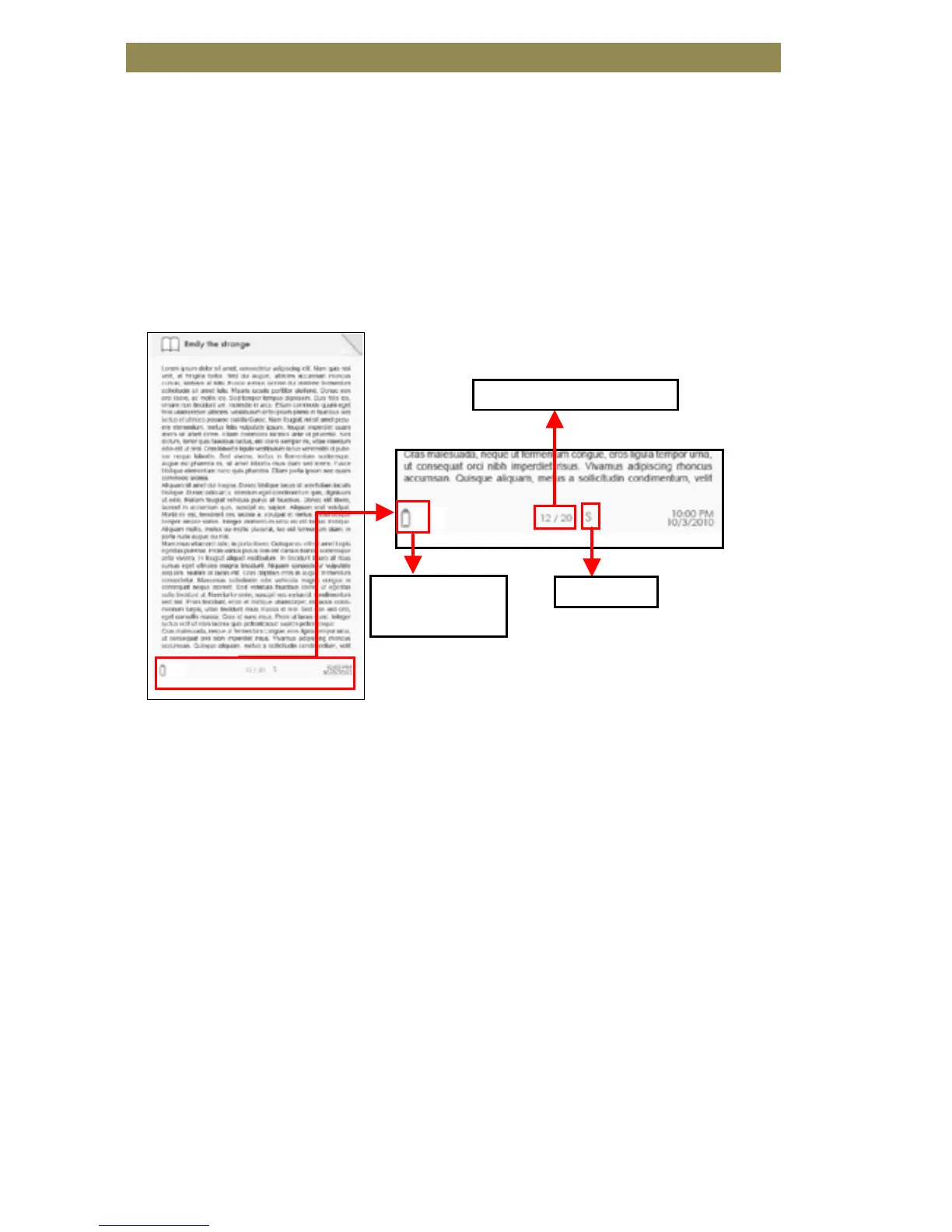
Book Page Interface
Turning book page
• On reading page, press <Next Page> or <Directional-Right> button
to turn to the next page. To turn to the previous page, press
<Previous Page> or <Directional-Left> button.
Reading Books



 To Next Page