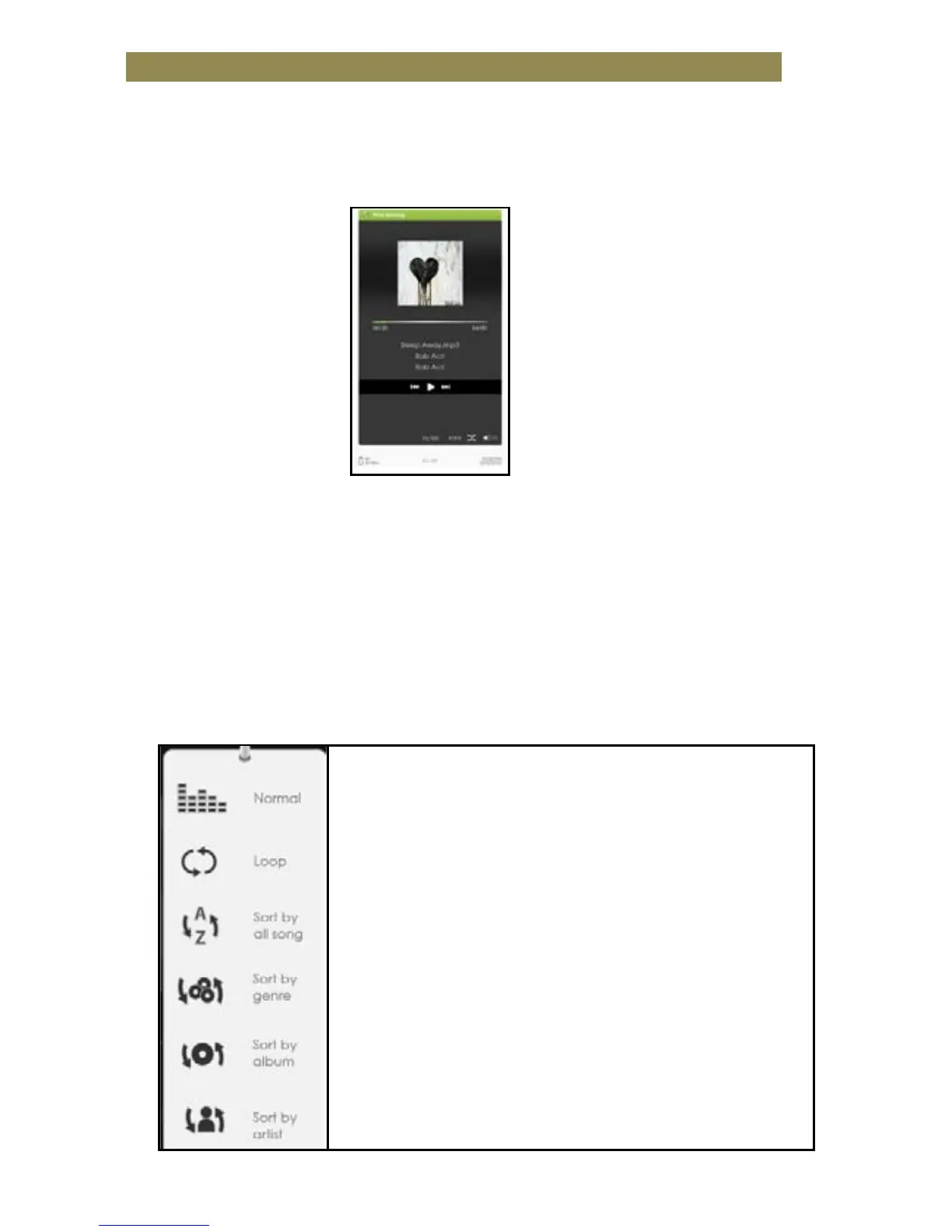
Music Player
• From Home screen, press <Menu> to display Home Menu.
• Move the cursor to [Music] and press <OK> to confirm.
• In the Music player, press <OK> to play/pause music playing.
• Press <Directional-Right> button to play next song, press and hold
to Fast Forward.
• Press <Directional-Left> button to play previous song, press and
hold to Fast Rewind.
• Press Volume + button or <Directional Up> to increase volume.
• Press Volume - button or <Directional Down> to decrease volume.
Using Option Menu in Music Player
press [Directional-Left] or [Right] button to
select desired EQ mode.
Play Mode - move the cursor to [Play Mode],
press [Directional-Left] or [Directional-Right]
button to select desired Play mode
To view all stored audio files
To sort audio files by genre
To sort audio files by album



 To Next Page