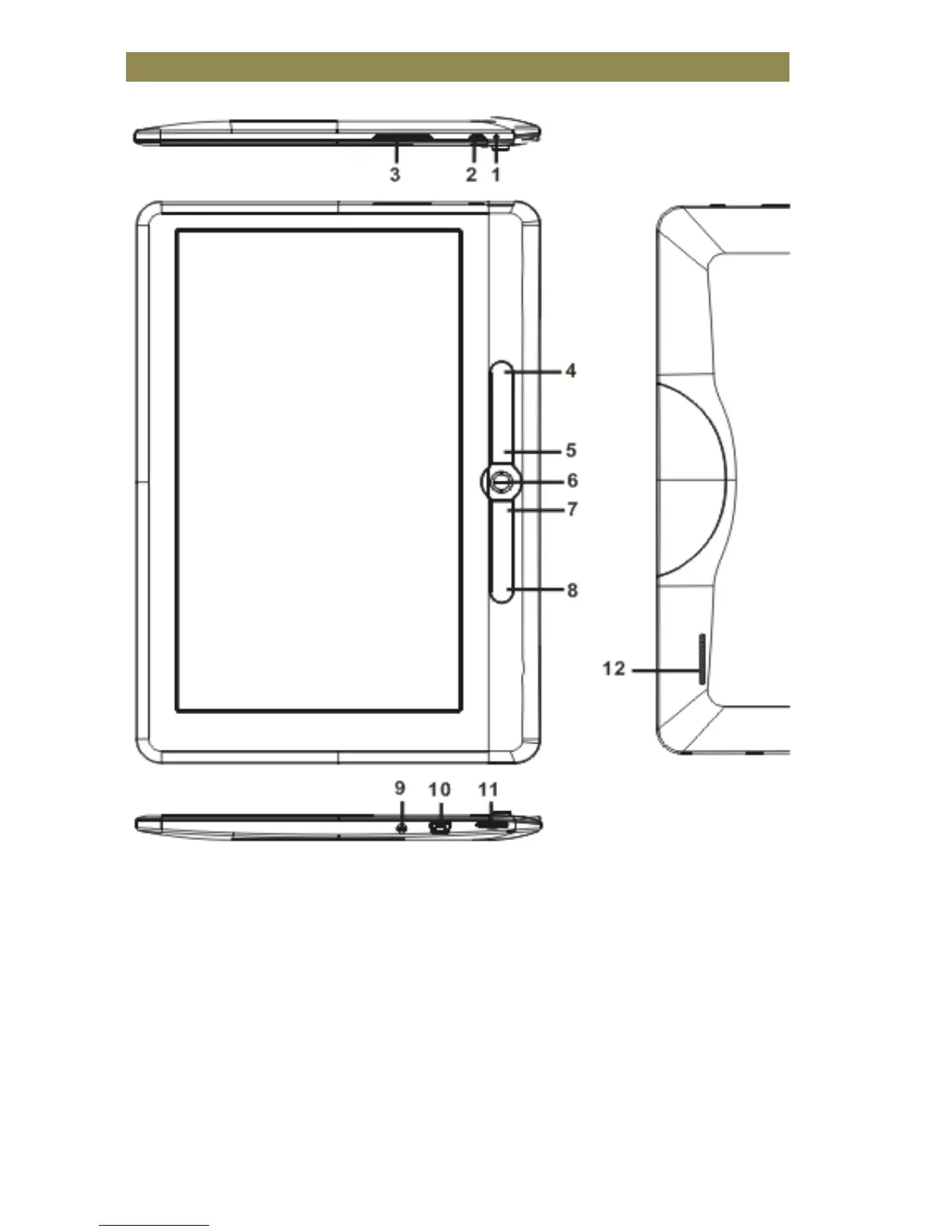
Parts and Controls
1. Charging indicator-when the reader is being charged, a red light
is on, when fully charged, a blue light is on.
2. Power button – press and hold for 3 seconds to turn the reader
on/off, press and hold 6 seconds to reset
3. Volume +/- button
4. Menu button– press to display Option Menu
5. Return button – press once to return to the previous menu, press
and hold to return to the Home menu



 To Next Page