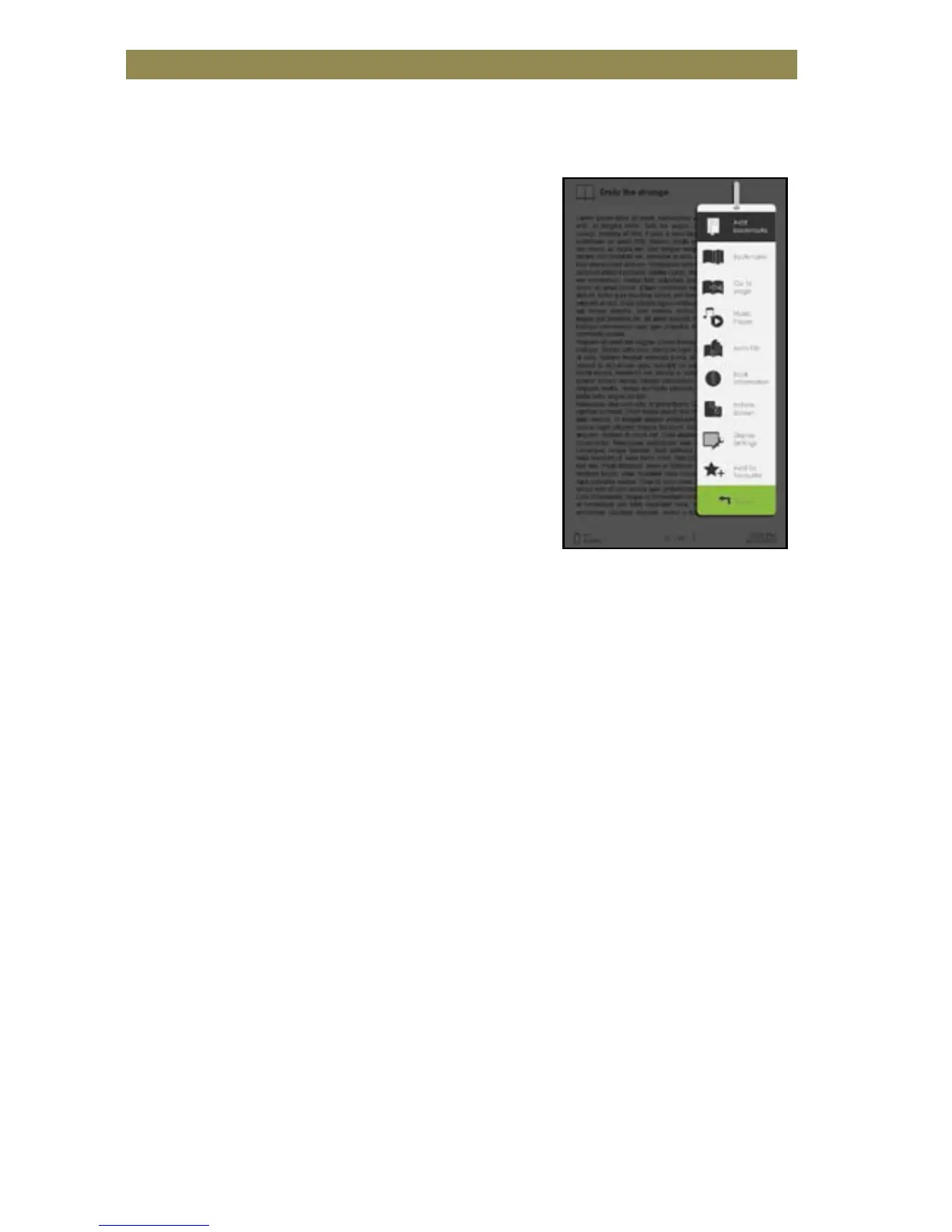
Using Option Menu in Reading
In Reading page, press <Menu> button to enter Option Menu.
Options available:
1. Add / Delete Bookmark
2. Bookmarks
3. Go to Page
4. Music
5. Auto flip
6. Book Information
7. Rotate
8. Display Settings
9. Add to Favorite
Adding a bookmark
While reading, turn to the desired page that you would like to
bookmark. Press the <Menu> button, move the cursor to [Add
Bookmark] and then press the <OK> button.
Deleting a bookmark
• Turn to the bookmarked page that needs to be deleted. Press the
<Menu> button and move the cursor to [Delete Bookmark]. Press
<OK> button to confirm.
• Alternatively, you can delete a bookmark from the Bookmark List.
• In the Bookmark list, press the <Menu> button and select <Delete>
to delete the selected bookmark.



 To Next Page