Display Settings
• To adjust the font color, background color and brightness during
reading.
• NOTE: Changing font color and background color is only applicable
to txt and epub documents.
Add to Favorite List
• You can add books to your Favorite List. In the <Option menu>,
move the cursor to [Add to Favorite] to add the current book into
your Favorite List.
• To view books in your Favorite List, from the Home Menu, press
the <Menu> button and select [Favorite].
• To remove a book from your Favorite List:
1. Enter the Favorite List from the Home menu. Move the
cursor to the desired book title. Press the <Menu> button
and select [Delete] from the dropdown list.
2. From a reading page, press the <Menu> button and select
[Remove from Favorite] from the <Option Menu>.
3.
Background Music Playback in Book page
• The reader supports playing background music when reading
books or viewing photos.
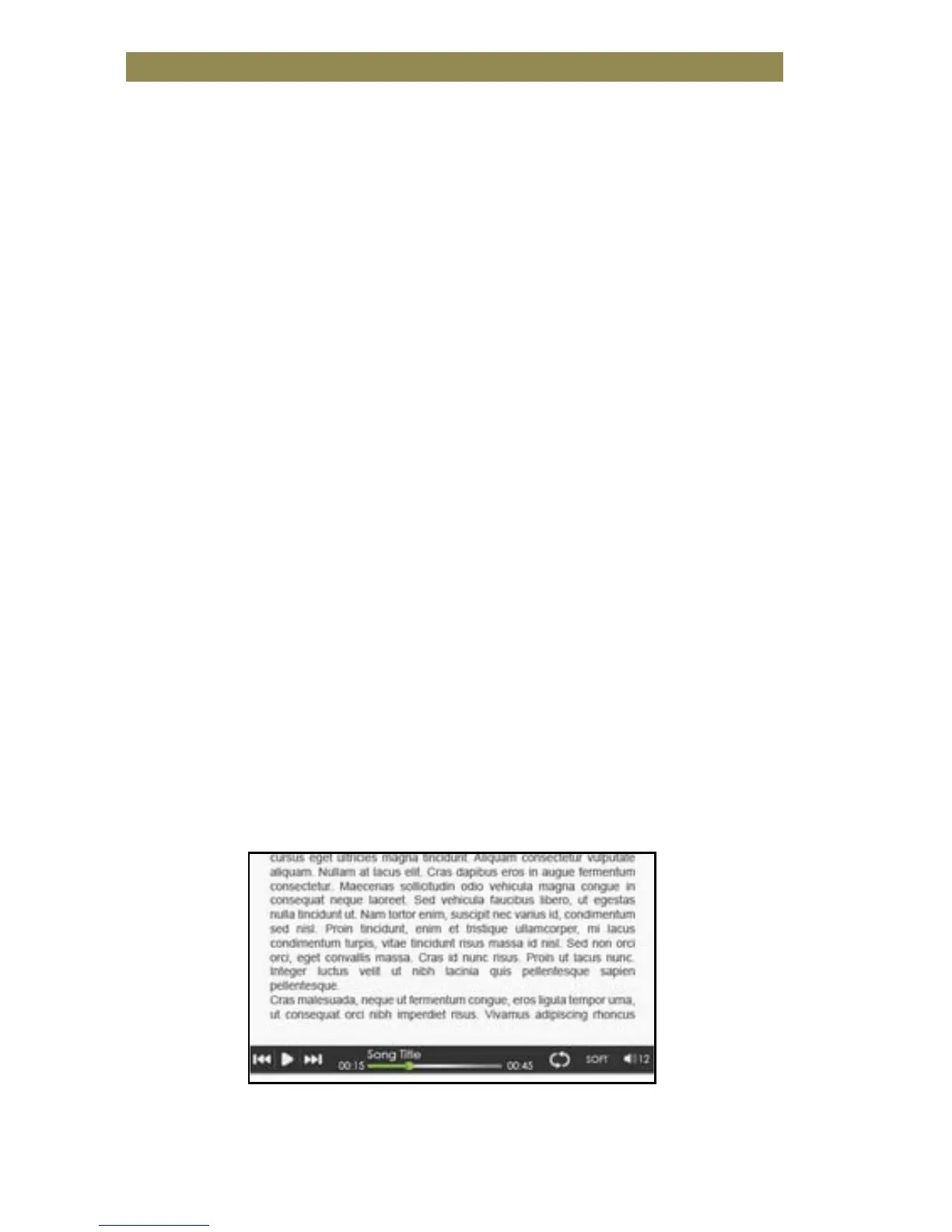
• To control music playback in a book page, from the <Option
Menu>, select the <Music> button and a mini music player
control bar will appear at the bottom of the page.
• Press the music control buttons to control music playback.
• To return to the book page, press the <Return> button and normal
book reading controls resume.



 To Next Page