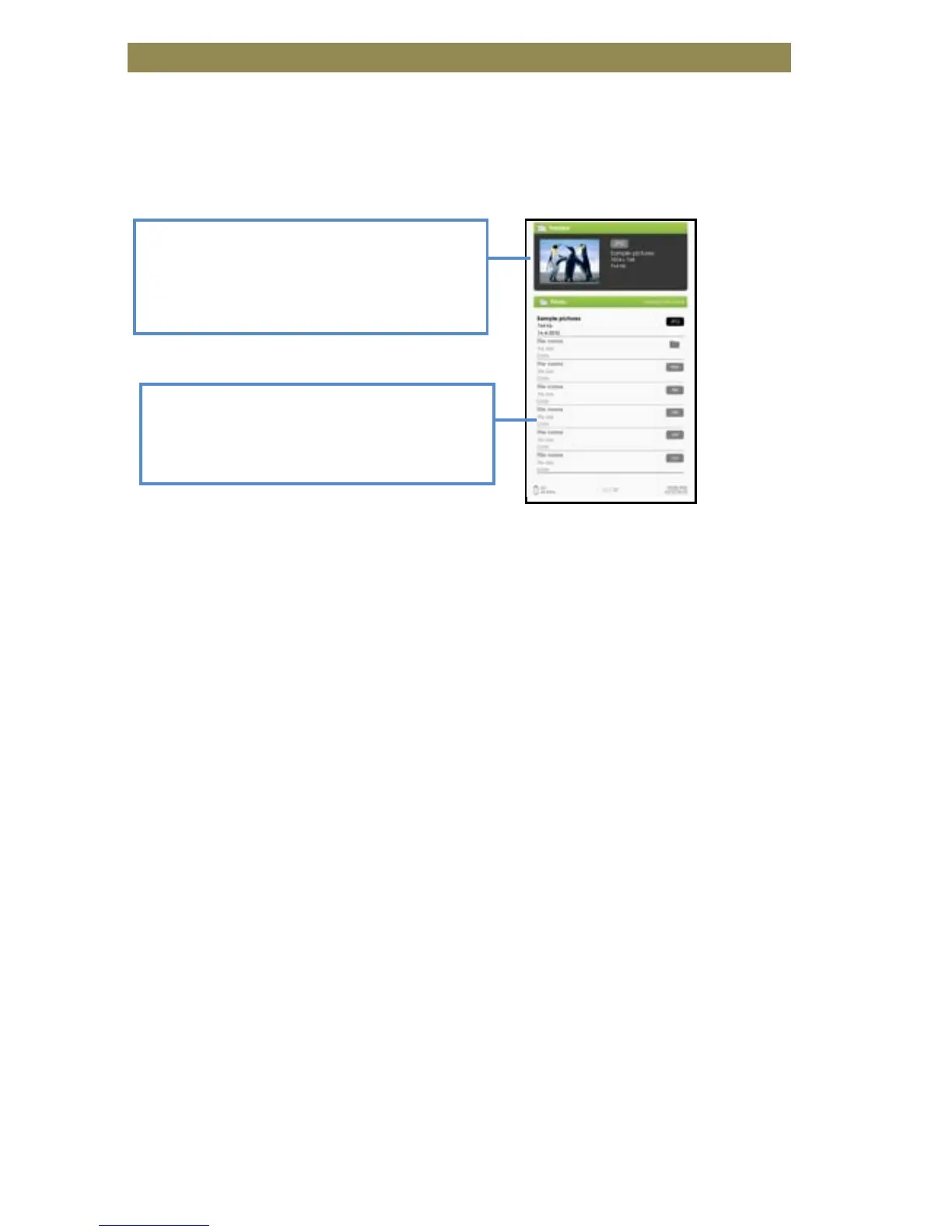
Gentle Reminder: Please organize the pictures into a specific folder
for easy navigation.
• From the Home screen, press <Menu> to display the Home Menu.
• Move the cursor to [Photo] and press the <OK> button to confirm.
• Use the <Directional> buttons to navigate through the files/folders.
• Press <OK> on the selected photo to view a full screen display.
• In full screen mode, press <Directional-Left/Right> to view the
previous and next pictures.
Zoom In/Out Picture
• There are 3 zoom levels available. To zoom in/out picture, in full
screen mode, press Previous/Next page button to change different
zoom level.
• To return to original size, press <Return> button and resume
normal operation.
Slideshow
• In full screen mode, press <Menu> [Slideshow] to start.
• To stop the slideshow, press the <Menu> button once.
• From the drop down menu, select [Slide Time] to adjust the
duration of the picture display.
Thumbnail view
• In full screen mode, press <Menu> [Thumbnail] to view
pictures in thumbnail mode.
• To exit thumbnail view, press <Menu> once to return to full
screen mode.
Viewing Picture



 To Next Page