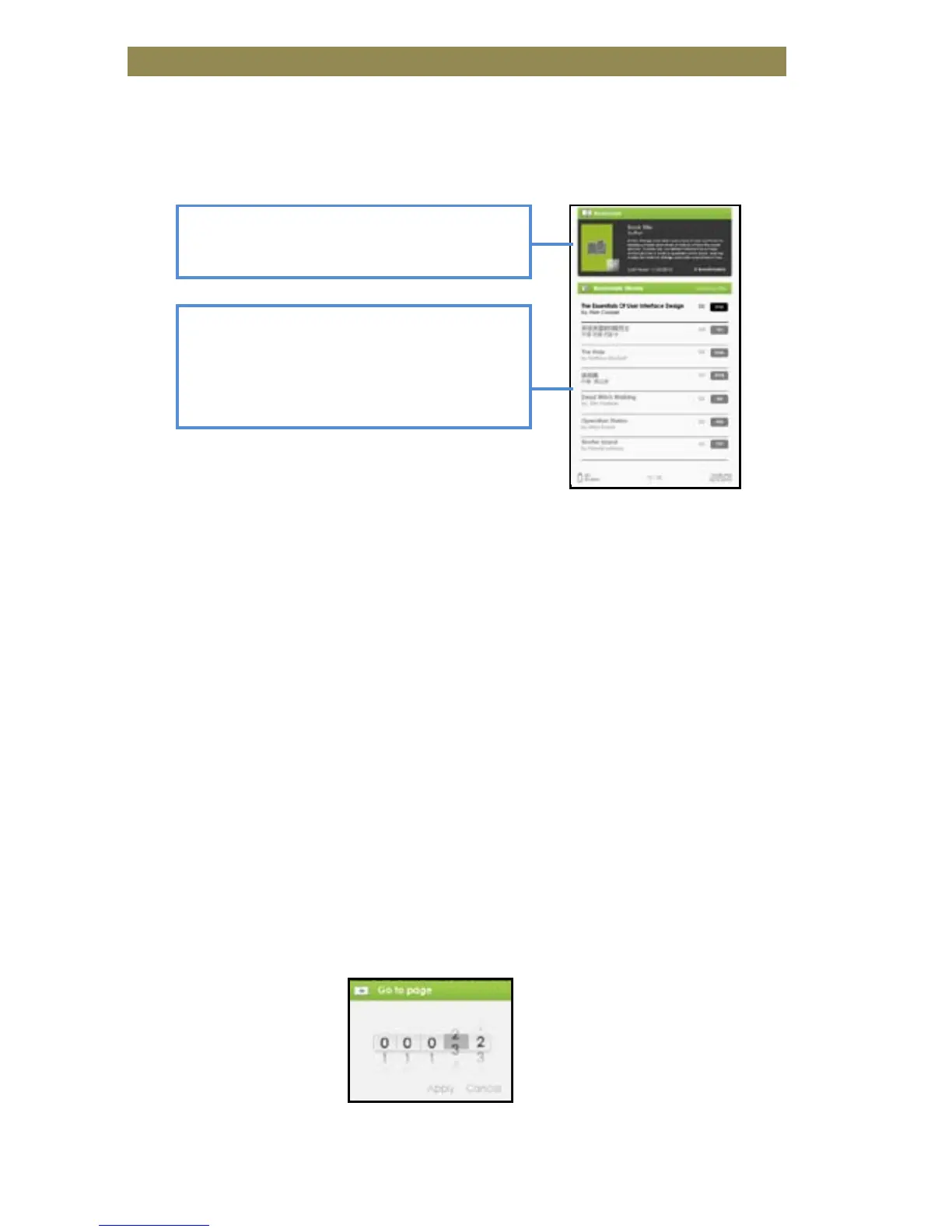
Read from Bookmarks in Home Menu
• From Home Menu, press <Menu> and select [Bookmarks] to enter
Bookmark List.
• In the Bookmark List, move the cursor to the desired bookmark,
press <OK> to open.
• To delete bookmark from the Bookmark List, press <Menu> to
display [Option Menu] and select [Delete] to confirm.
Read from Bookmarks in Current Book
• While reading a page, press <Menu> and select [Bookmarks] to
enter the Bookmark List.
• When you are in the Bookmark List, move the cursor to the
desired page and press the <OK> button to open it.
• To delete a bookmark from the Bookmark List, Press the <Menu>
button to display the Option Menu and select [Delete] to confirm.
Go to a certain Page
You can jump to pages using the [Go to Page] option.
In the Option Menu, select [Go to Page].
In Go to Page menu, move the cursor by the <Directional-Left/Right>
button. Input page number by <Directional –Up/Down> button.
Move the cursor to [Apply] then press <OK> button to apply settings.
Reading Books
books with bookmarks. Press <OK>
on the desired book to view the
available bookmark list.
Upper window displays a quick
preview of the selected book.



 To Next Page