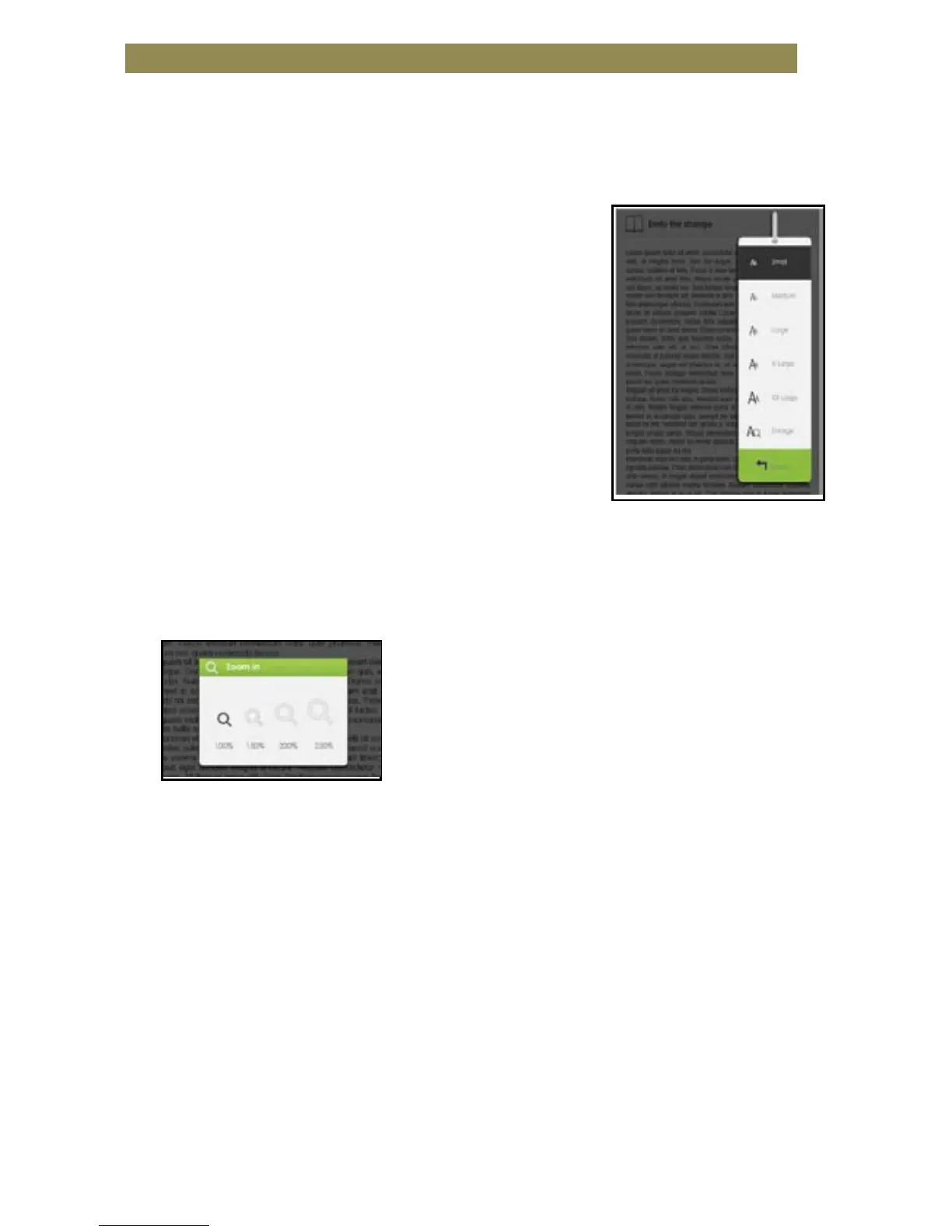
Adjusting Font Size
• While reading a page, press the <OK> button to enter the font size
menu.
• There a 5 font sizes available:
Small, Medium, Large, XLarge, XXLarge.
• Move the cursor to the desired font size
then press <OK> to confirm.
• It may take some time for the fonts to
be resized.
Zooming In/Out
• You will need to use the zoom function
to enlarge images available in the eBook (epub & pdf file only).
• From the size menu, select [Enlarge].
• The zoom menu will appear.
• Move the cursor to the desired zoom level and press the <OK>
button.
• In zoom mode, use the <Directional> buttons to pan across the
zoomed page.
• Page turning is disabled in zoom mode.
• Press <Return> to exit the zoom mode and return to the original
size and resume the normal book reading functions.



 To Next Page