Auto Flip
You can set the Reader to [Auto Flip] mode. The auto flip durations
which are available are: OFF, 5s, 10s, 20s, 30s, 40s, 50s, 1 min.
Book Information
You can check the information of the current book from the [Book
Information] option. This will show:
Title, Author, Publisher, File Type, Date added, File size, Publisher and
Expiration Date.
The displayed information depends on the source you
downloaded/purchasedthe eBook from.Some of the information may
not be available.
Rotate
The [Rotate] option allows you to rotate the display orientation 90
o
in
clock wise direction to landscape orientation.
• To return to the original orientation, press <Menu> and enter
<Rotate> once again.
• For models with a G sensor , simply rotate the reader in clock
wise direction to rotate your viewing orientation.
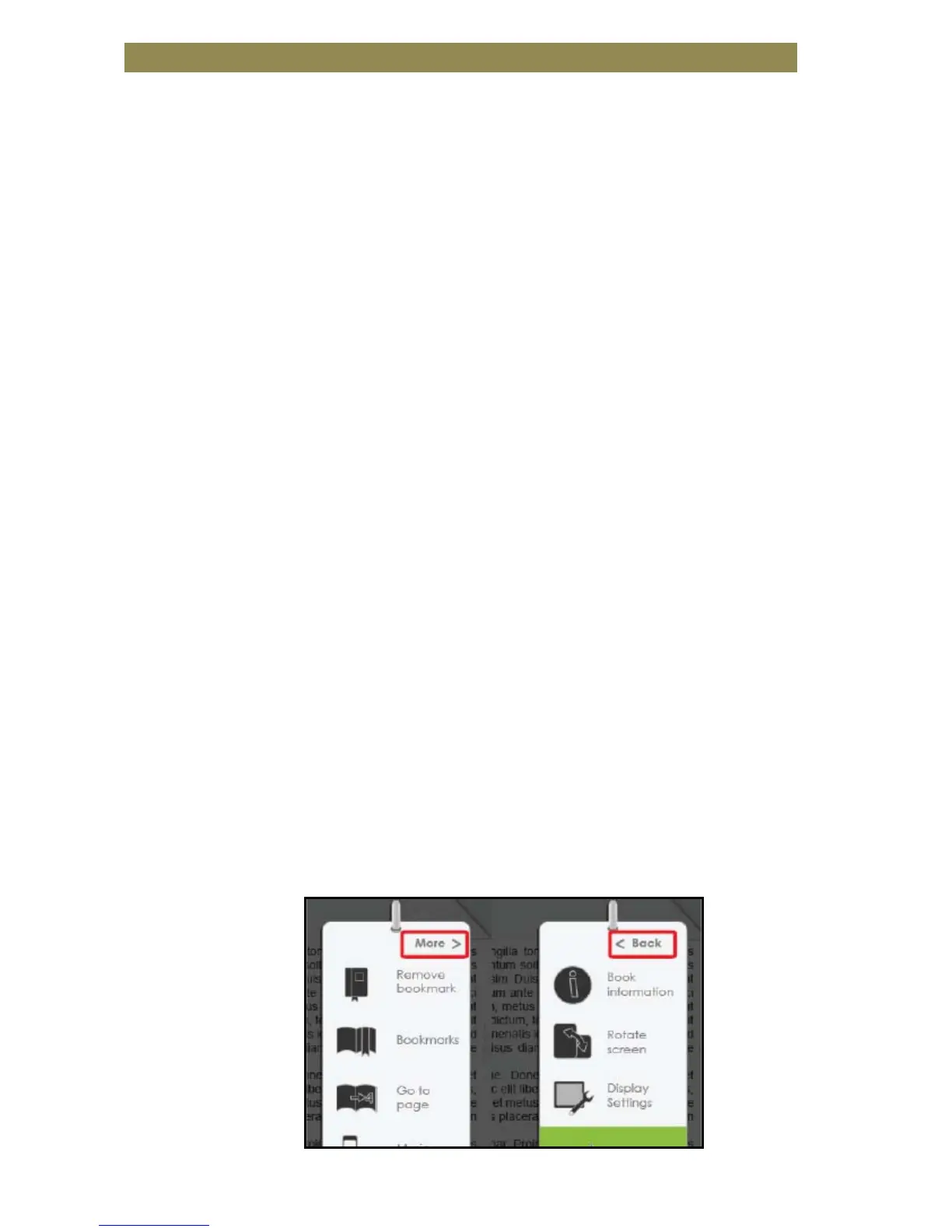
• In landscape view, the Option Menu is divided into 2 pages. To
access options in the second page, move the cursor to the [More>]
icon at the top right corner of the Option Menu and then press the
<OK> button.
• To return to the previous page, move the cursor to [< Back] and
then press the <OK> button.



 To Next Page