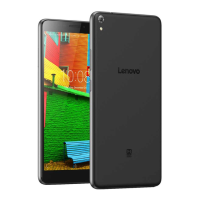
Lenovo PHAB Plus Hardware Maintenance Manual
34
1010 Rear cover with speaker
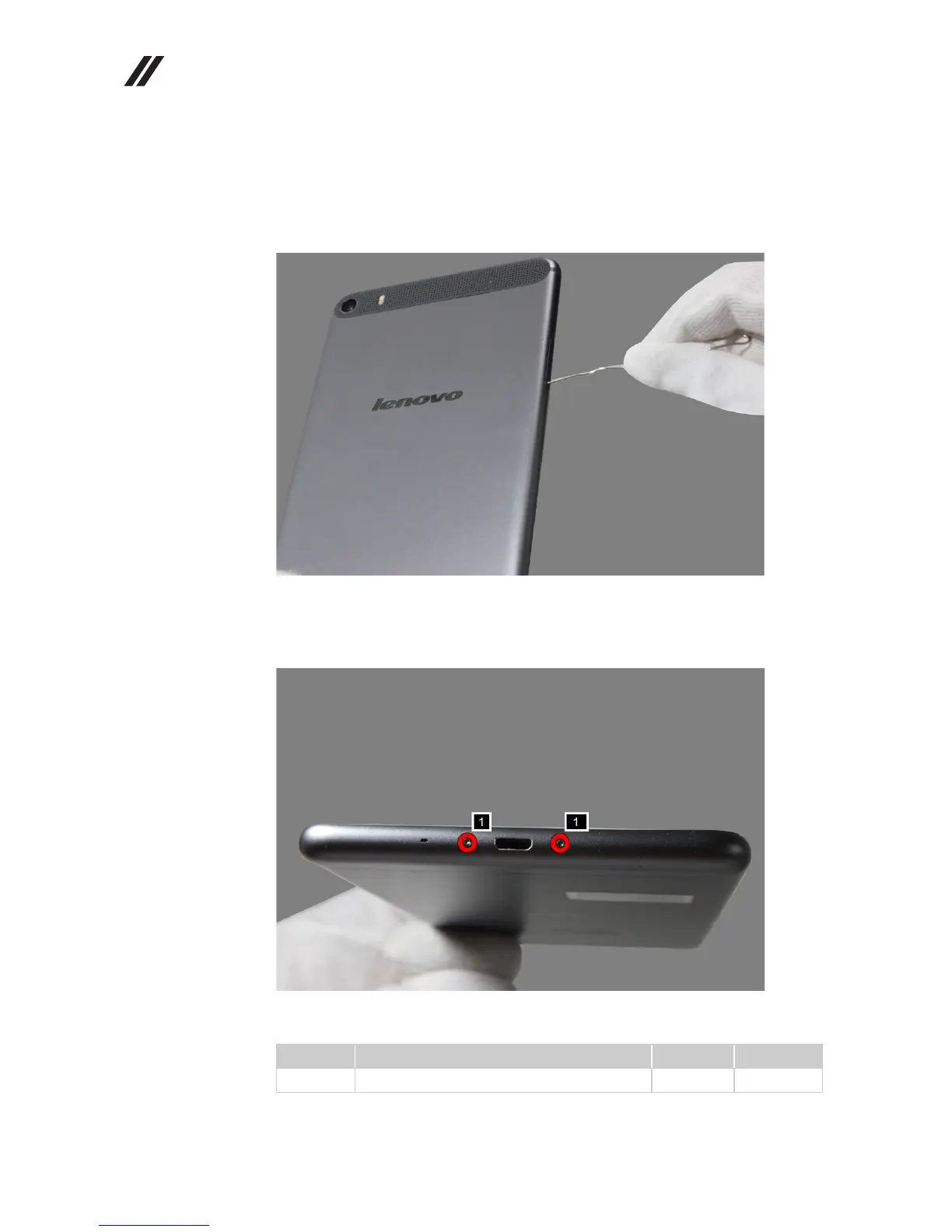
1. Insert a SIM eject tool or an uncoiled paperclip to eject the SIM card tray from
its slot.
Figure 1-1. Inserting a SIM eject tool into SIM card tray hole
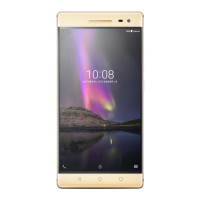
2. Remove screws on the rear cover as shown in the figure below.
Figure 1-2. The screws on the rear cover
Part No. Screw (quantity) Color Torque
Torx screw, M1.4 × 4 (2) Silver N/A


 To Next Page