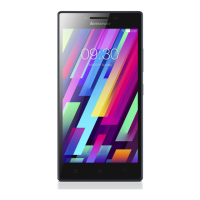
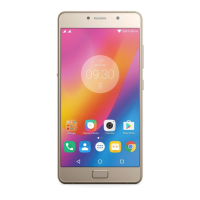
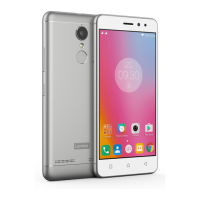
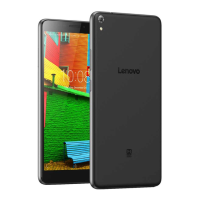
Lenovo PHAB Plus Hardware Maintenance Manual
44
1050 Front camera
For access, remove the following FRU:
• “1010 Rear cover with speaker” on page 34
and
Detach the following FPC from the main board:
• Battery FPC (see Step 1 on page 37 in “1020 Battery pack”)
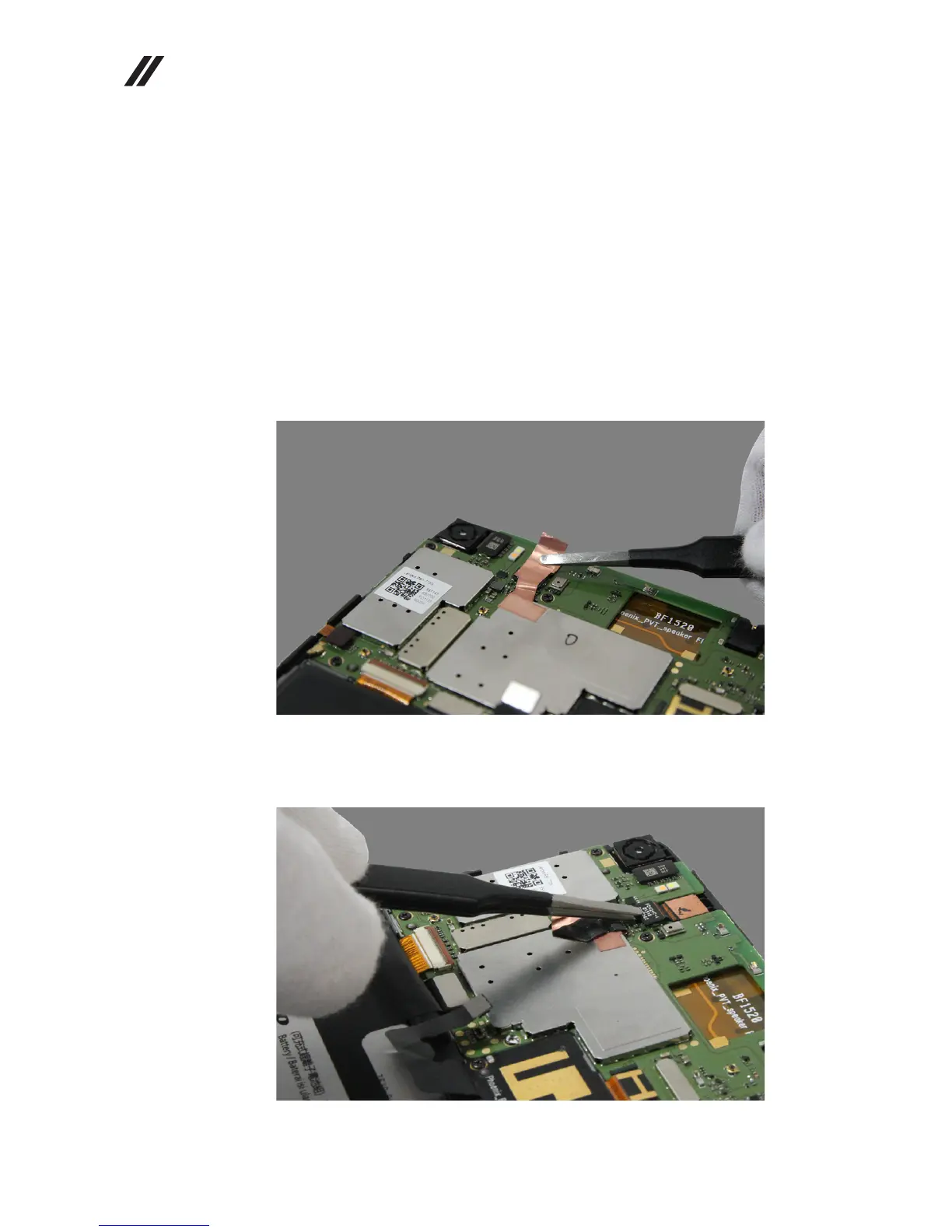
1. Detach the front camera foil.
Figure 5-1. Detaching the front camera foil
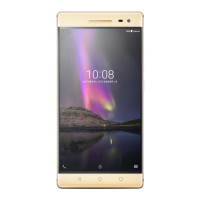
2. Detach the connector of the front camera FPC from the main board.
Figure 5-2. Removing the front camera


 To Next Page