Adjustingtheframestand
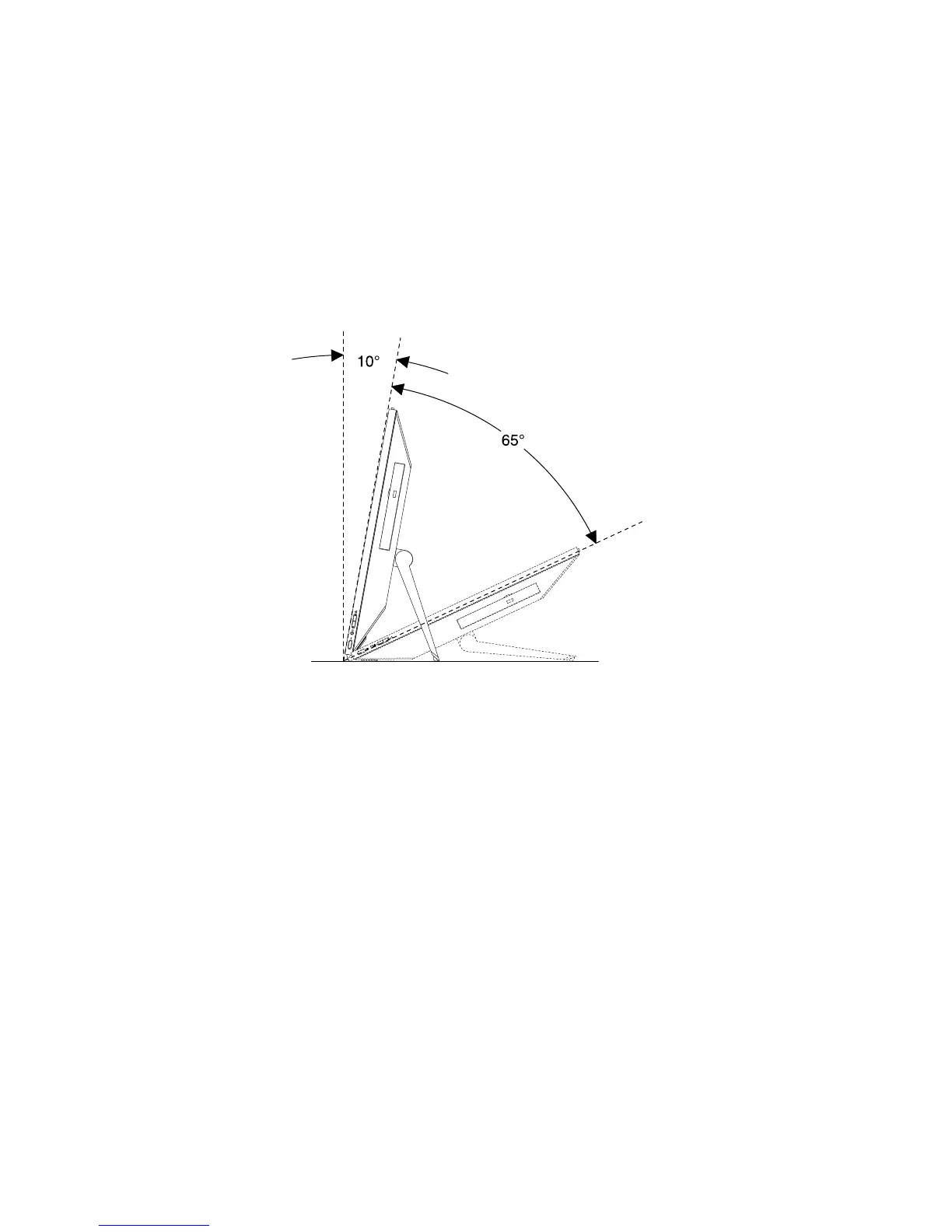
Yourcomputermightcomewithaframestandthatyoucanusetoadjustthecomputertoyourcomfortable
position.Pullthestandopenandadjustthepositionofthecomputeratanangleofbetweenof10°and65°
asshowninthefollowingillustration.
Note:Theframestandisavailableonlyinsomemodels.
CAUTION:
Ensurethattheangleisatleast10°fromtheverticalposition;otherwise,thecomputermightbe
unstableandtipover.
Figure3.Adjustingtheframestand
12ThinkCentreE93zUserGuide











 To Next Page