2.Removethenewwirelesskeyboardfromthepackage.
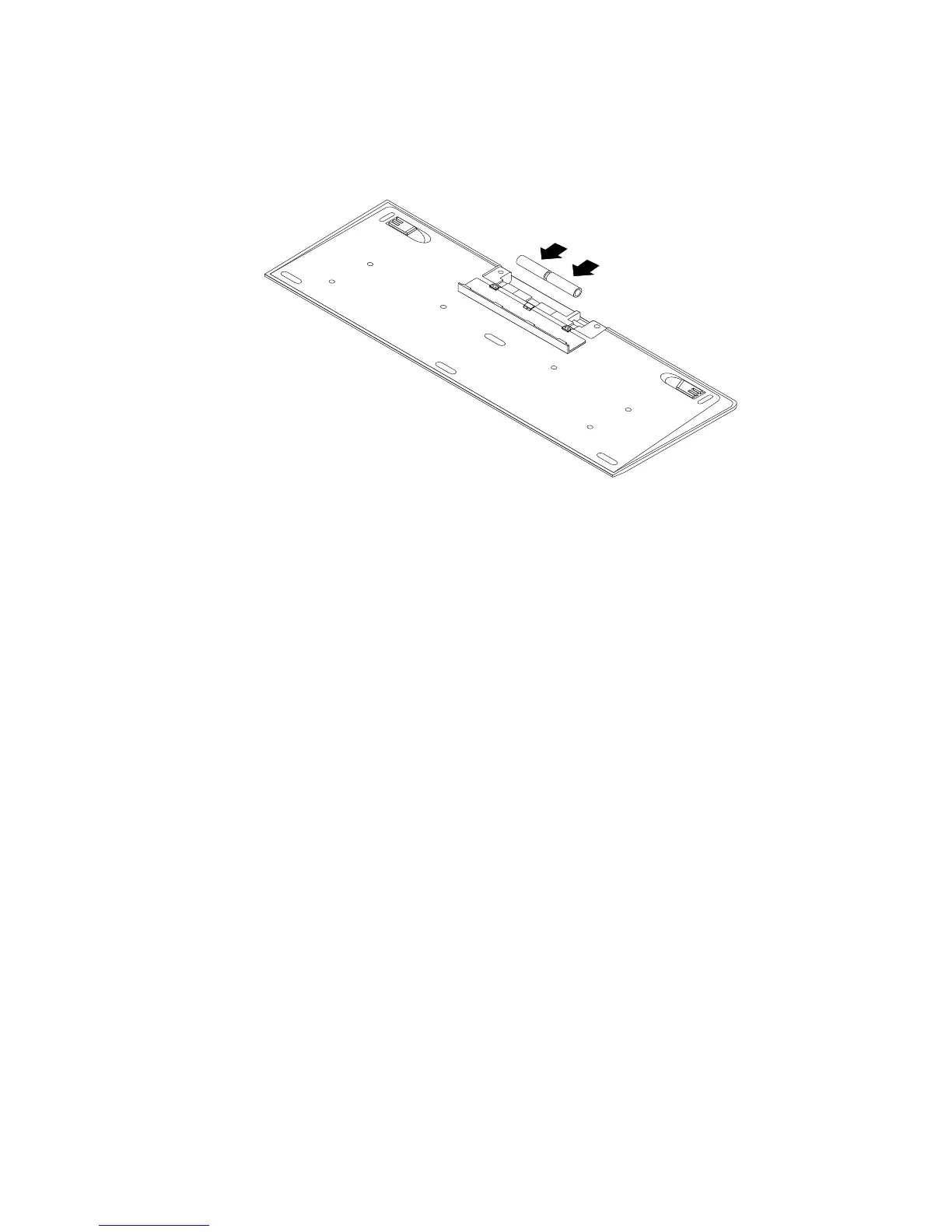
3.InstallthekeyboardbyopeningthebatterycompartmentcoverandinstallingtwoAAAbatteries
accordingtothepolarityindicators.
Figure16.Installingthekeyboardbatteries
4.RemovetheUSBdonglefromthekeyboardcompartmentorfromthewirelessmousecompartment
andconnectittoanavailableUSBconnectorsonthecomputer.See“Replacingthewirelessmouse”
onpage45.
5.Closethecompartmentcover.Thekeyboardisreadyforuse.
Replacingthewirelessmouse
Toreplacethewirelessmouse,dothefollowing:
1.DisconnecttheUSBdonglefromyourcomputer.Then,takeawayyourfailingwirelessmouse.
2.Removethenewwirelessmousefromthepackage.
3.Followtheinstructionsinthetablebelowtoinstallthenewwirelessmouse.
Chapter5.Installingorreplacinghardware45











 To Next Page