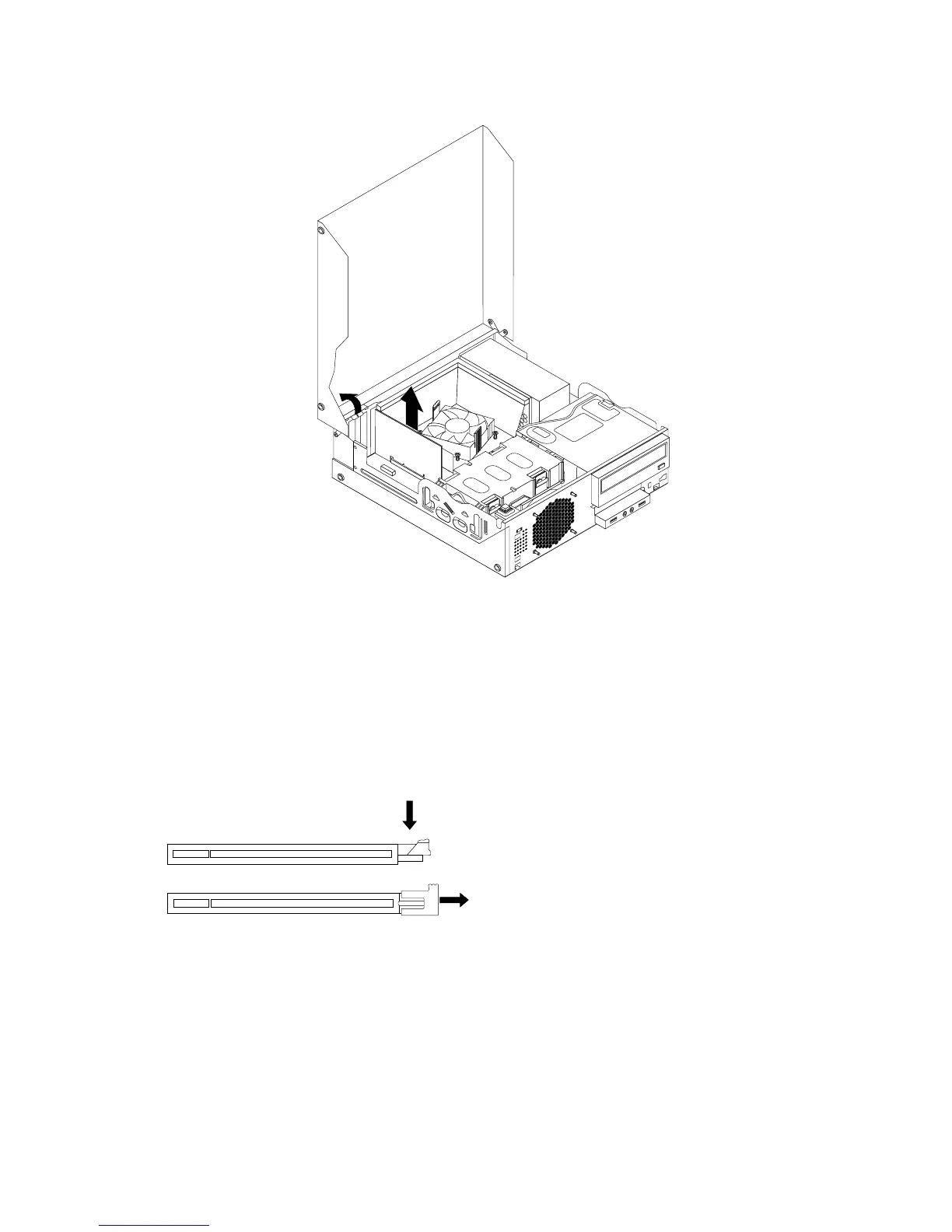
Figure14.RemovingaPCIcard
Notes:
a.Thecardtstightlyintothecardslot.Ifnecessary,alternatemovingeachsideofthecardasmall
amountuntilitisremovedfromthecardslot.
b.Ifthecardisheldinplacebyaretaininglatch,disengagethecardretaininglatchineitherofthe
twowaysillustrated,dependingontheretaininglatchonthePCIcardslot.Graspthecardand
gentlypullitoutoftheslot.
Figure15.Disengagingthecardretaininglatch
5.RemovethenewPCIcardfromitsstatic-protectivepackage.
38ThinkStationUserGuide












 To Next Page