DeviceNet
11 Commissioning
11-1
L BA2175 EN 2.0
11 Commissioning
Note!
Settings using GDC, keypad and DeviceNet manager
Controller address and baud ratecanalso beset using GDC, thekeypad ortheDeviceNetManager.
For this the DIP switches S1 to S6 must be in OFF position.
Codes L-C0009 (controller address) and L-C0125 (baud rate) are not active if one or several
switches have been set to ON before a restart.
Please see the descriptions for
• L-C1850/2350 node address
• L-C1851/2351 baud rate
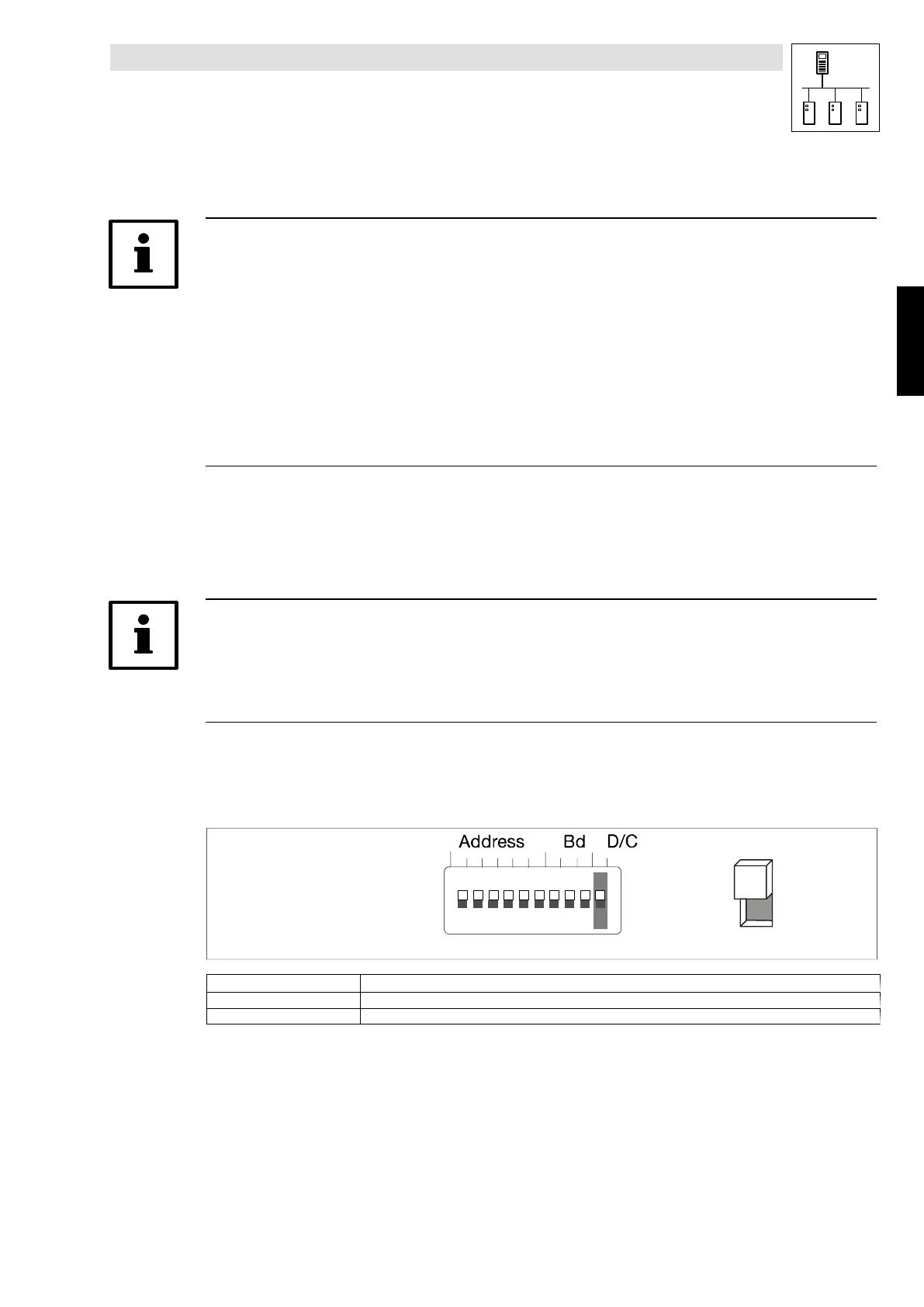
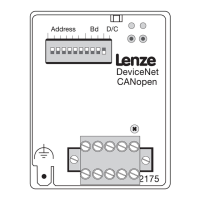
The DIP switch on the front of the 2175 fieldbus module can be used for the following settings:
• Controller address S1 - S6
• Baud rate S7 - S9
• Communication profile S10
Note!
In default setting all switches are OFF.
The controller address and baud rate set using DIP switches will only be active after a restart.
Only the combinations shown in the following tables are defined:
11.1 Communication profile setting
OPEN
1234 5678910
ON
OFF
Communication profile S10
DeviceNet OFF
CANopen ON
Phone: 800.894.0412 - Fax: 888.723.4773 - Web: www.actechdrives.com - Email: info@actechdrives.com


 To Next Page