EasyManua.ls Logo

Lenze 2175 - User Manual

Lenze 2175
152 pages
Print Icon
To Next Page IconTo Next Page
Loading...
Operating Instructions
EDB2175EN
00423117
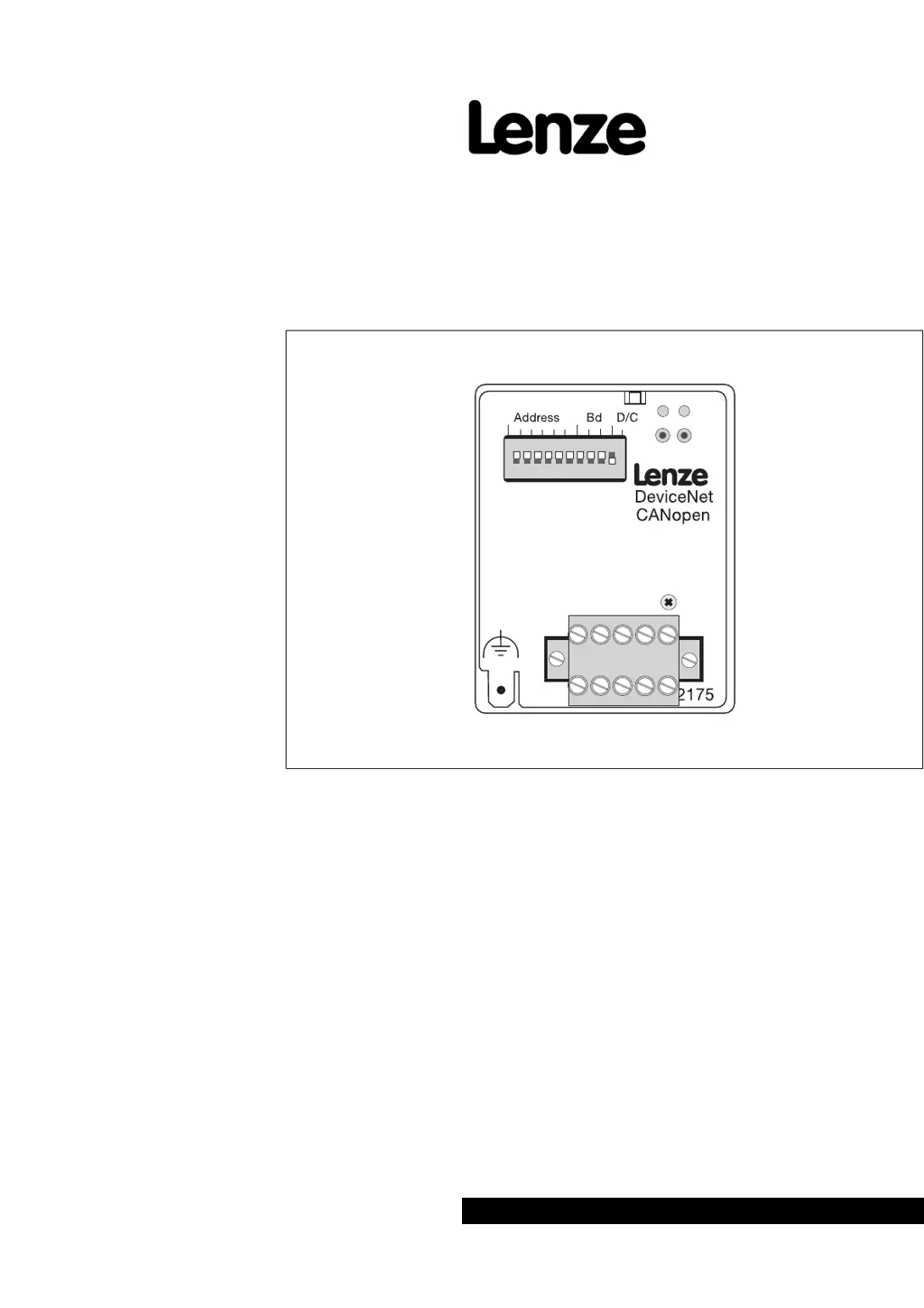
Fieldbus module type 2175
DeviceNet / CANopen
Phone: 800.894.0412 - Fax: 888.723.4773 - Web: www.actechdrives.com - Email: info@actechdrives.com
Show/Hide Bookmarks

Table of Contents

Questions and Answers

  • R
    richardrodriguezAug 16, 2025
    How to fix no communication with Lenze 2175 Network Hardware controller?
    • S
      stanleyjessicaAug 16, 2025
      To troubleshoot a lack of communication with your Lenze Network Hardware controller, begin by ensuring the controller is receiving power, consulting the operating instructions for the basic unit. Confirm the fieldbus module's voltage supply: check the connection if supplied by the basic unit, or verify 24 V voltage (plus 10%) at terminals 39 and 59 if externally supplied. Also, check the connection to the controller and make sure that the addresses are identical. Ensure the controller address is unique for all connected devices. Check the wiring to your host. If the controller does not receive telegrams, check whether the connection corresponds to the instructions given in chapter 'CAN bus wiring', page. 4-1. Check whether host sends telegrams and uses the appropriate interface.
  • L
    Logan BarnettOct 31, 2025
    What to do if Lenze Network Hardware controller is not communicating?
    • K
      Kristina SuttonNov 1, 2025
      If your Lenze Network Hardware controller isn't communicating, start by checking if the controller is powered on. Refer to the operating instructions for the basic unit to supply voltage. Then, check the fieldbus module's voltage supply. If it's supplied by the basic unit, verify the connection. If it's an external supply, ensure there's a 24 V voltage (plus 10%) at terminals 39 and 59. Also, confirm that the fieldbus module has been initialized with the controller and that the addresses are identical. Finally, ensure the controller address is unique among all connected devices and that the wiring to your host is correct. If the controller does not receive telegrams, check whether the connection corresponds to the instructions given in chapter 'CAN bus wiring', page. 4-1. Check whether hos...

Summary

Fieldbus Module Type 2175 DeviceNet; CANopen

1 Preface and General Information

1.1 How to Use These Operating Instructions

Explains how to read and interpret the manual for safe and effective use.

2 Safety Information

3 Technical Data

3.2 Features

Lists key features and capabilities of the fieldbus module.

3.3 General Data and Application Conditions

Outlines general operating conditions and application parameters.

4 Installation

4.3 Electrical Installation

Details the necessary electrical connections for proper module function.

6 Parameter Setting

6.3 Process Data Channel

Describes how process data is transferred between the controller and the network.

6.4 Implemented CANopen Objects

Lists and explains the standard CANopen objects supported by the module.

6.5 Communication-Relevant Lenze Codes

7 Troubleshooting and Fault Elimination

7.1 No Communication with the Controller

Offers solutions for troubleshooting communication failures with the controller.

9 Technical Data

9.2 Features

Lists key features and capabilities of the fieldbus module.

10 Installation

10.3 Electrical Installation

Details the necessary electrical connections for proper module function.

13 Troubleshooting and Fault Elimination

13.1 No Communication with the Controller

Offers solutions for troubleshooting communication failures with the controller.

14 Appendix

14.1 DeviceNet Commissioning Example

Provides a practical step-by-step guide for commissioning via DeviceNet.

14.1.1 Integration of LENZE-EDS Files into “RSNetWorx”

Details how to integrate EDS files into RSNetWorx for module setup.

14.1.2 Communication between PC and DeviceNet via “RSLinx”

Explains establishing communication between PC and DeviceNet using RSLinx.

14.1.5 Communication between PC and PLC

Describes setting up communication between PC and PLC for system integration.

Lenze 2175 Specifications

General IconGeneral
BrandLenze
Model2175
CategoryNetwork Hardware
LanguageEnglish