LD5208 USER MANUAL, REV. 0: NOVEMBER 2005
15
10. USING THE INDICATOR
10.1 Zeroing the scale
Sometimes the indicator’s display shows a figure higher or lower than zero, although the scale
seems to be empty. This may happen, for instance, when water or dirt have gathered on the
surface of the scale and are difficult to be removed during the weighing operation. This could be
also due to environmental conditions, which cause the center of zero to move from its initial
position.
Pressing the ZERO key resets weight display to zero, providing a compensation for the above
unwanted weights.
In order to zero the scale:
1. Wait for the scale to become stable
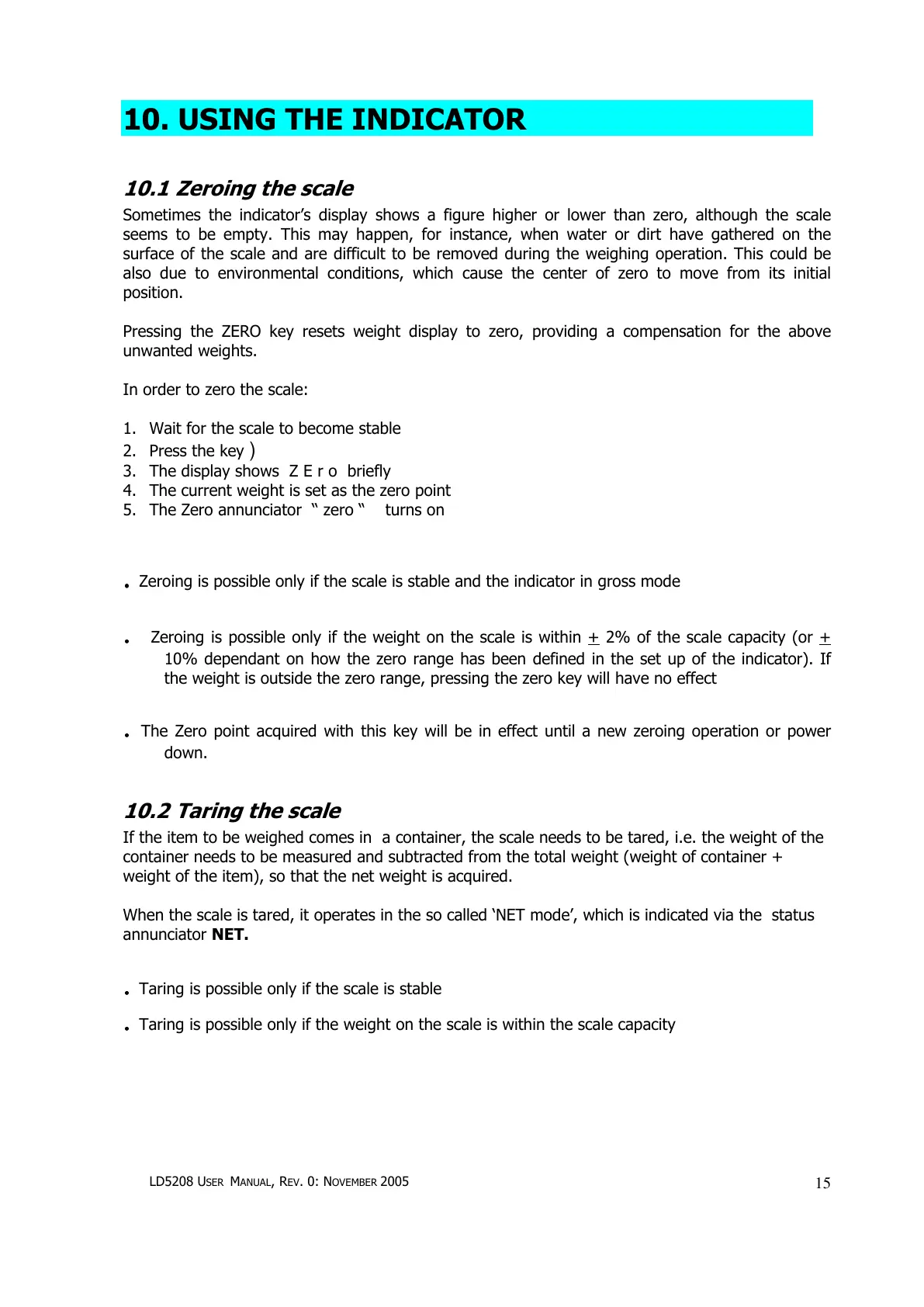
2. Press the key )
3. The display shows Z E r o briefly
4. The current weight is set as the zero point
5. The Zero annunciator “ zero “ turns on
.
..
. Zeroing is possible only if the scale is stable and the indicator in gross mode
.
..
. Zeroing is possible only if the weight on the scale is within + 2% of the scale capacity (or +
10% dependant on how the zero range has been defined in the set up of the indicator). If
the weight is outside the zero range, pressing the zero key will have no effect
.
..
. The Zero point acquired with this key will be in effect until a new zeroing operation or power
down.
10.2 Taring the scale
If the item to be weighed comes in a container, the scale needs to be tared, i.e. the weight of the
container needs to be measured and subtracted from the total weight (weight of container +
weight of the item), so that the net weight is acquired.
When the scale is tared, it operates in the so called ‘NET mode’, which is indicated via the status
annunciator NET.
.
..
. Taring is possible only if the scale is stable
.
..
. Taring is possible only if the weight on the scale is within the scale capacity


 To Next Page