LD5208 USER MANUAL, REV. 0: NOVEMBER 2005
21
10.6 Selecting print format
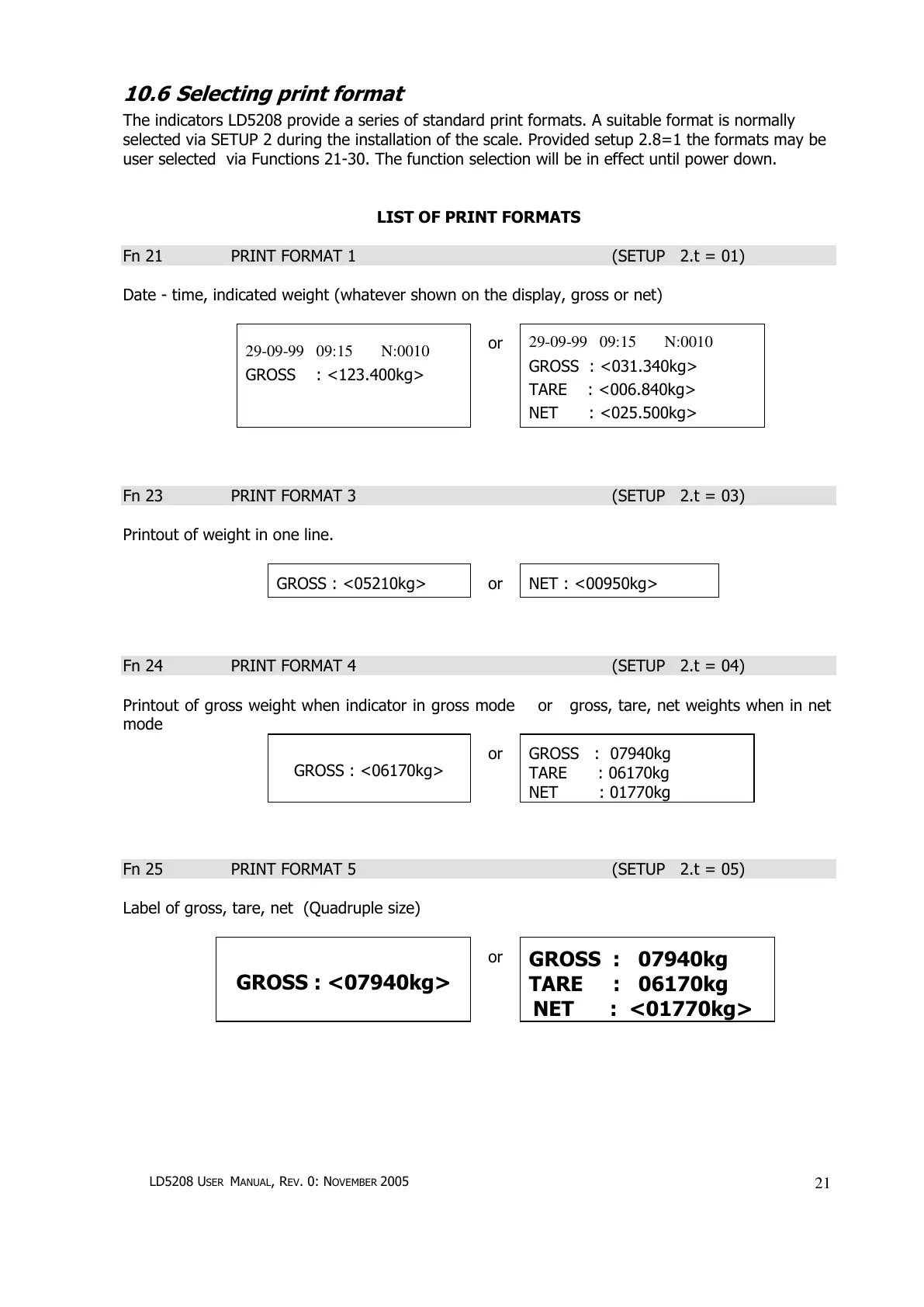
The indicators LD5208 provide a series of standard print formats. A suitable format is normally
selected via SETUP 2 during the installation of the scale. Provided setup 2.8=1 the formats may be
user selected via Functions 21-30. The function selection will be in effect until power down.
LIST OF PRINT FORMATS
Fn 21 PRINT FORMAT 1 (SETUP 2.t = 01)
Date - time, indicated weight (whatever shown on the display, gross or net)
29-09-99 09:15 N:0010
GROSS : <123.400kg>
or
29-09-99 09:15 N:0010
GROSS : <031.340kg>
TARE : <006.840kg>
NET : <025.500kg>
Fn 23 PRINT FORMAT 3 (SETUP 2.t = 03)
Printout of weight in one line.
GROSS : <05210kg>
or
NET : <00950kg>
Fn 24 PRINT FORMAT 4 (SETUP 2.t = 04)
Printout of gross weight when indicator in gross mode or gross, tare, net weights when in net
mode
GROSS : <06170kg>
or
GROSS : 07940kg
TARE : 06170kg
NET : 01770kg
Fn 25 PRINT FORMAT 5 (SETUP 2.t = 05)
Label of gross, tare, net (Quadruple size)
GROSS : <07940kg>
or
GROSS : 07940kg
TARE : 06170kg
NET : <01770kg>


 To Next Page