18
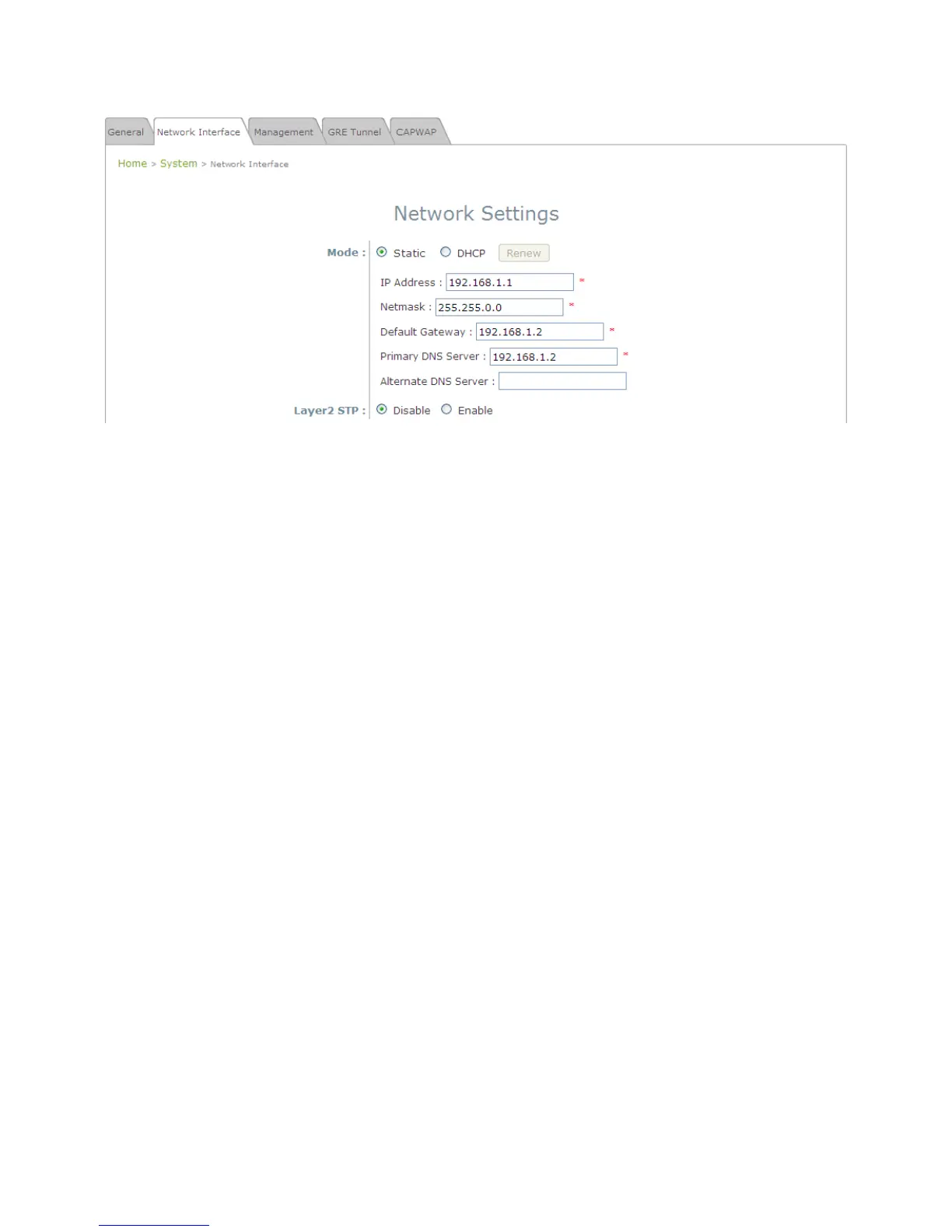
While still on this Page, click on the Network Interface tab to begin configuration of the network
settings.
Network Settings Page
If the deployment decides the AP will be getting dynamic IP Addresses from the connected network,
set Mode to DHCP; otherwise, set Mode to Static and fill in the required fields marked with a red
asterisk (IP Address, Netmask, Gateway, and Primary DNS Server) with the appropriate values for
the network. Click SAVE when you are finished to save changes that have been made.















 To Next Page