Static IP Address: Enter the IP address of ADSL Router in dotted decimal notation, it’s
assigned by your ISP.
IP Subnet Mask: The default is 255.0.0.0. User can change it to other such as
255.255.255.0.Type the subnet mask assigned to you by your ISP (if given).
Gateway: You must specify a gateway IP address (supplied by your ISP) when you use
1483 Bridged IP in the Encapsulation field in the previous screen.
NAT (Network Address Translation): Select Enable or Disable from the drop-sown list
box. Refer to the NAT chapter for more details.
Default Route: Select Yes or NO to set route rule. It recommend by default setting.
TCP MTU Option: Maximum Transmission Unit. The size of the largest datagram that
the IP attempts to send through the interface.
Dynamic Route:
RIP Version: Select the RIP version from RIP-1, RIP-2B and RIP-2M.
RIP Direction: Select the RIP direction from None, Both, In Only and Out Only.
Multicast: IGMP (Internet Group Multicast Protocol) is a network-layer protocol used to
establish membership in a Multicast group - it is not used to carry user data. The ADSL
Modem Series supports both IGMP version 1 (IGMP-v1) and IGMP-v2. Select Disabled
to disable it
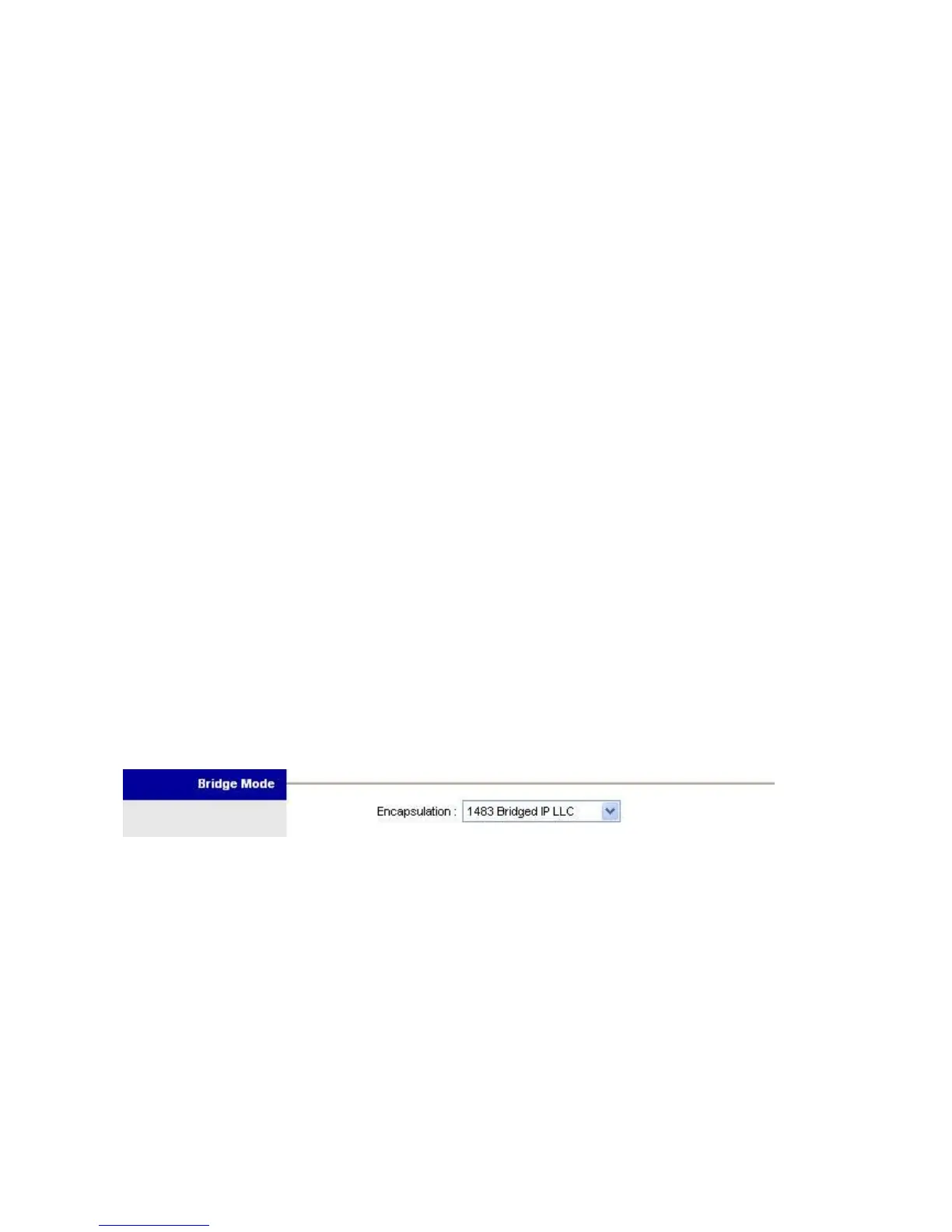
Bridge Mode
Select 1483 Bridged IP LLC or 1483 Bridged IP VC-Mux, onece again, check your ISP for
proper connection type.















 To Next Page