Hardware Manual
14
3. Mount the camera
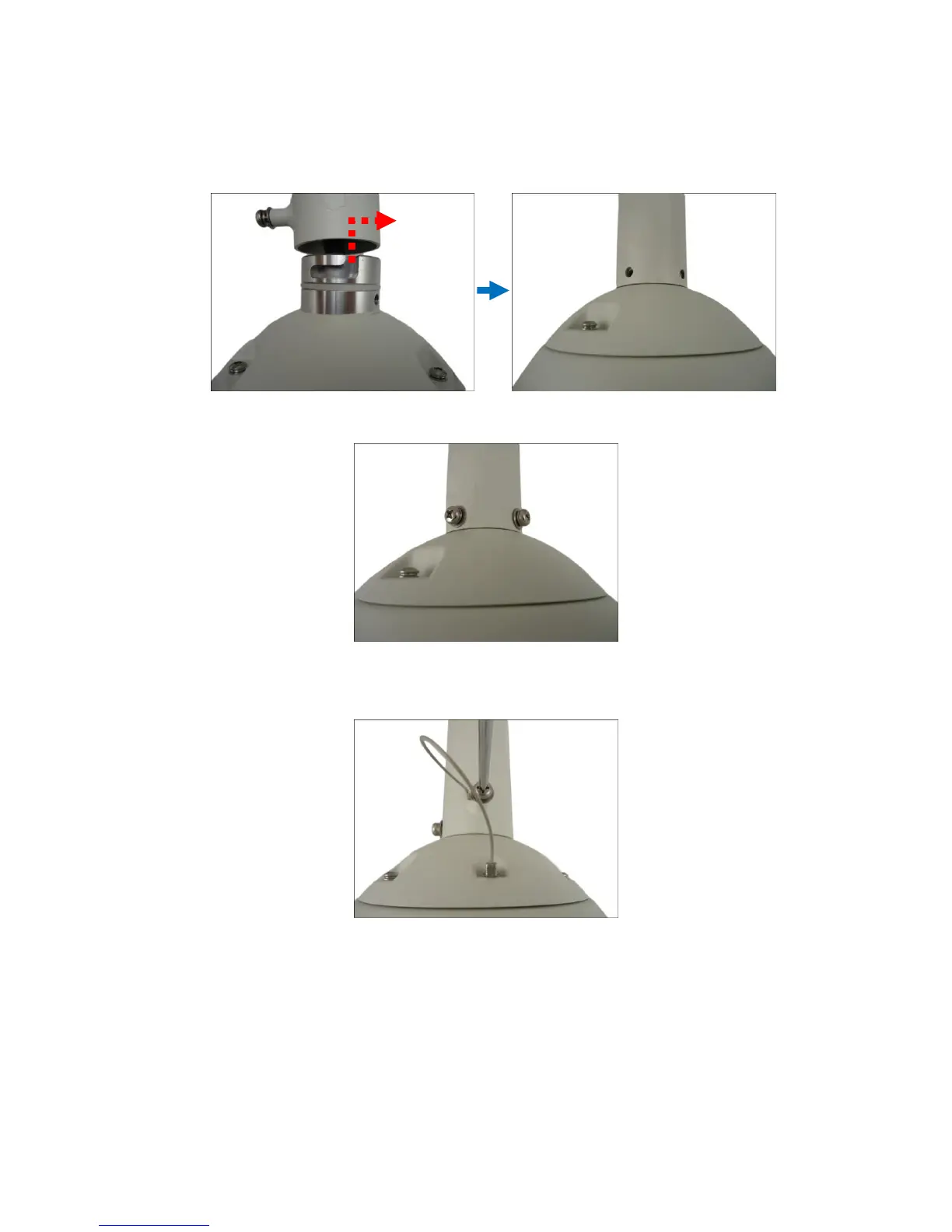
1. Align the gap on the camera to the tab inside the mounting solution and insert the camera
through the mounting tube.
2. Attach the screws included in the camera package to secure the camera.
3. For added security, attach the safety wire strap to the camera and the mounting solution.
See How to Attach the Safety Wire Strap on page 36 for detailed instructions.















 To Next Page