Chapter 4: UI Configuration
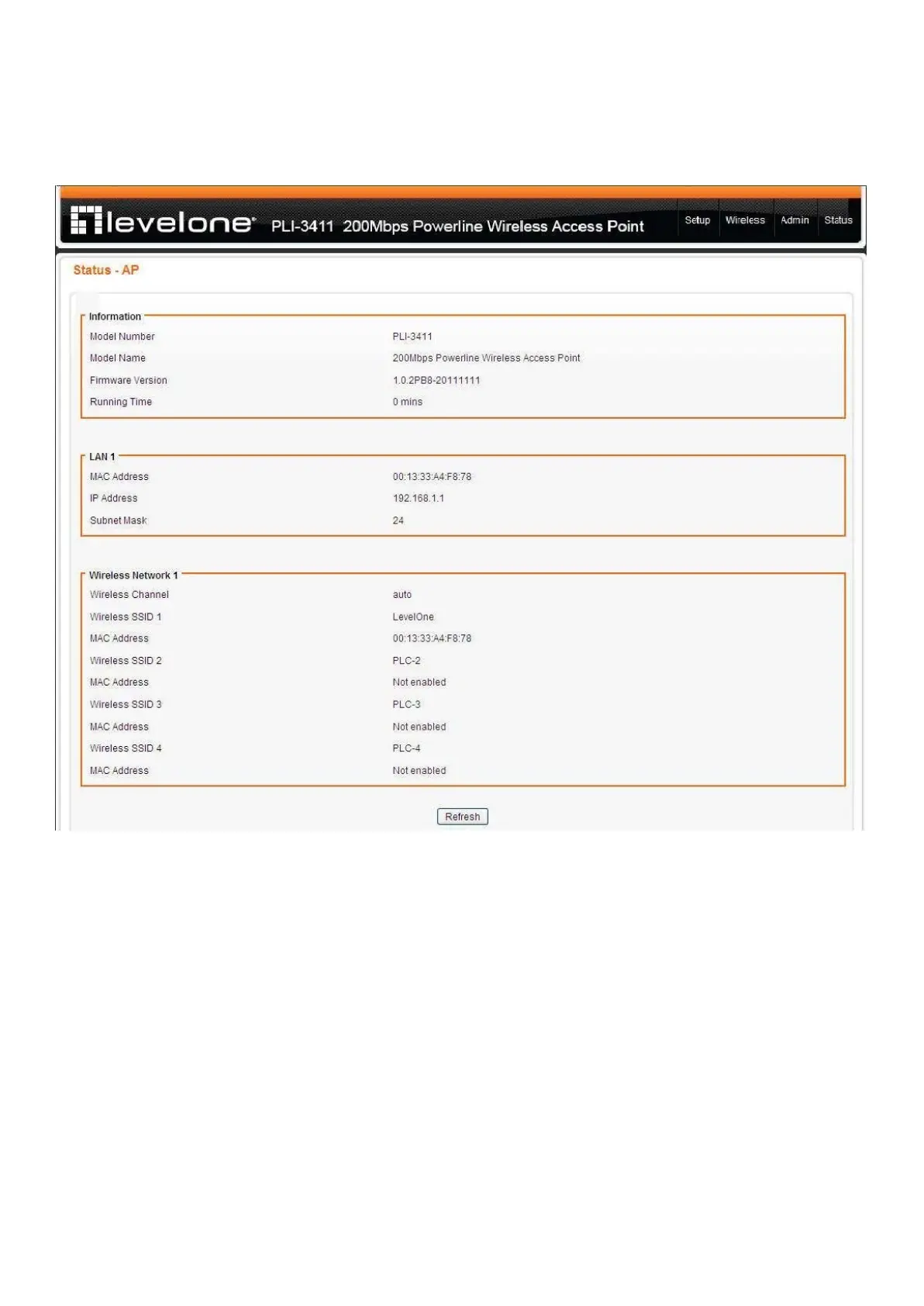
Once you have logged on to your PLI-3411 GUI via your web browser, you can begin to configure the
device according to your needs. On the configuration homepage, the top navigation panel provides
the links to different setup pages.
♣ Setup (LAN / DHCP Server)
♣ Wireless Settings (Basic / Advanced / Advanced / WDS / WPS)
♣ Admin (Administration / Reboot / Configuration / Firmware )
♣ Status
Each of these setup pages will be discussed in detail in sections that follow ahead.














 To Next Page