21
4.2.6 Retrieving Interval Data
The VerifEye
®
meter maintains an internal log of the energy data (Net kWh)
for each channel in the meter. This log updates every 15 minutes, and
is always active. The meter stores 63 days’ worth of 15 minute data in its
memory. A user can retrieve this data to restore gaps in data collection when
RTUs were offline or communication was interrupted. You can access Interval
Data Recording (IDR) through Power Meter Viewer Utilities in the
Advanced menu.
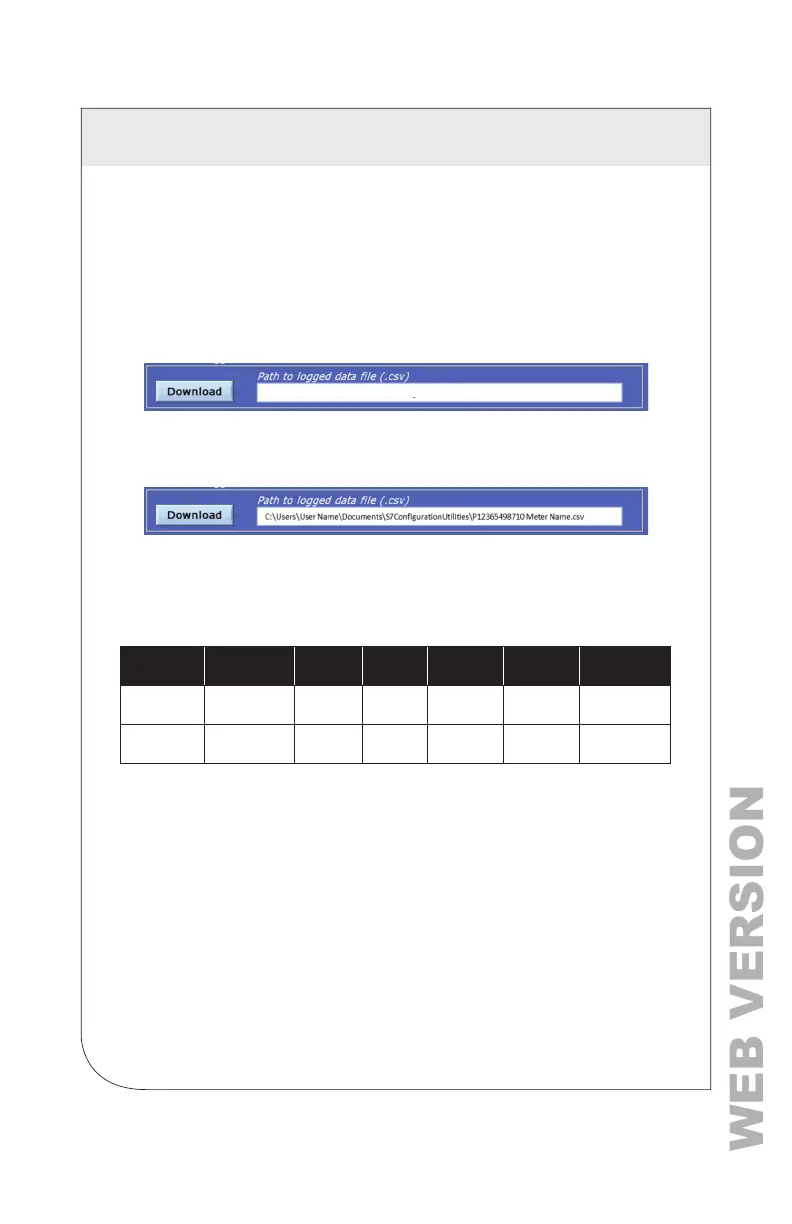
Click Download
By default, the name of the data le includes the Serial Number of the meter
and the System Description followed by – Datalog.
Click OK to display the entire data path.
The data log is a Comma Separated Values (CSV) le that can be opened in
Excel or another program. The data is listed in chronological order according
to an internal 32-bit sequence counter. The sequence counter can be used to
merge separate les together, if necessary.
EXAMPLE:
Sequence
Number
Time Stamp A1 kWh A2 kWh A3 kWh A System B1 kWh…
123456
5/1
5/2022
12:00
1.11E+5 2.22E+5 3.33E+5 6.66E+5 0
123457
5/15/2022
12:15
1.12E+5 2.23E+5 3.34E+5 6.69E+5 0
4 METER CONFIGURATION



 To Next Page