PAIR SHADE BEFORE INSTALLING
REMOTE CONTROL
• Use the – and + buttons to select the channel
to pair to.
• Press and hold the programming button on the
window covering for about 2 seconds until the
shade jogs once.
• In the next 10 seconds, press and hold the on
the remote until the shade jogs twice.
USING THE INMOTION APP
• If you purchased a hub, download the LEVOLOR
InMotion
™
app to get started.
• Shade can be directly paired to app, but it is
recommended to pair to remote first.
INSIDE MOUNT (IM)–BEFORE YOU BEGIN
Standard
Remote Control
Top-Down/Bottom-Up,
Day/Night Remote Control
Micro-USB
Charging Port
Indicator
Light
Programming
Button
INSTALLATION OVERVIEW
•
Your order will include the correct number
of installation brackets for your shade
width, as shown in the table.
Shade
Width
Brackets
Required
Up to 36" 2
36" – 72" 3
72" – 108" 4
108" – 120" 5
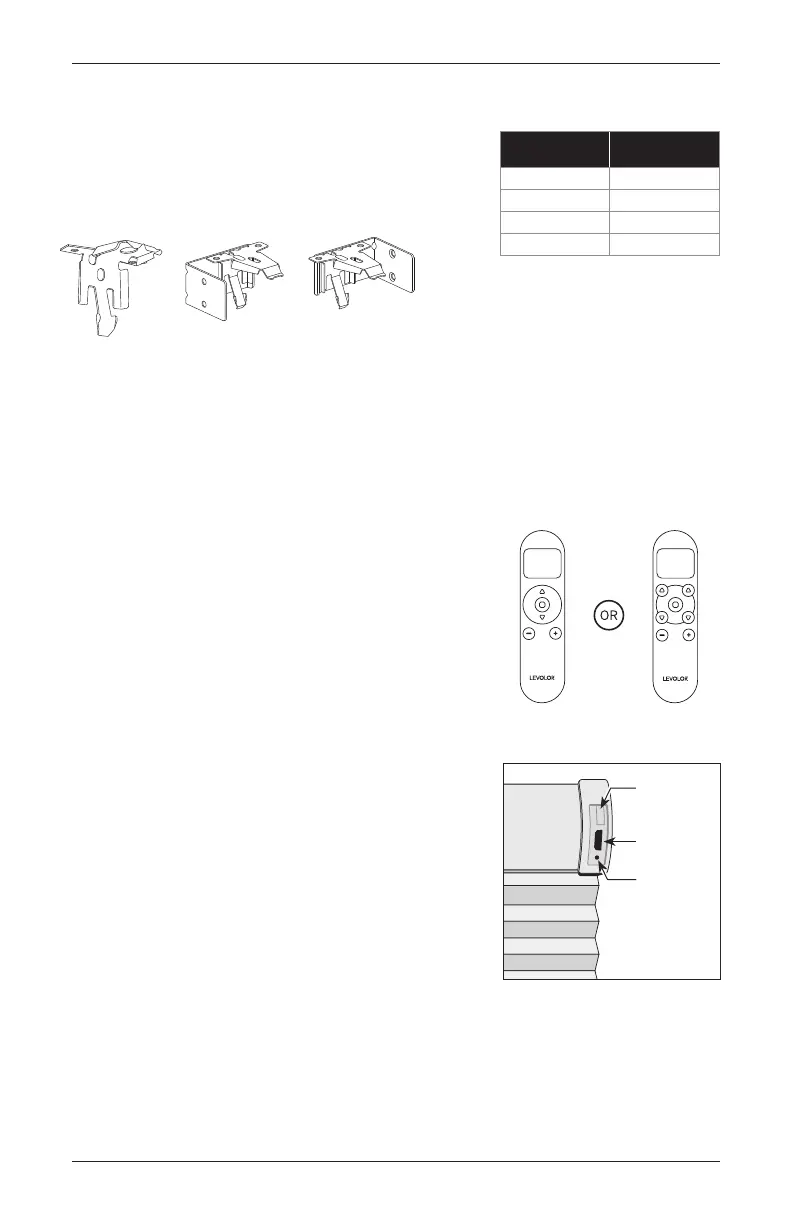
End Mount BracketsBracket
GETTING STARTED
8 Cellular Shades Motorized Control Lift


 To Next Page