43
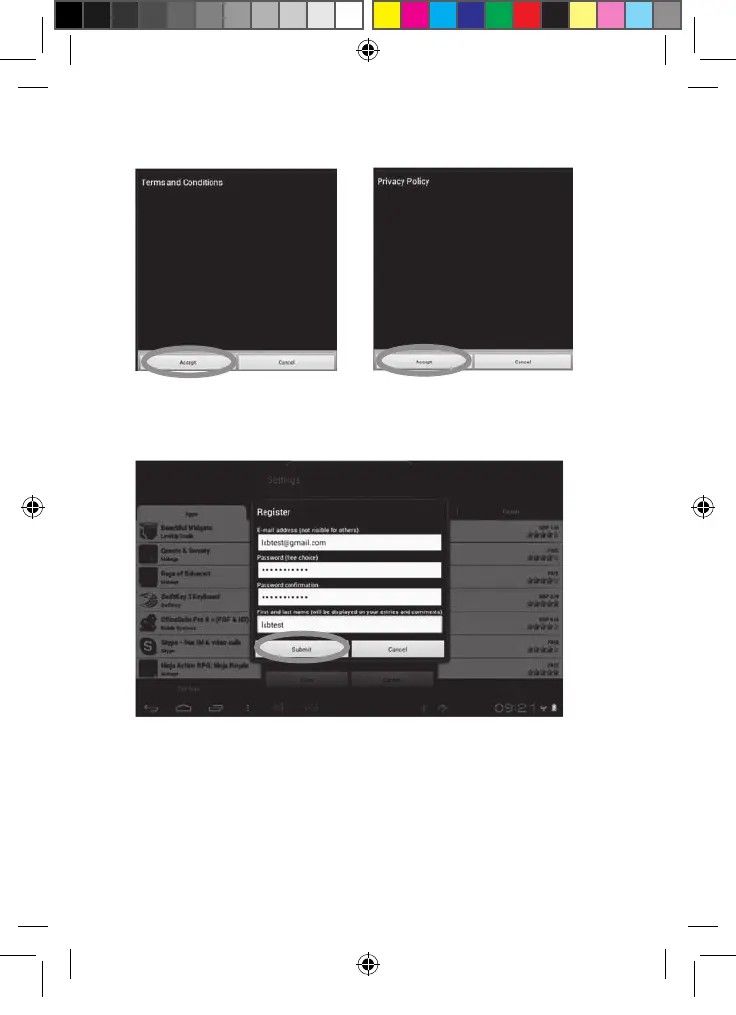
4. Two windows, “Terms and Conditions” and “Privacy Policy” will then appear
on the screen one after the other. Click on “Accept” each time.
5. Complete the registration form by entering your email address, a password
and your name and validate by clicking "Submit".
MFC142EN_09IM1373_11Sept_V12.indd 43 11/09/2013 5:31 PM



 To Next Page