48
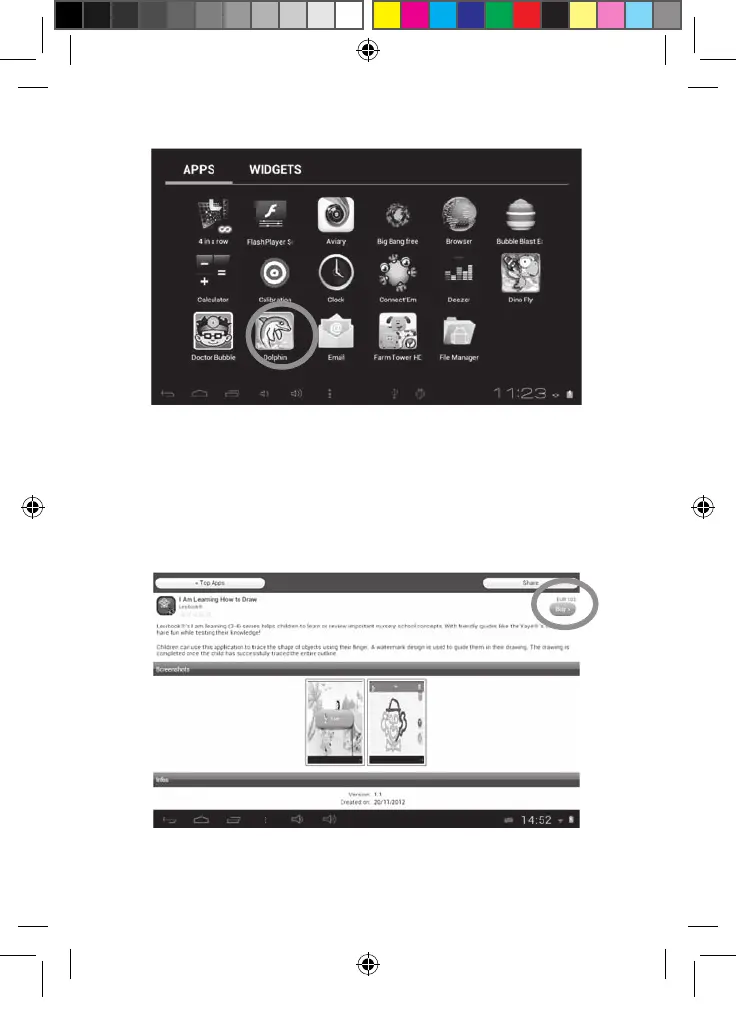
5. The application is then available in the applications menu.
• Purchase an application
1. First, you need to connect to your account. Please follow the steps described
in the “Connect to the Lexibook® Market” section above.
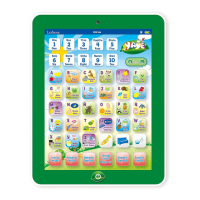
2. On the page of the application you want to purchase, click on “BUY” after
checking the price of the application.
MFC142EN_09IM1373_11Sept_V12.indd 48 11/09/2013 5:31 PM



 To Next Page