Lexicon, Inc.
DC-2/MC-1 Serial Communications Protocol Printed on: 10/19/00
28 of 44
7.3.24 Set Zone2 Volume
Commands DC-2/MC-1 to set the system volume with the value in this packet.
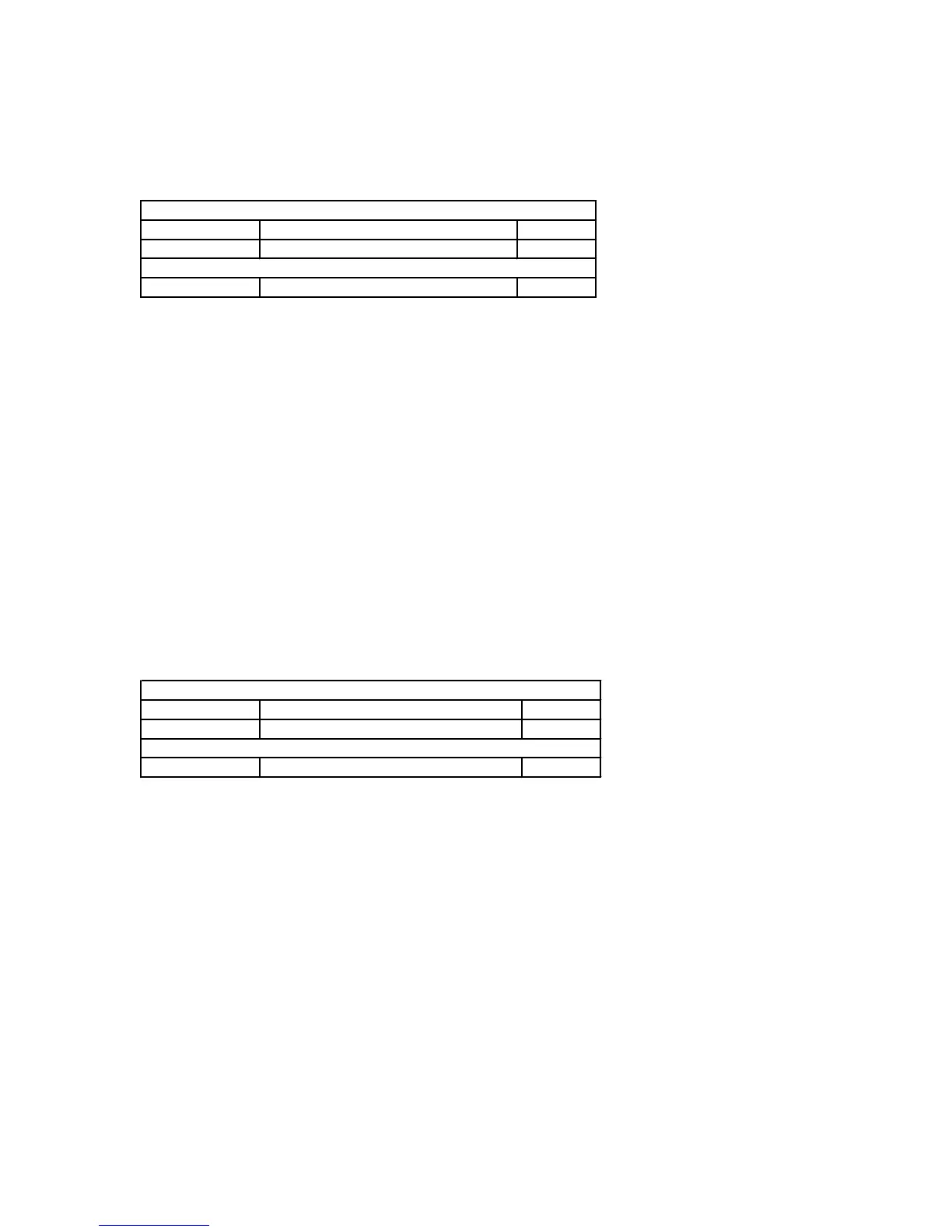
7.3.24.1 Command Packet Description
Application Header:
Command DC_CMD_SET_ZONE2_VOLUME 0x27
Data Count 1 0x01
Application Data:
Data[0] Value nn
7.3.24.2 Data Description
Value:
Data Type: Unsigned 8 bit integer.
Max: 92
Conversion: 0 = -80 dB
92 = +12 dB
7.3.24.3 DC-2/MC-1 Response
The DC-2/MC-1 will assign the value from the packet to the zone2 volume.
7.3.24.4 Data Validation
If a value is passed that exceeds the maximum value of that parameter the DC-2/MC-1 will ignore the
command and transmit a NAK command with an error code DC_ERR_INVALID_DATA.
7.3.25 Set Zone2 Left/Right Balance
Commands DC-2/MC-1 to set the Zone2 balance to the value in this packet.
7.3.25.1 Packet Description
Application Header:
Command DC_CMD_SET_ZONE2_BALANCE 0x28
Data Count 1 0x01
Application Data:
Data[0] Value nn
7.3.25.2 Data Description
Value:
Data Type: Unsigned 8 bit integer.
Maximum Value: 32
Conversion: 0 = Left
32 = Right
7.3.25.3 DC-2/MC-1 Response
The DC-2/MC-1 will assign the value from the packet to the Zone2 balance.
7.3.25.4 Data Validation
If a value is passed that exceeds the maximum value of that parameter the DC-2/MC-1 will ignore the
command and transmit a NAK command with an error code DC_ERR_INVALID_DATA.
7.3.26 Set Custom Name
Sets the Custom Name that can be displayed when the unit powers up.



 To Next Page