Lexicon, Inc.
DC-2/MC-1 Serial Communications Protocol Printed on: 10/19/00
33 of 44
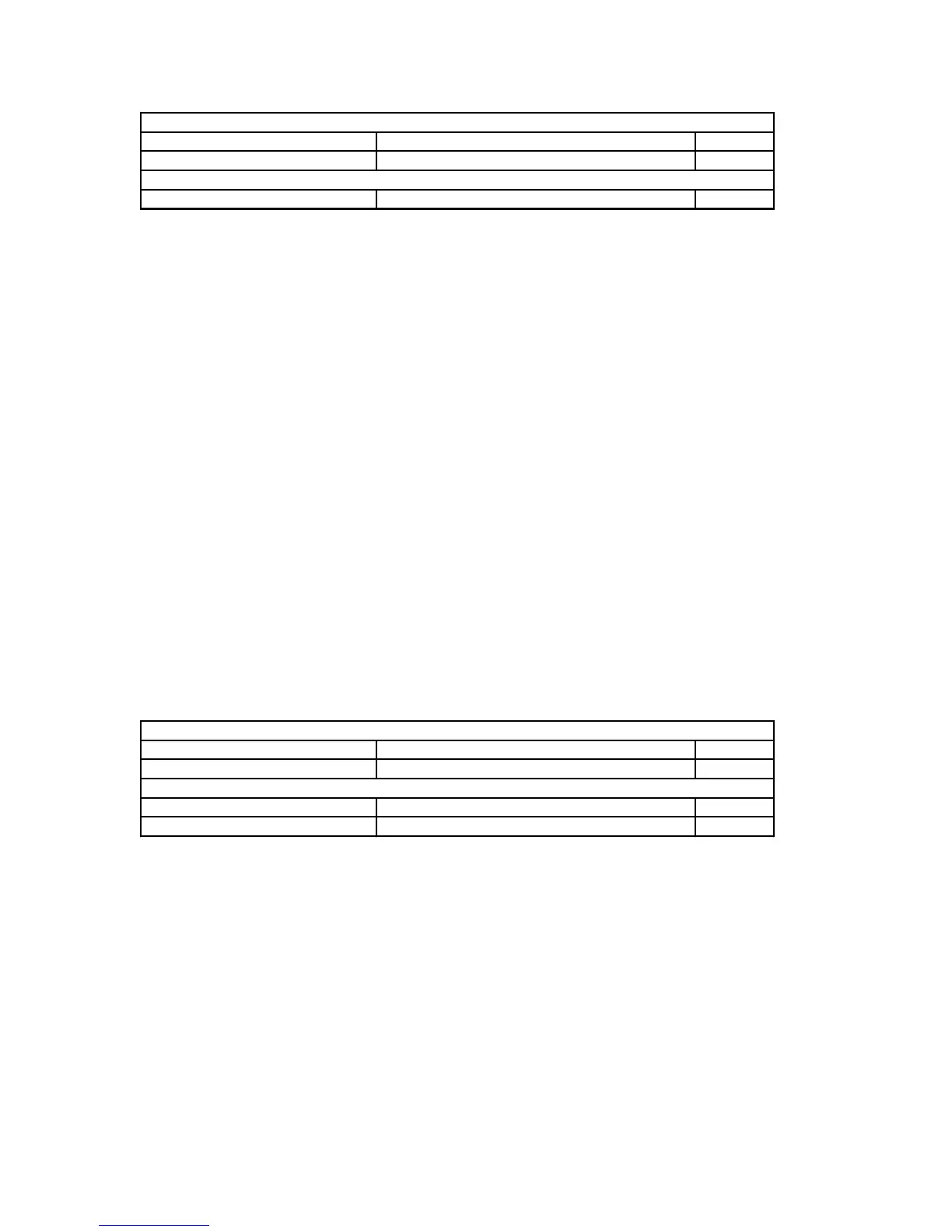
Application Header:
Command DC_CMD_SET_MUTE 0x31
Data Count 1 0x01
Application Data:
Data[0] Mute State nn
7.3.33.2 Data Description
MUTE State: Value Definition
0 UNMUTE The user mute state is set to unmuted. The DC-2/MC-1 may
still be muted for other internal reasons.
1 USER MUTE The system volume decrements by the specified user amount
as set in the OUTPUT LEVELS Menu.
2 FULL MUTE The system is fully muted.
7.3.33.3 DC-2/MC-1 Response
The DC-2/MC-1 will set the mute state according to the value transmitted. The DC-2/MC-1 may still be
full muted if other conditions require the audio path to be muted. This is only a direct access to the user
mute state.
7.3.33.4 Data Validation
The Data value transmitted to the DC-2/MC-1 will be verified as a valid value. If Valid the DC-2/MC-1
will set/clear the mute and respond with an ACK Packet. If the data value is invalid the DC-2/MC-1 will
respond with an DC_ERR_INVALID_DATA error NAK.
7.3.34 Set Output Level Adjustments
The Set Output level adjustments Command message allows the RS232 users to set the DC-2/MC-1’s
output level adjustments to a given value. These adjustments can otherwise be set through the Internal or
External Noise Output Level Menus.
7.3.34.1 Command Packet Description
Application Header:
Command DC_CMD_SET_OUTPUT_ADJ 0x32
Data Count 2 0x02
Application Data:
Data[0] Adjustment Value nn
Data[1] Output ID nn
7.3.34.2 Data Description
Adjustment Value: Unsigned 8 bit Integer
Range: 0 - 40 Counts
Conversion: 0 = -10 dB
40 = +10 dB
Step: 0.5 dB /Count
Output Id: Unsigned 8 bit Integer



 To Next Page