Note: Make sure that all paper fragments are removed.
5 Insert the tray, and then close door A.
Paper jam in the optional trays
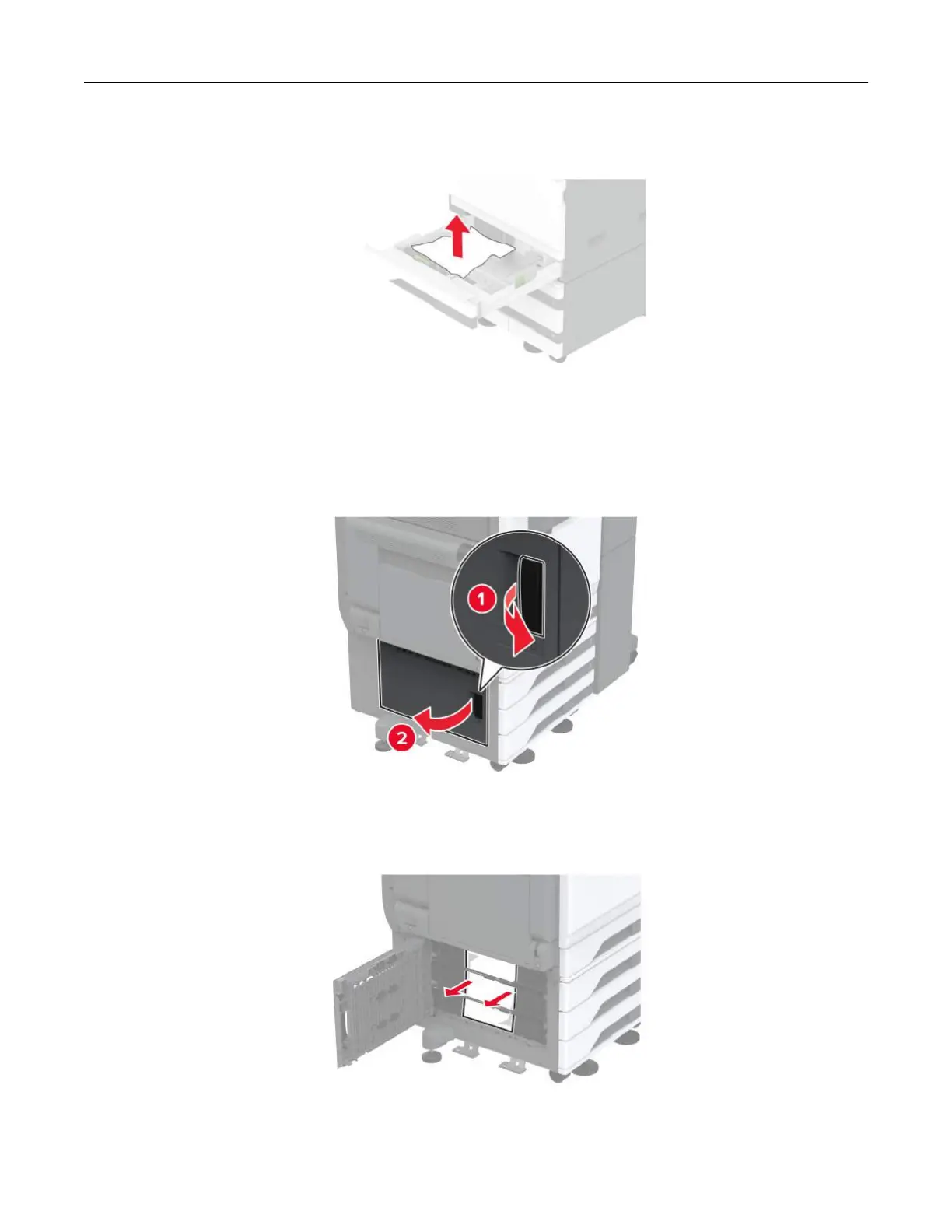
1 Open door B.
2 Remove the jammed paper.
Note: Make sure that all paper fragments are removed.
3 Close the door.
Troubleshoot a problem 387



 To Next Page