Need help?
Do you have a question about the Lexmark MC3426 and is the answer not in the manual?
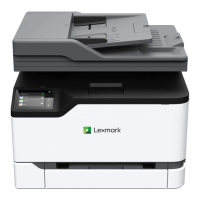
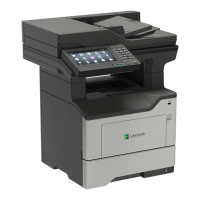
Details the physical components and configurations of the printer models.
Provides guidelines and characteristics for choosing the right paper for printing.
Explains how to connect various cables to the printer for functionality.
Provides instructions for establishing a wireless network connection for the printer.
Explains how to print wirelessly from smartphones and tablets.
Provides instructions for sending fax documents from the printer.
Provides an overview of the printer's menu structure and options.
Offers step-by-step instructions for replacing worn or depleted printer components.
Lists common print quality issues and their solutions.
Addresses issues related to the printer operating slower than expected.
Provides steps to resolve situations where the printer is unresponsive.
Covers common issues related to paper feeding and jams.
 General
| Brand | Lexmark |
|---|---|
| Model | MC3426 |
| Category | All in One Printer |
| Language | English |


 To Next Page