E-mailing....................................................................................................60
Setting up the printer to e-mail...............................................................................................................60
Sending e-mail.........................................................................................................................................61
Canceling an e‑mail.................................................................................................................................62
Faxing........................................................................................................63
Setting up the printer to fax....................................................................................................................63
Configuring the fax settings.....................................................................................................................74
Creating a contact list..............................................................................................................................76
Sending faxes...........................................................................................................................................78
Receiving faxes........................................................................................................................................79
Faxing FAQ...............................................................................................................................................81
Networking................................................................................................87
Installing the printer on a wireless network............................................................................................87
Advanced wireless setup.........................................................................................................................94
Networking FAQ....................................................................................................................................104
Maintaining the printer............................................................................117
Maintaining ink cartridges.....................................................................................................................117
Cleaning the exterior of the printer......................................................................................................118
Cleaning the scanner glass....................................................................................................................119
Moving the printer to another location................................................................................................119
Troubleshooting.......................................................................................121
Before you troubleshoot.......................................................................................................................121
If Troubleshooting does not solve your problem..................................................................................121
Setup troubleshooting...........................................................................................................................121
Understanding printer messages..........................................................................................................126
Jams and misfeeds troubleshooting......................................................................................................133
Print troubleshooting............................................................................................................................141
Copy and scan troubleshooting.............................................................................................................143
Fax troubleshooting..............................................................................................................................145
Network troubleshooting......................................................................................................................151
Notices.....................................................................................................162
Product information..............................................................................................................................162
Contents 4

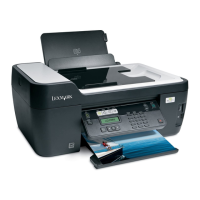
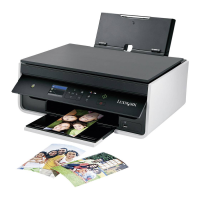


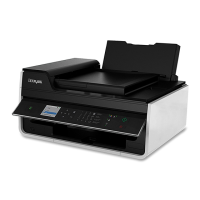

 To Next Page

