2-174 Service Manual
7462
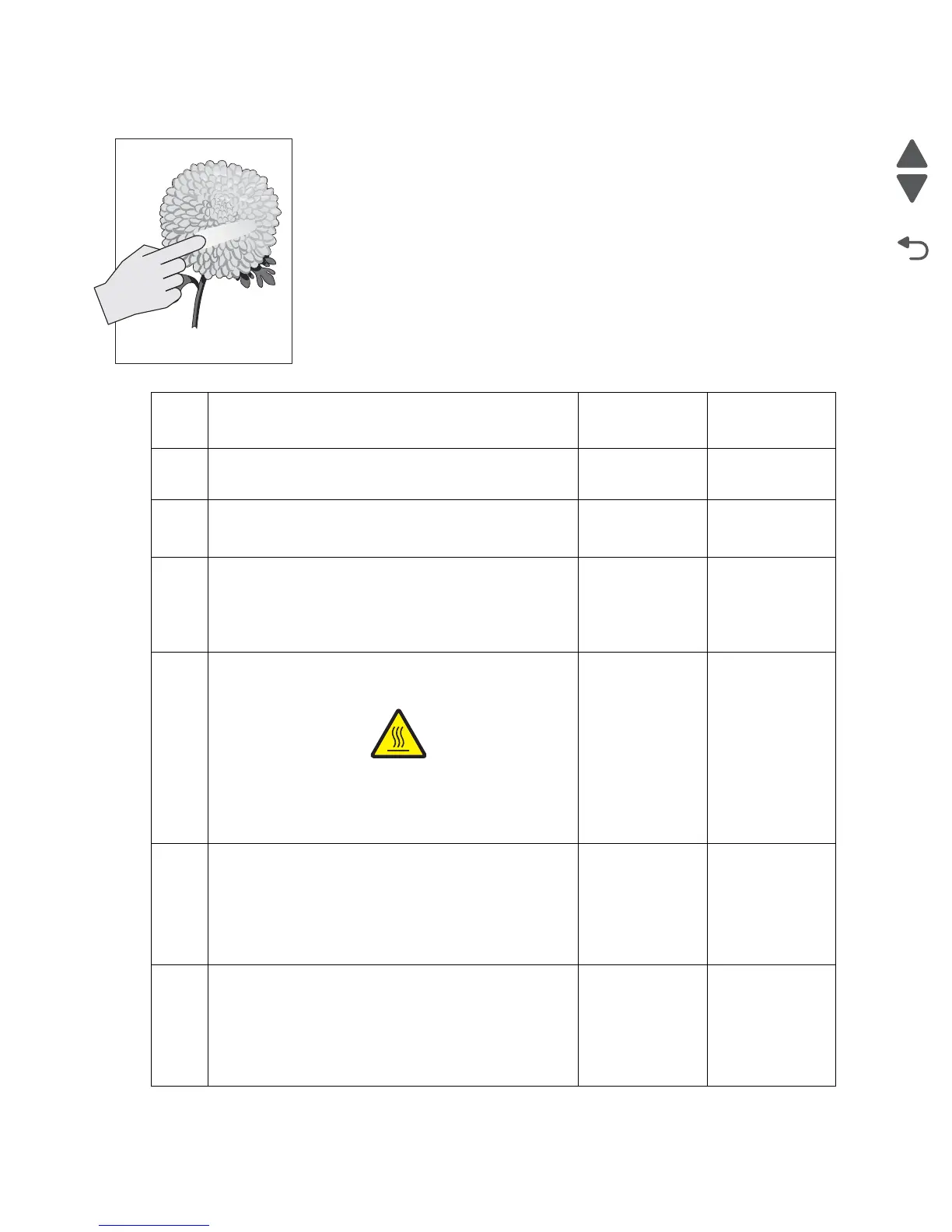
No fuse
Step Check Yes No
1 Check media type and printer media settings.
Does the printer media settings match the media type?
Go to step 2. Adjust to the
correct settings.
2
Check the fuser unit assembly installation.
Is the fuser unit assembly properly installed?
Go to step 2. Reinstall the
fuser unit
assembly.
3
Check the media condition.
Load new, dry, recommended media.
Re-print the defective image.
Does the problem remain?
Go to step 3. Problem
resolved.
4
Check the heat roll and pressure roll.
Remove the fuser unit assembly.
CAUTION: : Allow
the fuser unit
assembly to cool
down.
Is there contamination or cracks on the heat roll and/or
pressure roll?
Replace the
fuser unit
assembly.
Go to “Fuser
unit assembly
removal” on
page 4-16.
Go to step 4.
5
Check the LVPS card assembly for proper connection.
Is the above component connected properly?
Replace the
LVPS card
assembly.
Go to “LVPS
card assembly
removal” on
page 4-45.
Remove then
reinsert the
LVPS card
assembly.
6
Perform a print test.
Does the problem remain?
Replace the
system card
assembly.
Go to “System
card assembly
removal” on
page 4-47.
Problem
resolved.
Leading edge
Trailing edge



 To Next Page