173
4-5. Using the driving support systems
4
Driving
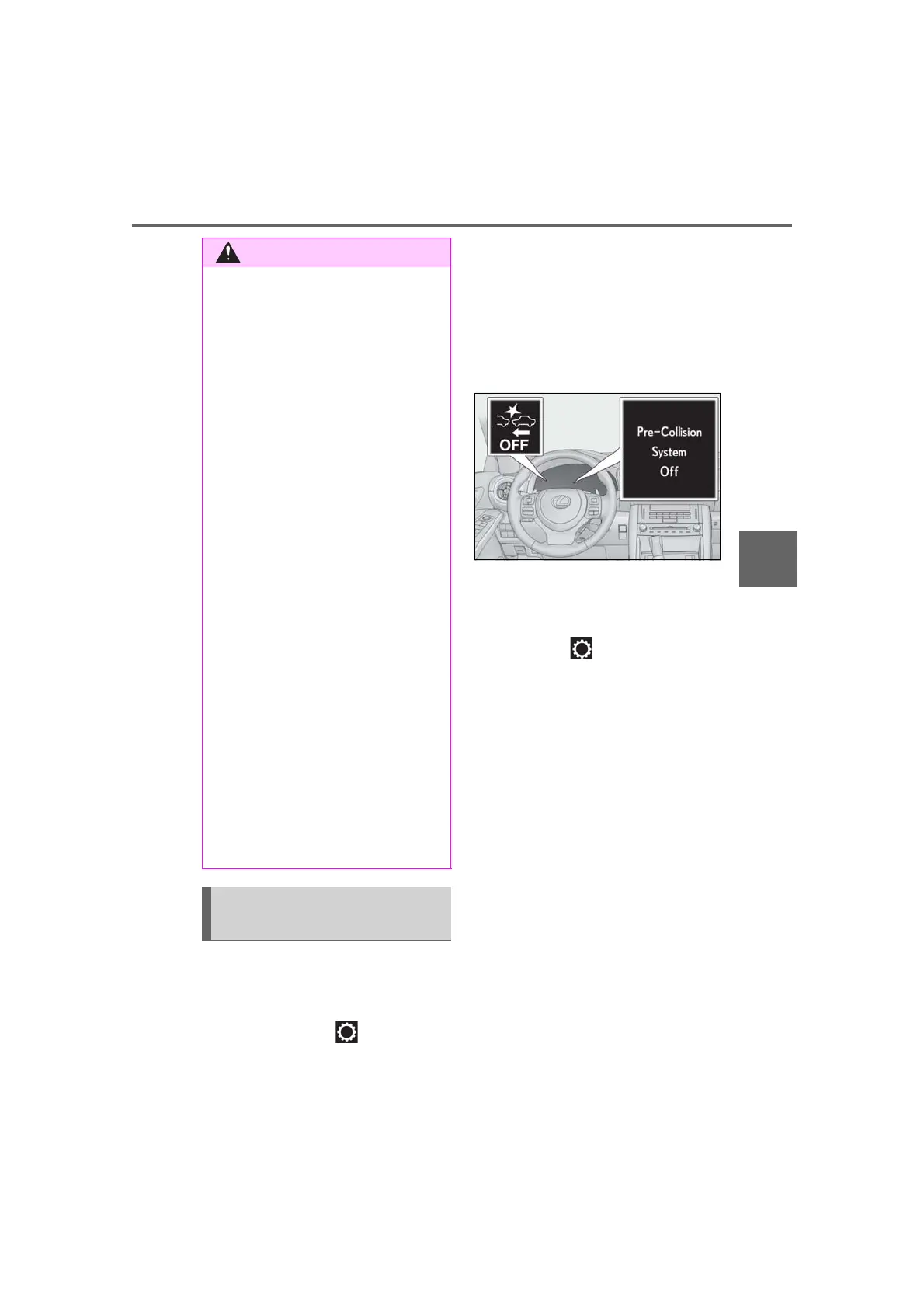
■ Enabling/disabling the pre-colli-
sion system
The pre-collision system can be
enabled/disabled on (P.76) of
the multi-information display.
The system is automatically enabled each
time the engine switch is turned to IGNI-
TION ON mode.
If the system is disabled, the PCS warn-
ing light will turn on and a message will
be displayed on the multi-information
display.
■ Changing the pre-collision warn-
ing timing
The pre-collision warning timing can
be changed on (P.76) of the
multi-information display.
The warning timing setting is retained
when the engine switch is turned off. How-
ever, if the pre-collision system is disabled
and re-enabled, the operation timing will
return to the default setting (middle).
If the pre-collision warning timing is
changed, emergency steering assist
timing will also be changed accord-
ingly.
If late is selected, emergency steering
assist would not operate in case of an
emergency.
● When the vehicle is raised on a lift with
the engine running and the tires are
allowed to rotate freely
● When inspecting the vehicle using a
drum tester such as a chassis dyna-
mometer or speedometer tester, or
when using an on vehicle wheel bal-
ancer
● When a strong impact is applied to the
front bumper or front grille, due to an
accident or other reasons
● If the vehicle cannot be driven in a sta-
ble manner, such as when the vehicle
has been in an accident or is malfunc-
tioning
● When the vehicle is driven in a sporty
manner or off-road
● When the tires are not properly
inflated
● When the tires are very worn
● When tires of a size other than speci-
fied are installed
● When tire chains are installed
● When a compact spare tire or an
emergency tire puncture repair kit is
used
● If equipment (snow plow, etc.) that may
obstruct the radar sensor or front cam-
era is temporarily installed to the vehi-
cle
Changing settings of the pre-col-
lision system



 To Next Page