205
4-5. Using the driving support systems
4
Driving
Use the meter control switches to turn
on/off the function.
1 Press or to select .
2 Press or to select and
then press .
When the BSM function is disabled, the
BSM OFF indicator (P.68) illuminates
on the multi-information display. (Each
time the engine switch is turned off then
changed to IGNITION ON mode, the
BSM function will be enabled automati-
cally.)
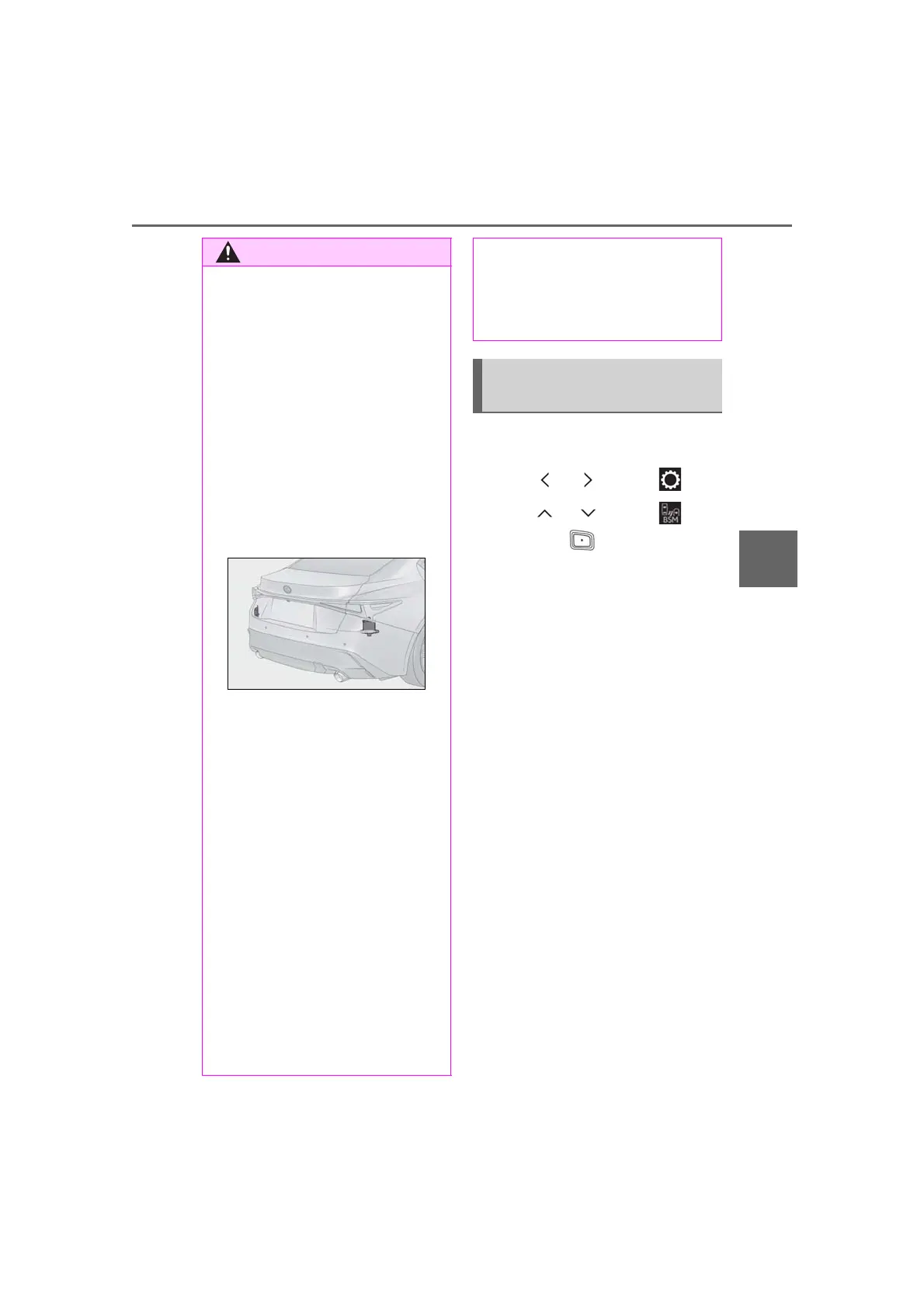
● Keep the sensors and the surrounding
areas on the rear bumper clean at all
times.
If a sensor or its surrounding area on the
rear bumper is dirty or covered with
snow, the Blind Spot Monitor may not
operate and a warning message
(P.202) will be displayed. In this situa-
tion, clear off the dirt or snow and drive
the vehicle with the operation conditions
of the BSM function (P.207) satisfied
for approximately 10 minutes. If the
warning message does not disappear,
have the vehicle inspected by your Lexus
dealer.
● Do not attach stickers to the sensor or
surrounding area on the rear bumper.
● Do not subject a sensor or its sur-
rounding area on the rear bumper to a
strong impact.
If a sensor is moved even slightly off
position, the system may malfunction
and vehicles may not be detected cor-
rectly.
In the following situations, have your
vehicle inspected by your Lexus
dealer.
• A sensor or its surrounding area is
subject to a strong impact.
• If the surrounding area of a sensor is
scratched or dented, or part of them
has become disconnected.
● Do not disassemble the sensor.
● Do not modify the sensor or surround-
ing area on the rear bumper.
● If a sensor or the rear bumper needs to
be removed/installed or replaced,
contact your Lexus dealer.
● Do not paint the rear bumper any
color other than an official Lexus color.
Turning the Blind Spot Monitor
on/off



 To Next Page