177
4-5. Using the driving support systems
4
Driving
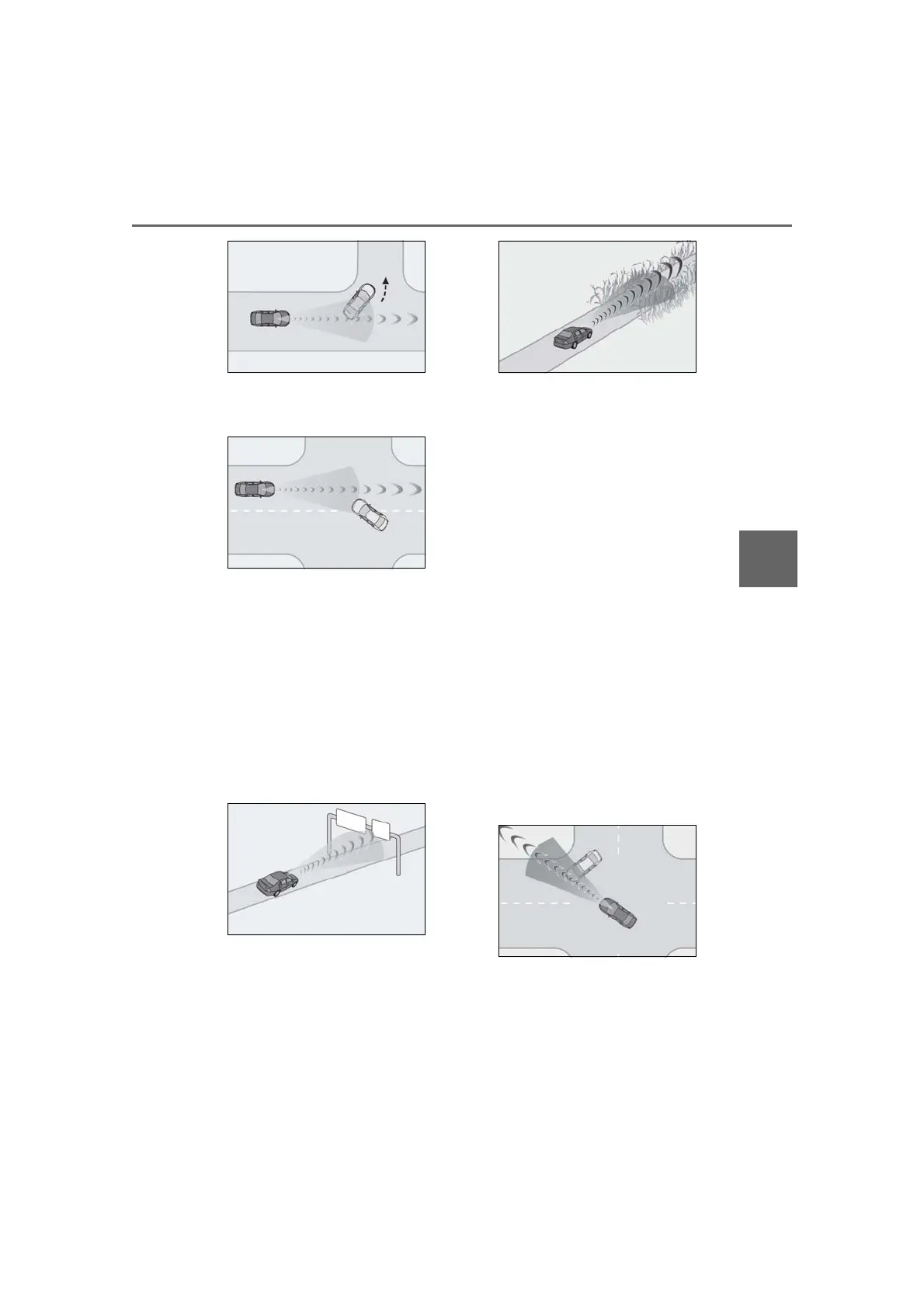
• When passing a detectable object in an
oncoming lane that is stopped to make a
right/left turn
• When a detectable object approaches
very close and then stops before entering
the path of your vehicle
• If the front of your vehicle is raised or low-
ered, such as when on an uneven or
undulating road surface
• When driving on a road surrounded by a
structure, such as in a tunnel or on an iron
bridge
• When there is a metal object (manhole
cover, steel plate, etc.), steps, or a protru-
sion in front of your vehicle
• When passing under an object (road
sign, billboard, etc.)
• When approaching an electric toll gate
barrier, parking area barrier, or other
barrier that opens and closes
• When using an automatic car wash
• When driving through or under objects
that may contact your vehicle, such as
thick grass, tree branches, or a banner
• When driving through steam or smoke
• When driving near an object that reflects
radio waves, such as a large truck or
guardrail
• When driving near a TV tower, broad-
casting station, electric power plant,
radar equipped vehicles, etc., or other
location where strong radio waves or
electrical noise may be present
• When there are many things which can
reflect the radio waves of the radar in the
vicinity (tunnels, truss bridges, gravel
roads, snow covered road that have
tracks, etc.)
• While making a right/left turn, when an
oncoming vehicle or a crossing pedes-
trian has already exited the path of your
vehicle
• While making a right/left turn, closely in
front of an oncoming vehicle or a cross-
ing pedestrian.
• While making a right/left turn, when an
oncoming vehicle or a crossing pedes-
trian stops before entering the path of
your vehicle
• While making a right/left turn, when an
oncoming vehicle turns right/left in front
of your vehicle
• While steering into the direction of
oncoming traffic
■ Situations in which the system may not
operate properly
● In some situations such as the following,
an object may not be detected by the



 To Next Page