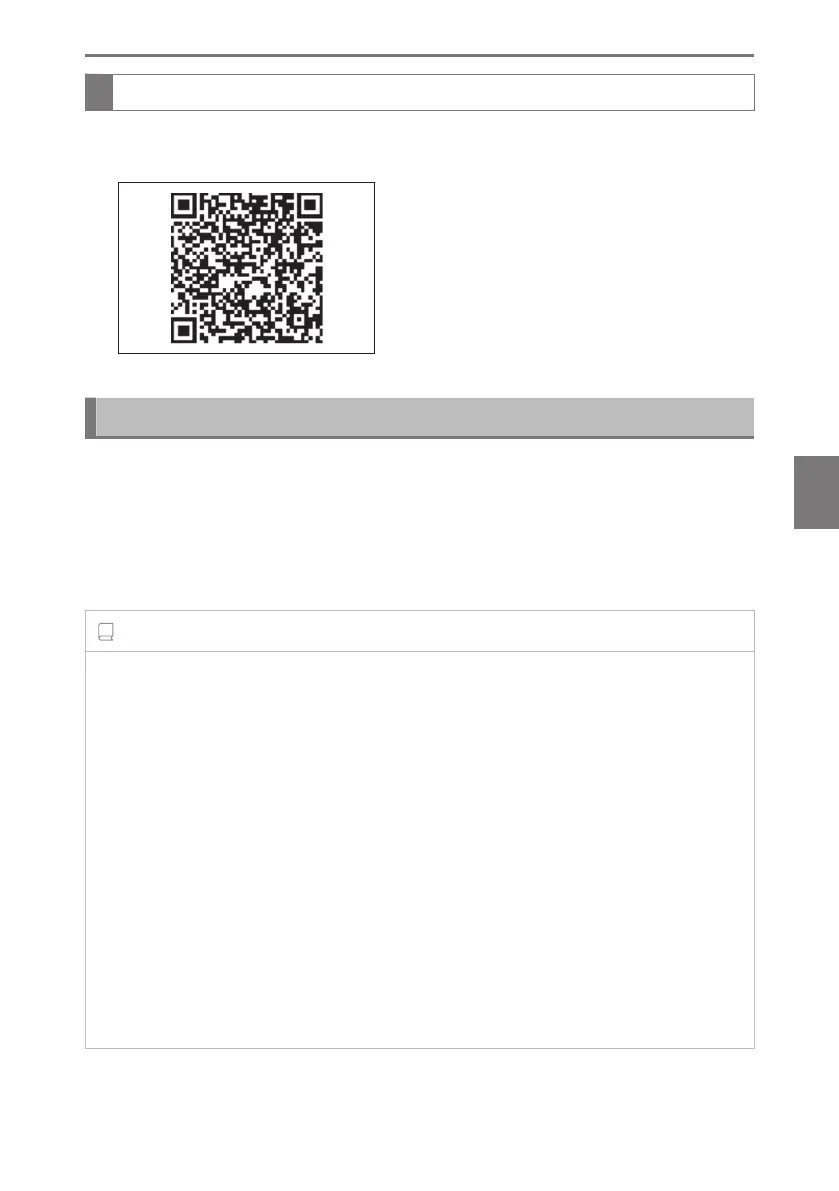
Checking your vehicle’s Lexus Safety System + version
1 Access the following URL using a computer or smartphone:
https://www.lexus.eu/manual?parameter=om78485e.nx.2109.phev.vh
2 Select the file which includes the previously checked system version.
Updating the software
If a software update is available, a notification will be displayed on the center
display. Follow the instructions displayed on the screen.
When the software is updated, the way functions are used may change and
functions may be added.
For details about changes or additions, check the Owner's Manual website.
INFORMATION
■ Software update precautions
● After a software update has been performed, it will not be possible to revert to a
previous version.
● Depending on the communication environment and the content of an update, a
software update may take several hours. Although an update will be suspended when
the power switch is turned off, it will resume when the power switch is changed back to
ON mode.
● Lexus Safety System + can still be used while a software update is being performed.
● In the following situations, a software update may be performed automatically:
• When a possible system issue or other safety related issue is corrected
*1
•
When a legal issue is corrected
*1
•
When small corrections which do not affect system operation or performance are
made
*2
*1 :
All available updates may be installed and the software updated to the most current
version.
*2 :
A notification screen will not be displayed.
6-1. Features of the safe driving support functions
375
6
Driving support system



 To Next Page