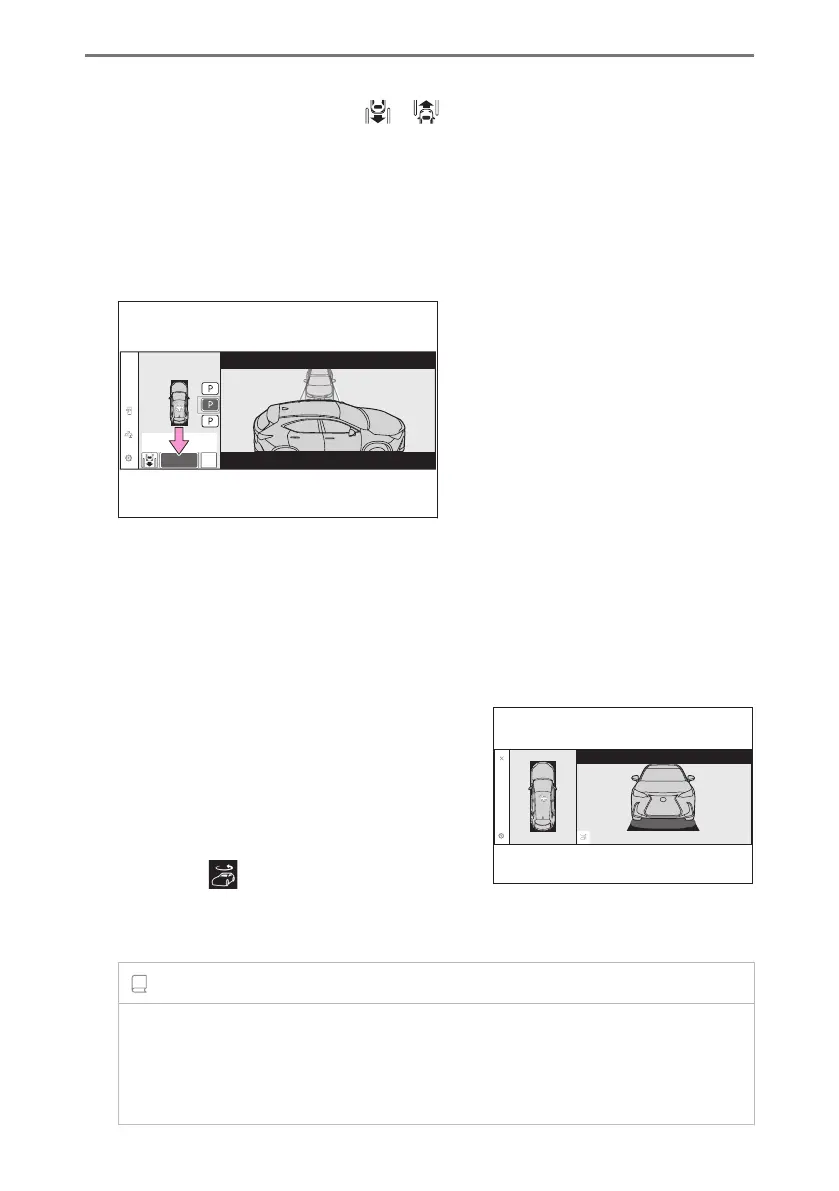
● If it is possible to change the direction which a parking space is entered, select the
parking space, and then select or change the direction.
● Depending on the surrounding environment, it may not be possible to use this
function. According to the information displayed on the center display, use the
function on another parking space.
3 Select [Start] button.
A buzzer will sound, an operation message will be displayed on the multi-information
display, and assistance will begin operating.
● When the brake pedal is released, "Moving Forward...", "Backing Up..."will be
displayed and the vehicle will begin moving forward/reverse.
● To cancel assistance, press the Advanced Park main switch.
If assistance is canceled, "Advanced Park Cancel"will be displayed.
If you feel that the vehicle is approaching close to a surrounding vehicle, object,
person, or gutter: → P.495
4 Perform operations as indicated by the ad-
vice displays until the vehicle stops in the
target parking space.
When the vehicle stops, "Advanced Park Finish-
ed"will be displayed and parking assistance will
end.
If you select
on the center display, the vehicle
displayed on the parking assist completion screen
will rotate.
INFORMATION
■ If you feel that the vehicle is approaching close to a surrounding vehicle, object,
person, or gutter
Depress the brake pedal to stop the vehicle and then change the shift position to
change the direction of travel of the vehicle. At this time, assist will be suspended.
6-2. Using the safe driving support functions
494



 To Next Page