■ After returning home
In order to drive the next time, charge the hybrid battery (traction battery).
Settings the charging schedule allows you to charge the hybrid battery (traction battery)
at the desired time such as late at night or early in the morning. Furthermore, the charging
schedule can be set to automatically charge the hybrid battery (traction battery) every day
or at the same time on certain days.
Checking information related to charging
Information related to charging is displayed and can be checked on the multi-infor-
mation display.
*9
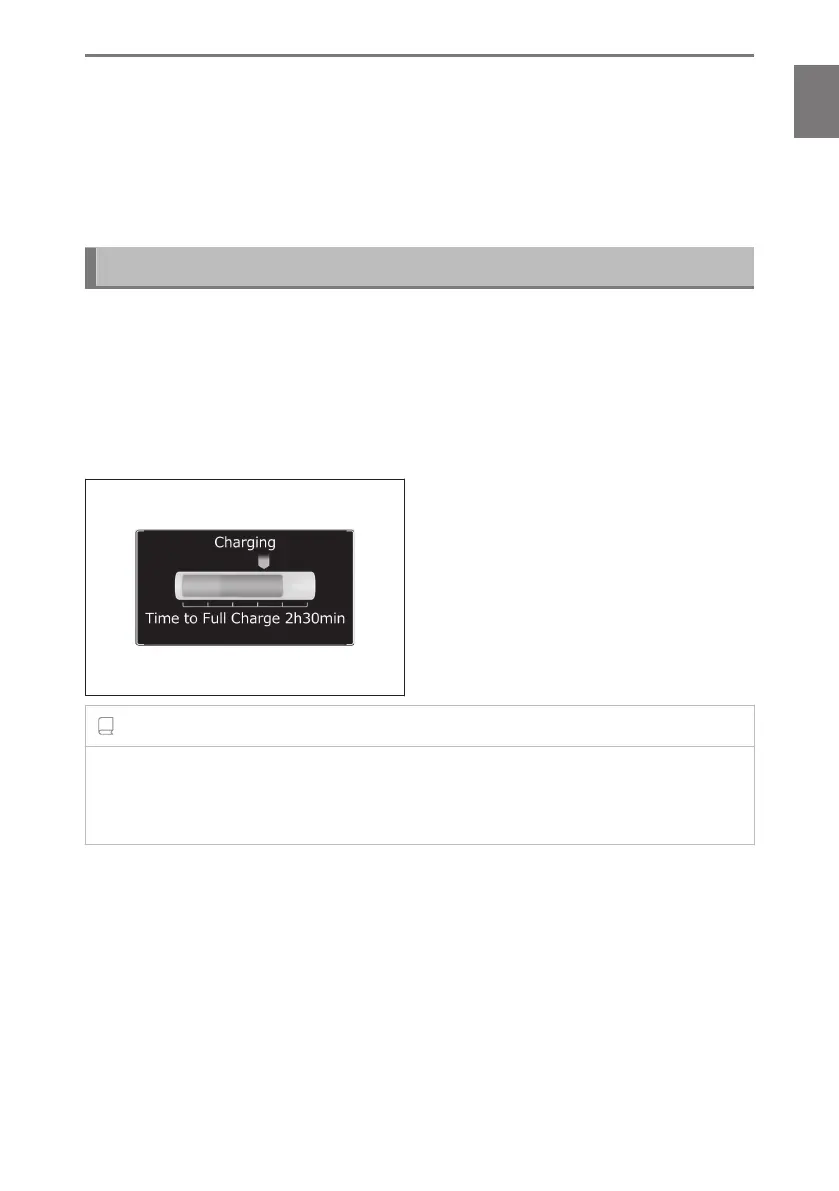
■ While charging
When any door is opened with the power switch off, the current charging condition
and approximate time remaining until charging is complete are displayed for a
certain period of time.
INFORMATION
■ Multi-information display during charging
If approximately 100 seconds elapse after the power switch is turned to ON during
charging, the power switch will automatically turn off and the display will disappear.
■
After charging is complete
When any door is opened with the power switch off after charging is complete,
a message detailing the results of the charging is displayed for a while. Also, a
message is displayed if an operation that stops charging is performed or a situation
where charging cannot be performed occurs.
When a message is displayed, follow the instructions displayed on the screen.
*9 :
Various information related to charging can also be checked remotely.
1-3. Charging with the plug-in hybrid system
81
1
Before driving



 To Next Page