Set the time to start charging (start time) and then select [OK].
[Departure time] is selected:
Set the time which you would like charging to end (departure time) and then select
[OK].
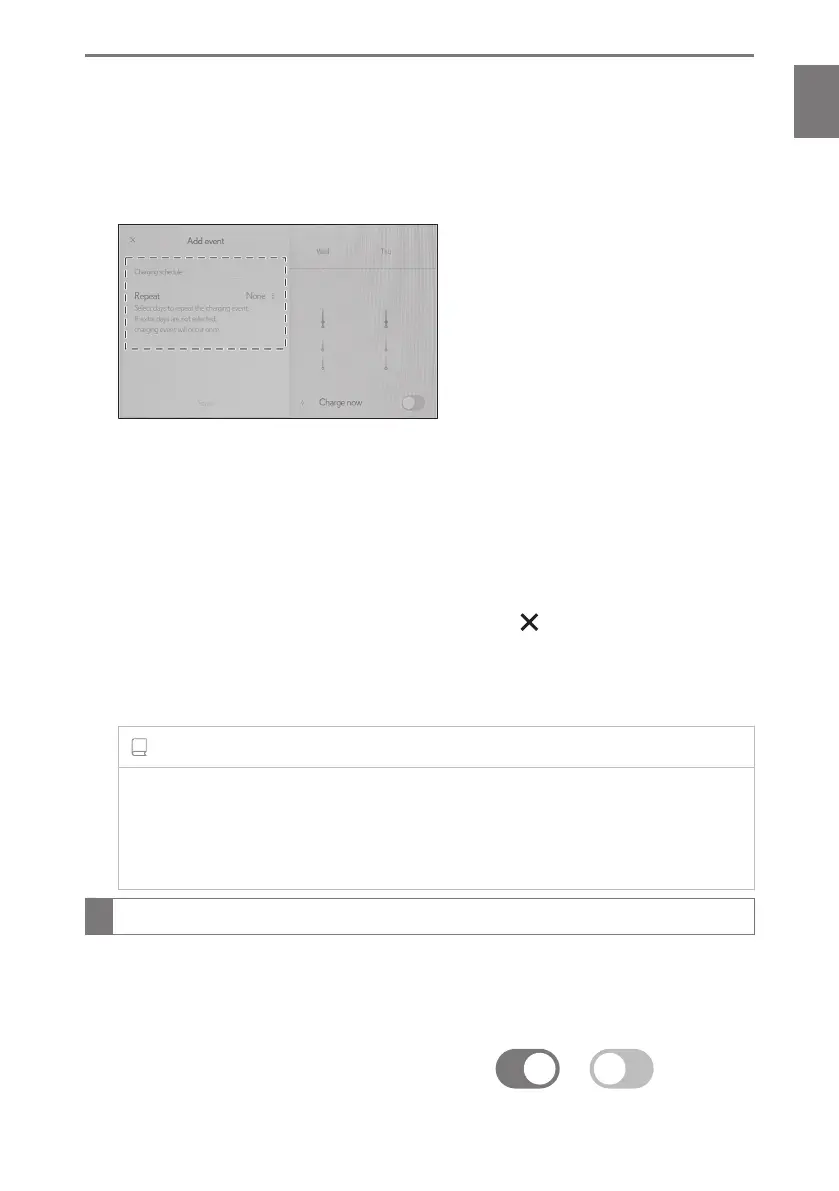
▶ [Repeat] setting
Charging will be repeated for the set day(s) on the charging schedule. It is possible to
turn more than one day on.
If no days are selected, charging is only carried out once according to the charging
schedule for the next 24 hours.
4 After setting operations are complete, select [Save].
The charging schedule is registered and an icon is added to the calendar.
To cancel registration of the charging schedule, select .
After setting operations are complete, when the power switch is turned off and the AC
charging cable is connected to the vehicle, charging is carried out according to the
charging schedule settings.
INFORMATION
■ When a charging schedule has been registered
When all the items in the charging schedule are turned off, icons are not displayed
on the charging schedule screen. The icons will be displayed when they are set to on
using the scheduled events screen.
Switching charging schedules between on and off on the center display
1 Display the charging schedule screen.
2 Select [Edit].
The scheduled events screen will be displayed on the screen.
3 From the items displayed on the screen, select
or in the row
of the charging schedule you wish to change.
1-3. Charging with the plug-in hybrid system
97
1
Before driving



 To Next Page