8
ENG
ENGLISH
ASSEMBLING AND PREPARING
2
3
Press the (Power) button on the front of the
monitor to turn on the monitor.
y
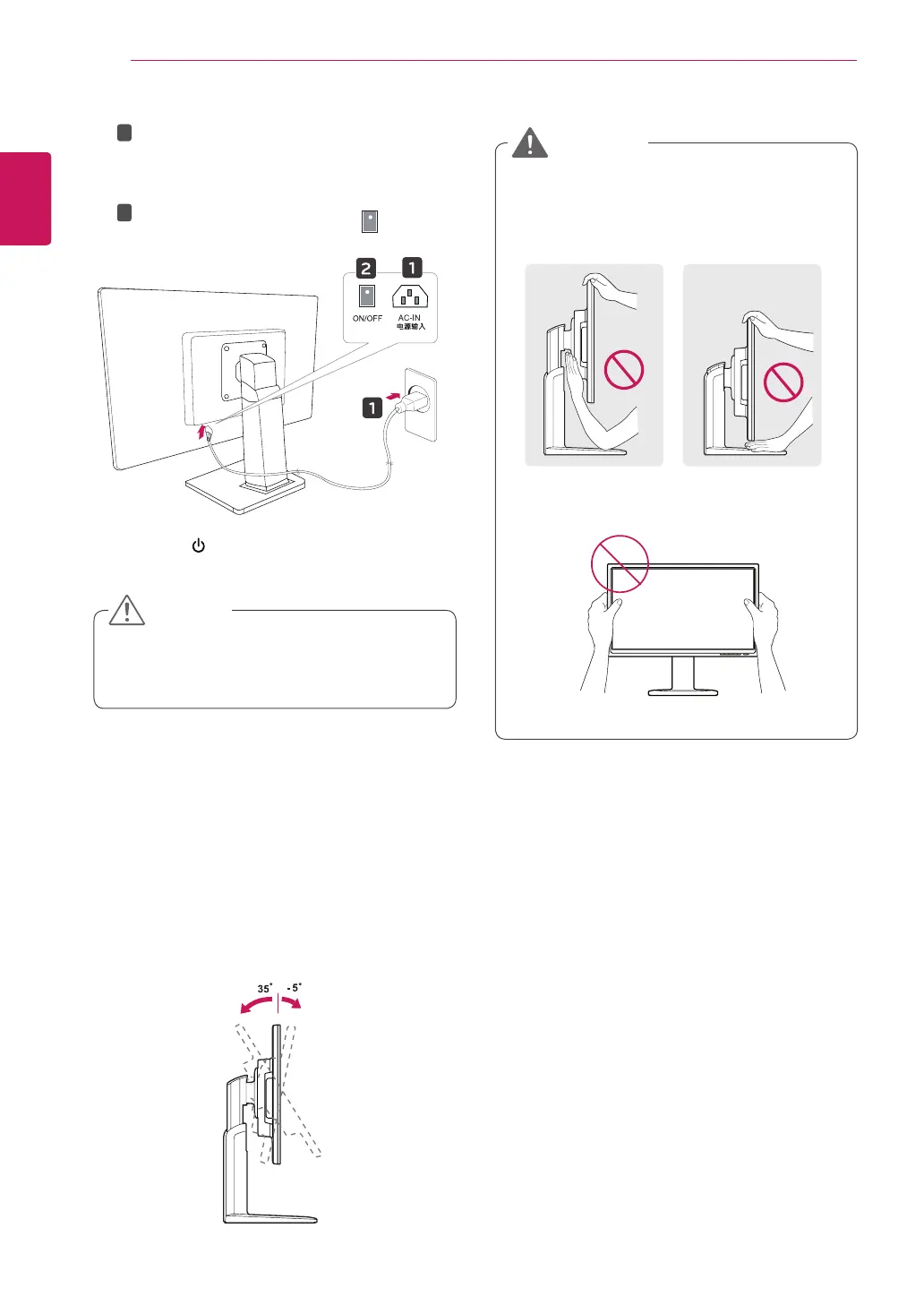
Unplug the power cord prior to moving or
installing the monitor. There is risk of electric
shock.
CAUTION
1
2
Connect the Power cord to the monitor, then
plug the power cord into the wall outlet.
(Before connect please check the “ON/OFF”
knob in “O” state).
Press the “ON/OFF” knob in “ ” state
(Open the power).
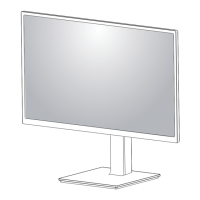
Adjusting the angle
1
Place the monitor mounted on the stand base
in an upright position.
y
To avoid injury to the fingers when adjusting
the screen, do not hold the lower part of the
monitor's frame as illustrated below.
y
Be careful not to touch or press the screen
area when adjusting the angle of the monitor.
WARNING
2
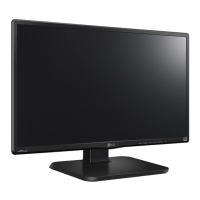
Adjust the angle of the screen. The angle of
the screen can be adjusted up to 5° forwards
and 35° backwards for a comfortable viewing
experience.
Front SideRear Side


 To Next Page