18
ENG
ENGLISH
USING THE MONITOR
Using the Input List
1
PressINPUTtoaccesstheInput List.
2
Pressthenavigationbuttonstoscrolltooneof
theinputmodeandpressOK.
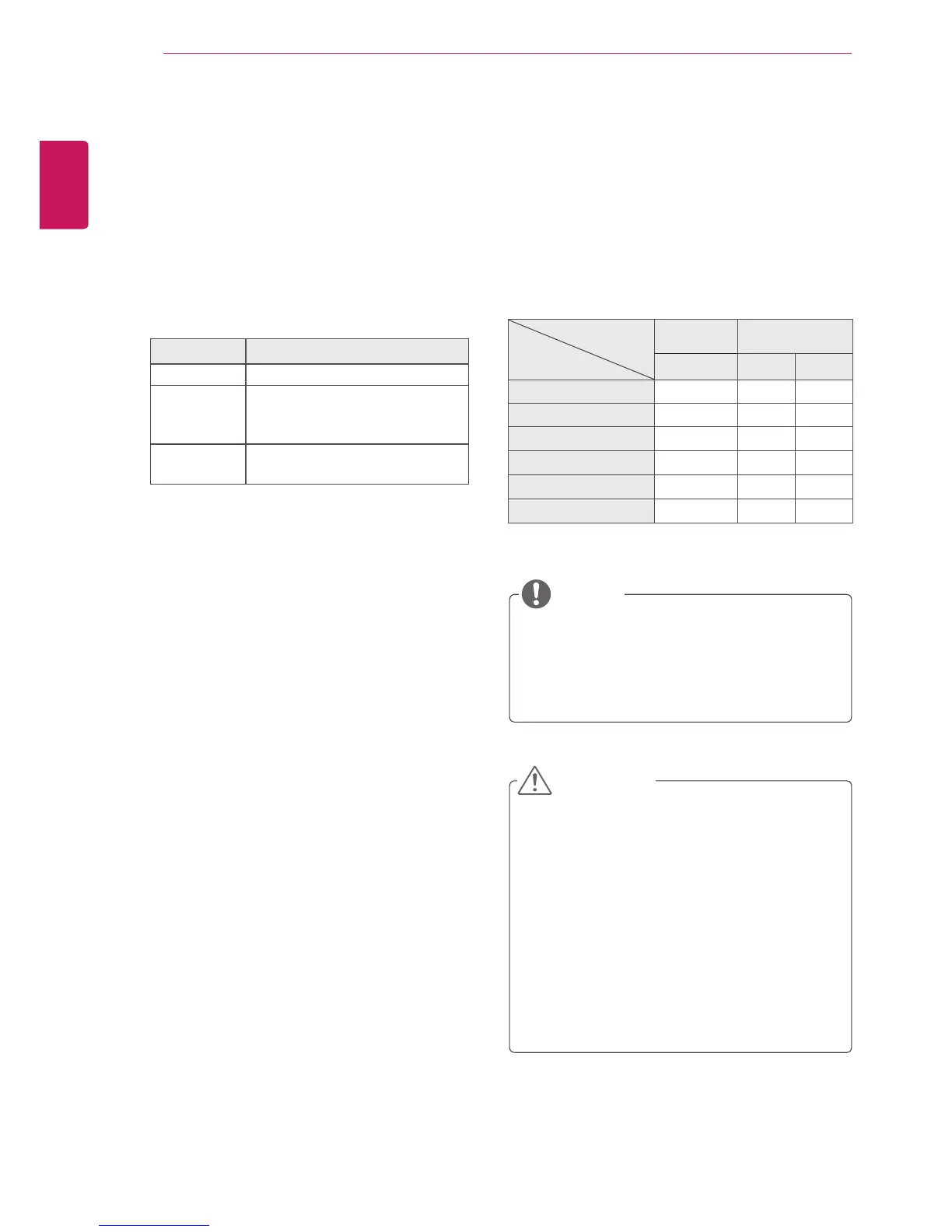
Input mode Description
RGB ViewaPCdisplayonthescreen
HDMI WatchcontentsinaPC,DVD
ofdigitalset-topboxotherhigh
definitiondevices
USB Playsthemultimediafilesavedin
theUSB.
USING THE MONITOR
Youcanalsochangetheimagesizeby
accessingthemainmenus.
TheJustScanmodeoperateswhenavideo
signalhasresolutionof720porhigher.
NOTE
Adjusting Aspect Ratio
Resizetheimagetoviewtheimageatitsoptimal
sizebypressingARC whileyouarewatching
monitorset.
MODE
Aspect Ratio
RGB HDMI
PC DTV PC
16:9
o o o
Just Scan
x o x
Set By Program
x o x
4:3
o o o
Zoom
x o x
Cinema Zoom
x o x
Ifafixedimagedisplaysonthescreenfora
longperiodoftime,itwillbeimprintedand
becomeapermanentdisfigurementonthe
screen.Thisisimageburnorburn-inandnot
coveredbythewarranty.
Ifyoudon'tuseyourmonitor,turnthepower
offorsetascreensaverprogramfromthe
PCorthesystemtopreventimageretention.
Iftheaspectratioissetto4:3foralong
periodoftime,imageburnmayoccuronthe
letterboxedareaofthescreen.
CAUTION



 To Next Page