35
ENG
ENGLISH
ENTERTAINMENT
Viewing the Contents List
PlaysbackthestoredfilesusingtheExportoptioninSuperSign Manager.
1
PressSETTINGStoaccessthemainmenu.
2
PressthenavigationbuttontoscrolltoMY MEDIAandpressOK.
3
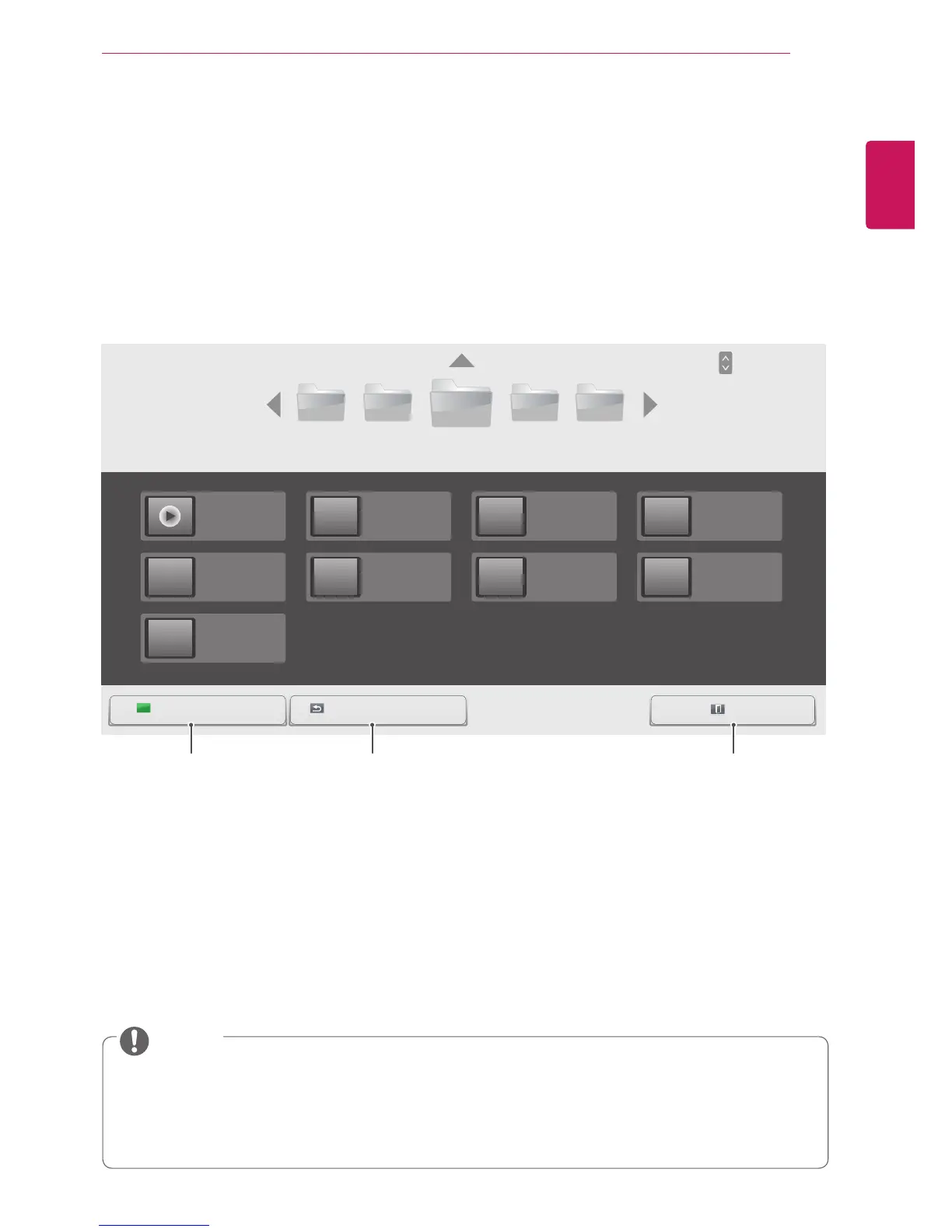
PressthenavigationbuttontoscrolltoContents ListandpressOK.
4
PressthenavigationbuttonstoscrolltoafolderyouwantandpressOK.
5
PressthenavigationbuttonstoscrolltoafileyouwantandpressOK.
USB -
003002001 004 005
Page 1/3
Contents List
Page 1/1
ExitGotorootfolder Gotoupperfolder
HR1.cts
01/01/2014
HR5.cts
01/01/2014
HR9.cts
01/01/2014
HR2.cts
01/01/2014
HR6.cts
01/01/2014
HR3.cts
01/01/2014
HR7.cts
01/01/2014
HR4.cts
01/01/2014
HR8.cts
01/01/2014
WhileplayingmediafilesfromContents List,onlytheBACK,EXIT,orvolumebuttonareavailable.
SelectingtheBACKorEXITbuttonstopsplayingmediafilesandreturnstotheContents List.
IfthereistheAutoPlayfolderintheUSBdeviceanditsfilesareinsupportedformats,theycanbe
playedbackautomaticallywhentheUSBdeviceisconnectedtothemonitor.
NOTE
Page ChangePAGE
Returnstothehome
screenofMyMedia.
Returnstothepreviousscreen. ExitsMyMedia.



 To Next Page