14
ENG
ENGLISH
MAKING CONNECTIONS
HDMI
RGB
HDMI
LAN
HDMI
HDMI
HDMI
HDMI
MAKING CONNECTIONS
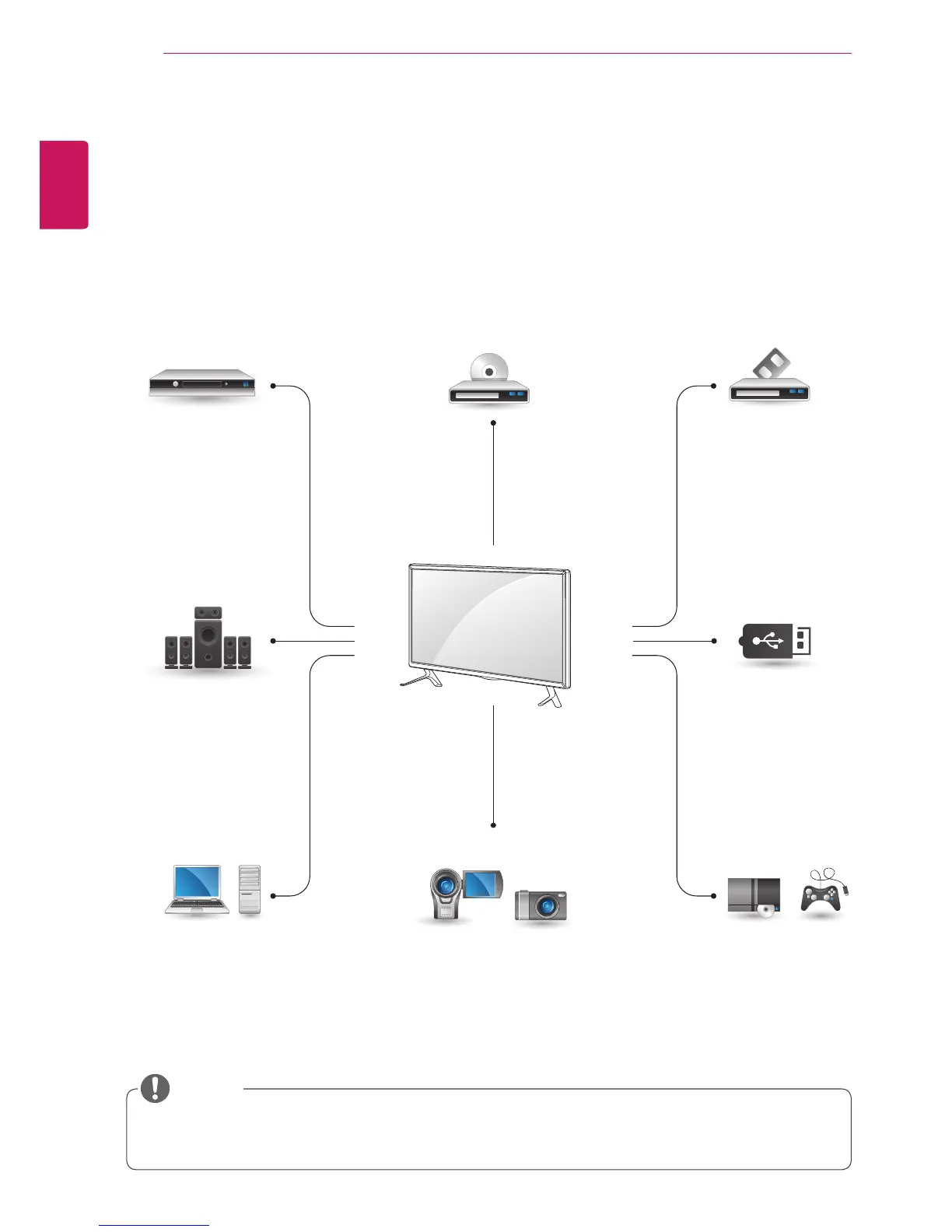
Connectvariousexternaldevicestotheportsonthemonitorset’sbackpanel.
1
Findanexternaldeviceyouwanttoconnecttoyourmonitorsetshownonthefollowingillustration.
2
Checktheconnectiontypeoftheexternaldevice.
3
Gototheappropriateillustrationandchecktheconnectiondetails.
Ifyouconnectagamingdevicetothemonitorset,usethecablesuppliedwiththegamingdevice.
Itisrecommendedyoutousetheoptionalspeakerprovided.
HD Receiver DVD VCR
USB
PC
Camcorder/Camera
Gaming device
Speaker
NOTE



 To Next Page