40
ENG
ENGLISH
CUSTOMIZING SETTINGS
AUDIO Settings
1
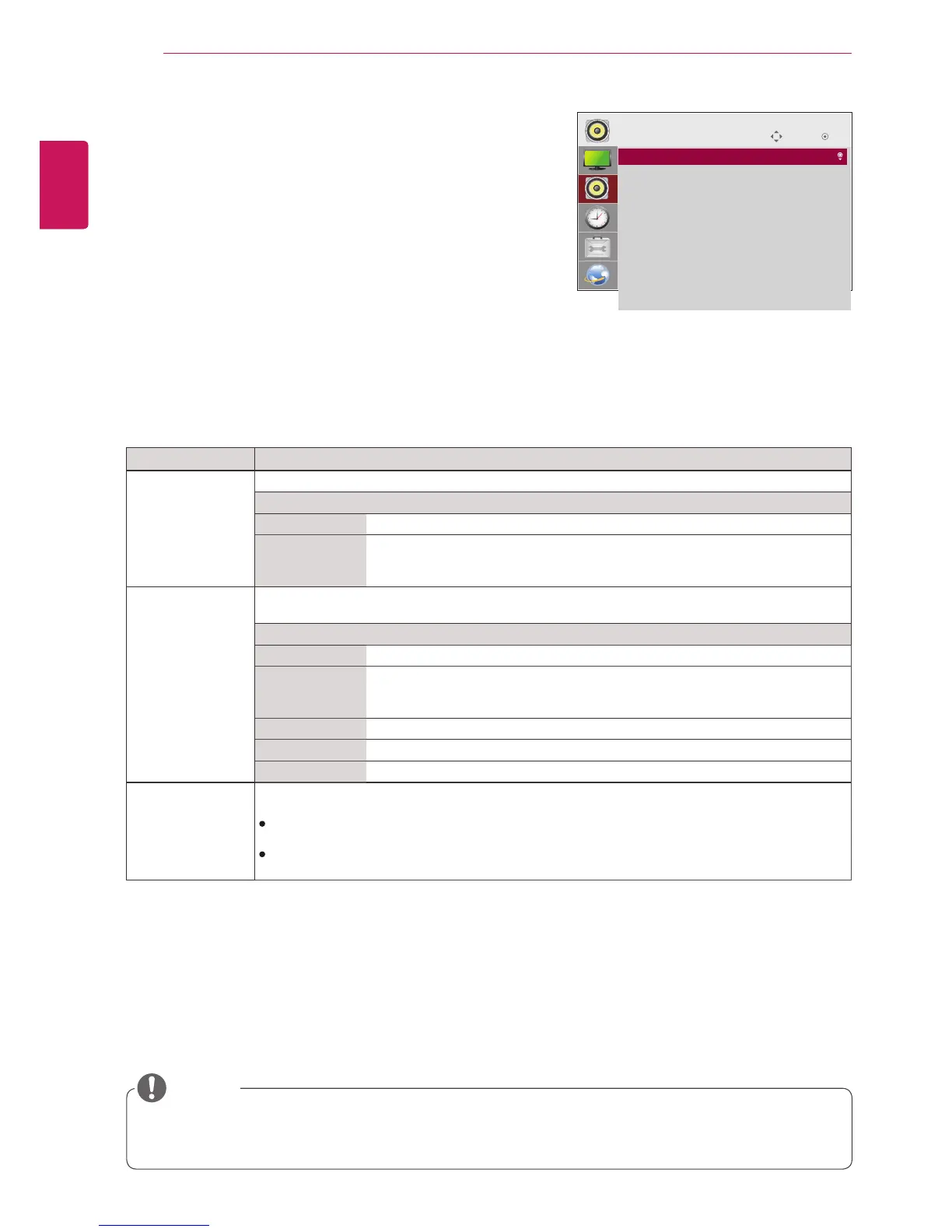
PressSETTINGStoaccessthemainmenus.
2
PressthenavigationbuttonstoscrolltoAUDIOandpress
OK.
3
Pressthenavigationbuttonstoscrolltothesettingor
optionyouwantandpressOK.
-Toreturntothepreviouslevel,pressBACK.
4
Whenyouarefinished,pressEXIT.
Whenyoureturntothepreviousmenu,pressBACK.
Theavailableaudiooptionsaredescribedinthefollowing:
Setting Description
Sound Mode AllowsoptimizedsoundforcustomMonitorinstallation.
Option
Standard Suitableforalltypesofvideo.
News/ Music/
Cinema/ Sport/
Game
Setsaudiooptimizedforaspecificgenre.
Sound Effect theusercanselectvarioussoundeffects.
-Sound EffectfunctionisavailableonlyforStandardmodeinSound Modemenu.
Option
Clear Voice ll Boostsvoiceclarity.
Virtual
Surround
LG’sproprietaryaudioprocessingtechnologyallows5.1ch-likesurroundsound
fromtwospeakers.
-IfClear Voice llissettoOn,Virtual Surroundwillnotbechosen.
Equalizer AdjuststhevolumetoalevelofyourchoiceusingtheEqualizer.
Balance Adjustsleft/rightaudiobalance.
Reset YoucanresetthesettingsundertheSoundEffectsmenu.
AV Sync. Adjust Synchronizesvideoandaudiodirectlywhentheydonotmatch.
IfyousetAVSync.toON,youcanadjustthesoundoutputtothescreenimage.
Speaker:Adjuststhesynchronizationofthesoundfromthespeakers.The"-"buttonmakesthe
soundoutputfasterandthe"+"buttonslowerthanthedefaultvalue.
Bypass:Theaudioofanexternaldevicewithoutaudiodelay.Audiomaybeoutputbeforevideo
asittakestimetoprocessvideoinputintotheMonitor.
Somemodelsmaynothavebuilt-inspeakers.Inthatcase,youneedtoconnectexternalspeakersto
listentosound.
NOTE
Move
OK
AUDIO
• Sound Mode : Standard
• Sound Effect
• AV Sync. Adjust : Off



 To Next Page